
Anijam FAQs
Anijam is an AI animation platform that lets creators generate scripts, scenes, consistent characters, lip‑sync and timeline edits, streamlining production from idea to screen.

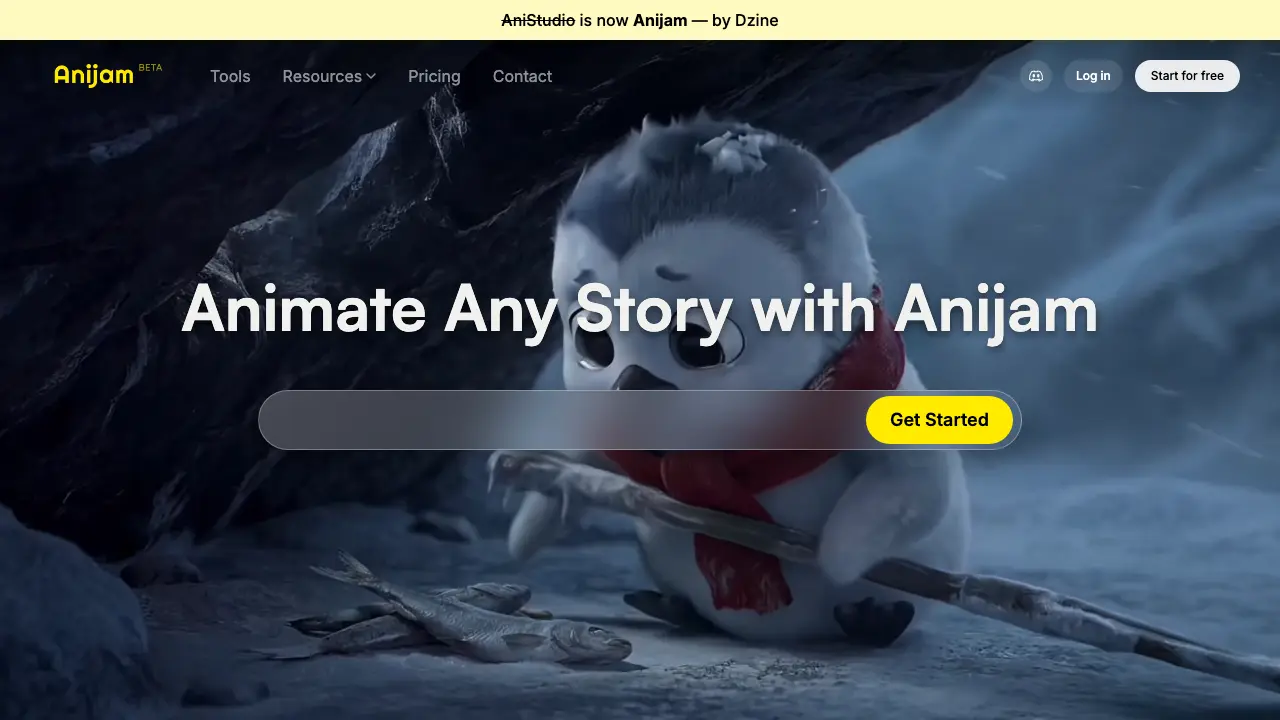
FAQs of Anijam
What is Anijam and how does it differ from AniStudio?
Anijam is the rebranded platform formerly known as AniStudio, offering an all‑in‑one AI animation creation suite. It integrates AI‑driven tools such as lip‑sync, character design, and style libraries within a unified workflow, allowing users to move from concept to final screen without importing external software.
Which AI tools are available on Anijam’s production canvas?
The Anijam canvas includes AI‑powered modules for idea generation, timeline editing, narrative structuring, and automated rendering. Users can employ the AI Agent to suggest story beats, generate dialogue, and synchronize animation sequences, streamlining the production pipeline from script to screen.
How does the lip‑sync feature work and what voice options are provided?
Anijam’s lip‑sync engine uses a rich, pre‑recorded voice library together with customizable vocal identities. The system analyses phonetic cues in the script and animates mouth shapes in real time, delivering expressive, perfectly timed performances that match the chosen character’s personality.
Can I create and maintain a consistent character design across multiple scenes?
Yes. Anijam’s character design tool lets creators build a unique visual and behavioral profile for each avatar. The platform stores the character’s assets and parameters, ensuring consistent appearance, rigging, and animation style throughout every scene and storyline.
What styles are available in the Professional Style Library, and can I train a custom style?
The Professional Style Library offers a spectrum of visual presets ranging from classic anime aesthetics to modern 3D looks. Users may also upload reference artwork to train a personal style model, enabling the AI to generate frames that match a bespoke artistic signature.
Is there a free tier, and what limitations does it have compared to paid plans?
Anijam provides a free starter tier that grants access to core AI animation tools, limited rendering credits, and a selection of voice and style presets. Paid plans unlock higher resolution outputs, expanded voice libraries, additional style training slots, and priority rendering on the cloud infrastructure.
How can I get technical support or join the community for Anijam users?
Support is available through the “Contact” email (contact@anijam.ai) and a dedicated Discord community. The Discord server offers real‑time assistance, workflow tips, and showcases of user projects, fostering collaboration among students, independent creators, and professional studios.
How to use Anijam
- Anijam serves as an AI‑driven animation platform, enabling users to generate characters, apply lip‑sync, and render scenes through an integrated canvas workflow.
- After logging in, click Start for free, then select “Create New Project” to open the animation canvas where ideas progress from storyboard to final render.
- Use the Character Designer to upload a concept or choose a template, adjust visual traits, and save the model for consistent use across all scenes.
- Access the Lip Sync tool, upload an audio clip or select a voice from the library, then align the waveform with the character to generate timed mouth movements automatically.
- Apply a style from the Professional Style Library or upload custom references; the system trains the visual aesthetic and applies it to the entire project timeline.
- Press Render to produce the animation, review the preview panel for synchronization errors, and export the final video for distribution or further editing.
