
AI Formatter formats documents with professional templates.

What is AI Formatter
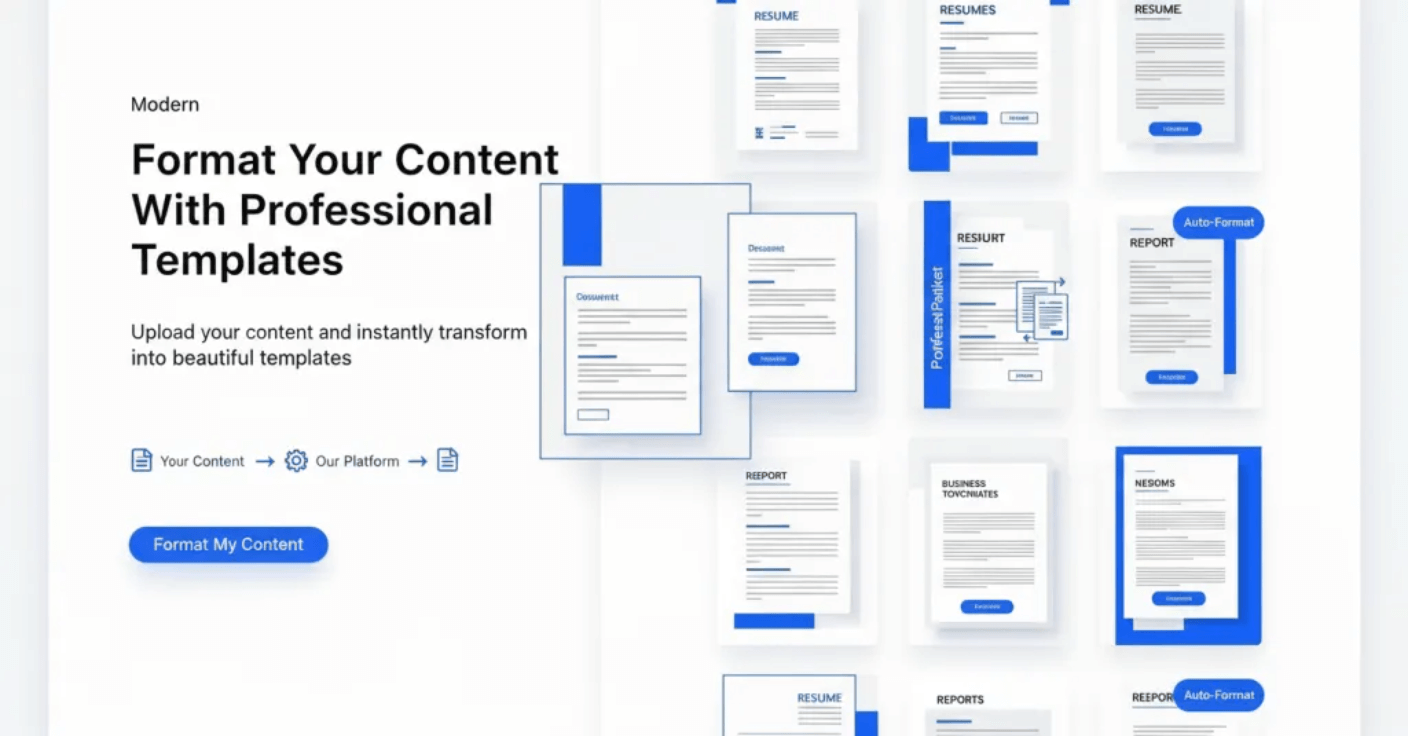
AI Formatter is an AI-powered tool designed for transforming various documents. Users can upload files or input raw text, which the AI then processes and formats into professional-grade documents. The platform includes specialized tools such as an AI resume formatter for ATS-optimized resumes, an AI cover letter generator, and a meeting agenda formatter. It supports various file types including PDF, DOC, DOCX, and TXT. After formatting, documents can be edited, customized, and downloaded in formats like Word and PDF. This AI formatting tool aims to streamline document creation and enhance professionalism.
How does AI Formatter work
The AI Formatter operates by allowing users to upload documents (PDF, DOC, DOCX, TXT) or input raw text, then apply AI formatting using predefined templates. The platform offers specialized tools, including an AI text formatter, resume formatter, and AI cover letter generator, along with options for meeting agenda, invoice, receipt, and quotation generation. After processing, the AI formatting tool renders content into a selected professional template, preserving original information while applying structure, which users can then edit, customize, and download as Word or PDF files.
Benefits of AI Formatter
AI Formatter is a comprehensive AI formatting tool that streamlines document creation. It allows users to upload raw text or various file formats (PDF, DOCX, TXT) and transforms content using AI formatting for professional results. Key tools include an AI resume formatter, AI cover letter generator, and meeting agenda format tools, offering ATS-optimized templates. This AI document formatter supports editing and downloading in multiple formats like Word and PDF, enhancing efficiency for various professional needs.
Pros and Cons of AI Formatter
Pros
- Offers various professional document formatting tools.
- Provides numerous ATS-optimized templates.
- Supports multiple input and output file formats.
- Utilizes AI for automated content formatting.
- Claims high accuracy in content preservation.
Cons
- Specific pricing details are not immediately clear.
- Max file upload size is limited to 10MB.
- Requires user upload of potentially sensitive documents.
- Reliance on AI may introduce occasional inaccuracies.
- Free access might have feature limitations.
Core Features of AI Formatter
AI-Powered Document Formatting
This tool leverages artificial intelligence to transform various types of documents, including resumes and cover letters, into professionally formatted outputs, enhancing readability and compliance.
Template-Based Document Generation
Users can select from a wide array of professional templates, such as ATS-optimized resume and cover letter templates, to structure and style their content for specific purposes.
Content Input and Processing
The platform facilitates the upload of files in formats like PDF, DOC, DOCX, and TXT, or direct raw text input, which the AI then processes for formatting.
Specialized Document Creation Tools
AI Formatter offers dedicated tools like a resume formatter, AI cover letter generator, meeting agenda formatter, invoice generator, receipt generator, and quotation maker for diverse business and professional needs.
Document Editing and Customization
After AI processing, users can review, edit, and customize their formatted documents using an intuitive editor before downloading them in multiple formats, including Word and PDF.
Use Cases of AI Formatter
- Job Seekers: Utilize the AI resume formatter to create ATS-optimized resumes and professional cover letters.
- Business Professionals: Generate structured meeting agendas and professional invoices efficiently with the AI formatting tool.
- Small Businesses: Produce professional receipts and quotations instantly using the AI formatter generator.
- Students: Format academic papers and reports using the AI text formatter and word document formatting capabilities.
FAQs of AI Formatter
How does AI Formatter create professional documents?
AI Formatter streamlines document creation in three steps: users upload files or input raw text, select a specialized AI formatting tool like the resume formatter or AI cover letter generator, and then initiate the formatting process. The AI formatter then transforms the content, applying professional formatting while preserving the original information. This process ensures efficient and high-quality document generation.
What makes AI Formatter different from other formatters?
AI Formatter distinguishes itself by integrating intelligent processing with specialized tools for various document types. Its AI formatter, including the resume formatter, AI cover letter generator, and meeting agenda format tools, employs advanced AI to maintain content integrity while applying professional formatting instantly. This comprehensive approach supports diverse file formats and raw text input, providing a versatile AI formatting tool.
What document types does AI Formatter support?
AI Formatter supports a range of professional document types through its specialized tools. These include the AI resume formatter for professional resumes, the AI cover letter generator for compelling cover letters, and meeting agenda format tools for structured agendas. Additionally, a general AI formatter is available for other business documents like invoices, receipts, and quotations, optimizing each for its specific purpose.
Is my data secure with AI Formatter?
Yes, Sun Sky LLC prioritizes data security for AI Formatter users. All documents uploaded, whether for the resume formatter, AI cover letter generator, or meeting agenda format tools, are encrypted during processing. AI Formatter does not store personal information longer than necessary, and users have the option to delete their data at any time, ensuring privacy and control.
How accurate is AI Formatter's document processing?
AI Formatter demonstrates high accuracy in document processing, boasting over 95% accuracy in content preservation. This precision is achieved through extensive training on thousands of professional documents and formatting standards. Whether utilizing the AI resume formatter, AI cover letter generator, or meeting agenda format tools, the AI formatter consistently maintains content fidelity while applying professional formatting.
Can I edit documents after using AI Formatter?
Yes, post-processing editing is fully supported by AI Formatter. After the AI formatter processes a document using tools such as the resume formatter, AI cover letter generator, or meeting agenda format, users can access an intuitive editor to review, adjust formatting, modify layouts, and fine-tune any aspect of the generated document. The formatted document can then be shared directly or downloaded in multiple formats, including Word and PDF.
What file formats does AI Formatter accept for input?
AI Formatter accepts various file formats for input, including PDF, DOC, DOCX, and TXT files, with a maximum size limit of 10MB. Users can also input raw text directly into the platform. This flexibility ensures that the AI formatter can process diverse content for documents such as an AI formatted resume, AI formatting word document, or other professional files.
Are the templates optimized for Applicant Tracking Systems (ATS)?
Yes, AI Formatter offers a library of ATS-optimized templates, particularly for resumes and cover letters. These templates are designed to pass automated screening systems commonly used by recruiters. Utilizing the AI resume formatter with these templates can significantly enhance a candidate's chances of having their application reviewed by human eyes.
Does AI Formatter provide tools beyond resumes and cover letters?
Absolutely. In addition to the AI resume formatter and AI cover letter generator, AI Formatter provides several other specialized AI formatting tools. These include a meeting agenda format tool, an AI invoice generator, a receipt generator, and a quotation maker. These tools assist in creating a wide array of professional documents with consistent, polished formatting.
Is AI Formatter a free service?
Yes, AI Formatter offers its resume formatter, AI cover letter generator, and meeting agenda format tools for free use. This allows users to create professional documents instantly without any initial cost. For more detailed pricing information or potential premium features, users can refer to the pricing section on the AI Formatter website.
How to use AI Formatter
- Navigate to the AI Formatter website to access the AI formatting tool.
- Select your desired document type, such as a resume, cover letter, or meeting agenda, from the available options.
- Choose a professional template from the extensive library, ensuring it aligns with your document's purpose.
- Upload your existing file (PDF, DOC, DOCX, TXT up to 10MB) or paste raw text content into the designated input area.
- Initiate the AI format process by clicking "Generate Formatted Document" to apply the selected template.
- Review the AI formatted document within the editor to verify content accuracy and aesthetic presentation.
- Make any necessary edits or customizations to the text and layout to refine the document.
- Download your professionally formatted document in various formats, including Word or PDF, for easy sharing and application.
AI Formatter Website Traffic Analysis
Latest traffic information
- Monthly Visits42.7K
- Bounce Rate40.35%
- Pages Per Visit1.68
- Visit Duration00:00:16
- Global Rank779.37K
- Country/Region Ranking693.36K
Top Keywords
| Keyword | Traffic | Volume | Cost Per Click |
|---|---|---|---|
| family recipe generator for story telling | 240 | 250 | -- |
| ai formatter | 160 | 640 | $0.4 |
| plants purchase quotation | 150 | 530 | -- |
| ai create table of contents | 150 | 150 | -- |
| script format generator | 110 | 370 | -- |
Top Regions
| Region | Percentage |
|---|---|
| United States | 24.42% |
| India | 13.82% |
| Philippines | 9.45% |
| Vietnam | 6.99% |
| United Kingdom | 6.28% |
AI Formatter Alternatives
ScanPDF AI is a free online PDF scanner that turns photos and scans into clean PDFs, OCR searchable text, and receipt-to-Excel data in your browser.

Gamma AI is an AI presentation generator that turns text, PDF, and Word into slides with structured outlines, in-browser editing, and editable PPTX export.
AI-powered PDF to Markdown converter with OCR for scanned pages. Get clean, structured Markdown from any PDF in seconds online.
1Scholar is an AI academic toolbox for scholars and researchers, offering citation verification, source discovery, and AI‑generated text humanization to streamline manuscript preparation and reduce errors.
PDF Translate is an AI PDF translator for professionals and students, providing free, fast multilingual translation of PDFs while keeping fonts, tables and images intact.
PDF2Word is an online PDF to Word converter that creates editable DOCX files, preserves layout, supports scanned PDFs, and processes files securely with size limits for free and paid users.
EZ-Estimates uses AI to generate line-item quotes, manage change orders, and collect e-signatures, helping contractors build professional estimates in under 60 seconds.
eety.ai is an AI-powered patent drafting assistant that works like a brilliant colleague, amplifying your expertise through a 10-phase pipeline that analyzes disclosures, drafts claims, generates drawings, and maintains your unique writing style.
Upload your bank or credit card statement to find forgotten subscriptions in under 90 seconds and save money with direct cancel links.
QuoteCraft AI generates professional proposals from meeting notes in 60 seconds for freelancers, with AI that learns your style from past proposals.
Assyro AI is an AI‑powered regulatory copilot that drafts submissions, validates eCTD/RPS, and provides audit‑ready trails for pharma and biotech teams, cutting rework.
ContractMaker is an AI-powered tool that helps service providers create clear, professional contracts with plain-English explanations and export them to PDFs in minutes.