
Aduvera FAQs
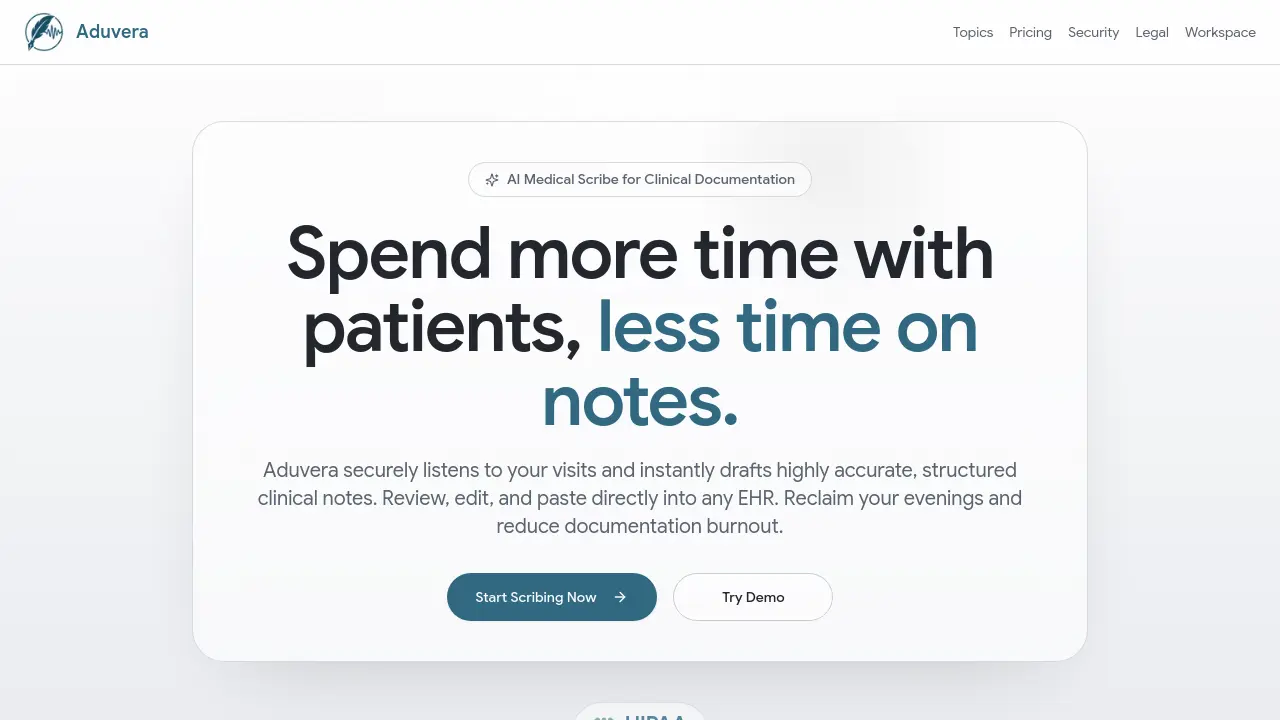
Aduvera is an AI medical scribe that ambiently listens to visits and drafts EHR-ready clinical notes, helping clinicians save time and reduce burnout.

FAQs of Aduvera
What note formats does Aduvera support?
Aduvera supports common clinical note formats including SOAP, H&P, and APSO. The system adapts to a clinician's specialty and documentation preferences, allowing for custom templates. This flexibility ensures the generated notes match the specific workflow and standards of any medical practice.
How does Aduvera ensure clinical accuracy and prevent hallucinations?
Aduvera is designed strictly for documentation fidelity, generating notes only from details explicitly discussed during the patient encounter. It does not invent normal findings or fabricate information. If a symptom or detail was not part of the conversation, it is excluded from the final clinical note, maintaining factual integrity.
How can a clinician verify the information in a generated note?
Every point in the generated note is verifiable through a 'Show Source' feature. Clicking this displays the exact transcript excerpt that the AI used to create that specific paragraph or bullet point. This side-by-side verification allows clinicians to audit the note for complete clinical accuracy and source transparency.
Does Aduvera integrate with all Electronic Health Record (EHR) systems?
Yes, Aduvera provides universal EHR compatibility. The AI medical scribe formats the output to be EHR-safe, enabling one-click copy and paste into major systems like Epic, Cerner, and Athenahealth, as well as others. It automatically normalizes headings and bullet points for consistent styling within any documentation interface.
Is Aduvera secure and HIPAA compliant for patient data?
Aduvera is built with security and privacy as core tenets for clinical workflows. The system operates under authenticated access protocols, maintains auditable server workflows, and implements documented data retention controls. These measures are designed to meet the requirements of HIPAA and other healthcare privacy regulations for handling sensitive patient information.
What is the ambient voice capture process during a patient visit?
The ambient voice capture allows for secure, hands-free recording of the entire patient encounter. The AI medical scribe listens without requiring keyboard interaction and intelligently filters out non-clinical small talk. This creates a clean transcript focused on medically relevant conversation, which is then used to draft the clinical note.
How quickly are clinical notes generated after a patient visit?
Clinical notes are generated almost instantly upon completion of the patient encounter. The AI processes the visit transcript in seconds to produce a structured draft in the selected note format. This immediate turnaround significantly reduces the time clinicians spend on documentation after seeing patients.
Can Aduvera generate patient instructions or after-visit summaries?
Yes, Aduvera can automatically generate patient-friendly after-visit summaries and care plans. These instructions are derived from the clinical note and are formatted to be ready for either printing or direct upload to a patient portal, improving patient communication and adherence.
What are the system requirements for using Aduvera?
Aduvera is a cloud-based AI medical scribe service accessible via a web browser on most modern computers and mobile devices. It requires a stable internet connection for real-time transcription and note generation. Specific browser compatibility details are available in the technical documentation. No special hardware installation is typically needed beyond a standard microphone for optimal audio capture.
How does Aduvera's pricing model work?
Aduvera offers subscription-based pricing plans tailored to different practice sizes and volumes. Detailed plan comparisons, feature inclusions, and costs are provided on the official Aduvera pricing page. Prospective users are encouraged to review that page or contact sales for specific quotes based on their clinical needs.
How to use Aduvera
Aduvera is an AI medical scribe tool that converts patient encounter audio into structured clinical notes. It supports formats like SOAP and H&P, links details to transcript sources, and formats output for universal EHR copy-paste.
- Begin a new patient visit session within the Aduvera workspace interface to activate ambient voice capture.
- Conduct the patient encounter normally; the tool records audio securely without manual keyboard input during the dialogue.
- After the visit, Aduvera processes the transcript and automatically generates a draft clinical note in your selected format.
- Review the generated note, using the 'Show Source' feature to verify each detail against the original transcript segments.
- Edit the draft directly within the tool to correct or add any clinically necessary information not captured in the audio.
- Utilize the one-click EHR copy function to transfer the finalized, formatted note into systems like Epic or Cerner.
- Access the patient instruction generator to produce an after-visit summary for patient portal upload or print distribution.
- Manage documentation by archiving the visit record within the platform, maintaining an auditable log for compliance purposes.
