
YouTube Comments Downloader FAQs
This online tool facilitates downloading YouTube video comments by URL, allowing extraction and export in Excel or JSON formats for analysis.

FAQs of YouTube Comments Downloader
What is the YouTube Comments Downloader?
The YouTube Comments Downloader is an online tool designed to extract and download comments from YouTube videos. It facilitates the acquisition of comment data for various analytical or archival purposes, providing a convenient way to access user interactions.
How does one use the YouTube Comments Downloader?
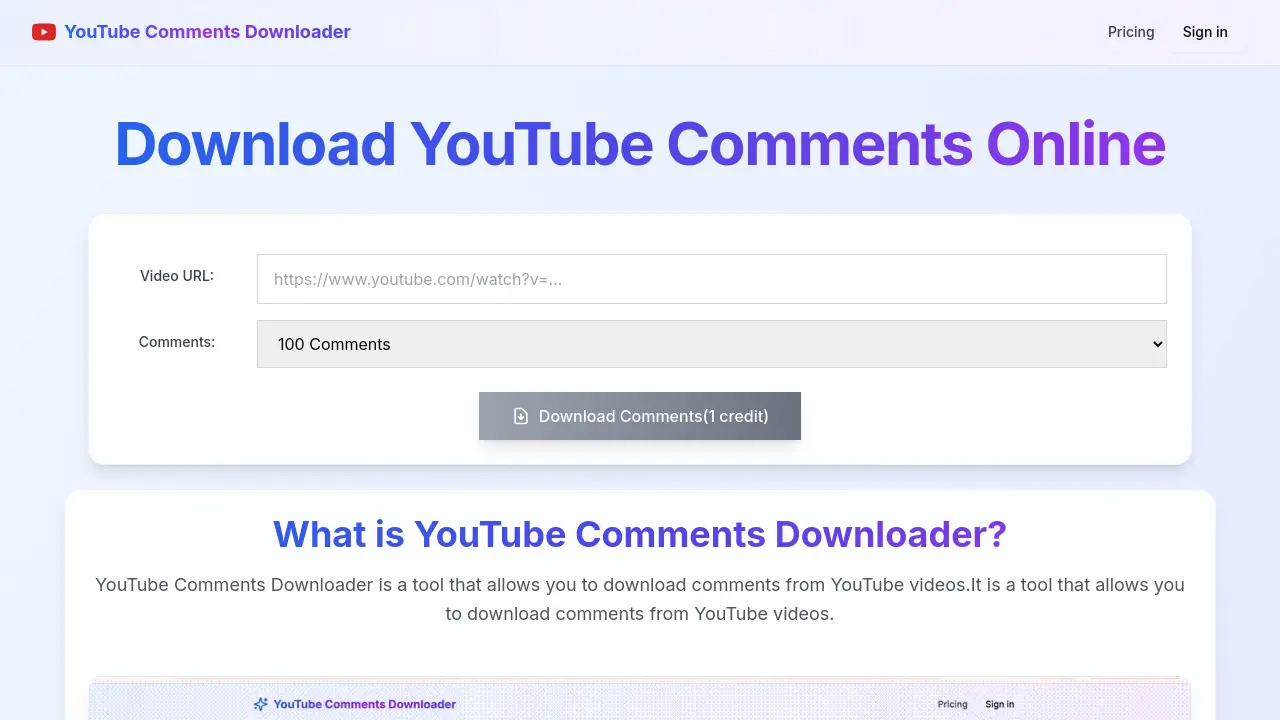
To utilize the YouTube Comments Downloader, users need to input the desired YouTube video URL. Following this, specify the number of comments to download, and then initiate the download process. The comments will then be displayed and available for download in CSV or JSON format.
Can YouTube comments be copied to the clipboard online using this tool?
Yes, users are able to copy the comments directly to their clipboard from the online interface. This feature allows for immediate access and transfer of comment text without requiring a full download, enhancing flexibility for users needing to quickly access content.
Is it possible to download comments from various types of YouTube videos, such as Shorts or live streams?
Yes, the YouTube Comments Downloader supports downloading comments from a wide range of YouTube content. This includes standard YouTube videos, YouTube Shorts comments, and even comments from YouTube live stream recordings, providing comprehensive coverage for user needs.
In what formats can the downloaded YouTube comments be saved?
The YouTube Comments Downloader offers flexibility in data export formats. Users can download the extracted YouTube comments in either Excel (CSV) or JSON format, catering to different analytical tools and data processing requirements. This ensures broad compatibility for users.
What is the estimated time required to download comments using the YouTube Comments Downloader?
The process of downloading comments using the YouTube Comments Downloader is designed to be efficient. Typically, it takes approximately 10 seconds to complete the download of the specified comments, offering a quick turnaround for users.
Are there any limitations on the number of comments that can be downloaded from a YouTube video?
The YouTube Comments Downloader allows users to specify the number of comments they wish to download, with options such as 100 comments, 500 comments, or even all available comments from a particular YouTube video. This provides flexibility based on user requirements.
How to use YouTube Comments Downloader
- Access the YouTube Comments Downloader platform via your web browser.
- Locate the "Video URL" input field on the main page.
- Paste the YouTube video URL from which you wish to download comments into the designated field.
- Specify the desired number of comments to retrieve (e.g., 100, 500, or all comments).
- Click the "Download Comments" button to initiate the comment retrieval process.
- Once processed, review the comments displayed in the table.
- Choose to download the collected YouTube comments in either CSV (Excel) or JSON format, as needed.
- Utilize the downloaded data for various analyses or archiving purposes, enhancing your video content understanding.
