
YouTube Comments Downloader
YouTube Comments Downloader: Scrape and export comments.

What is YouTube Comments Downloader
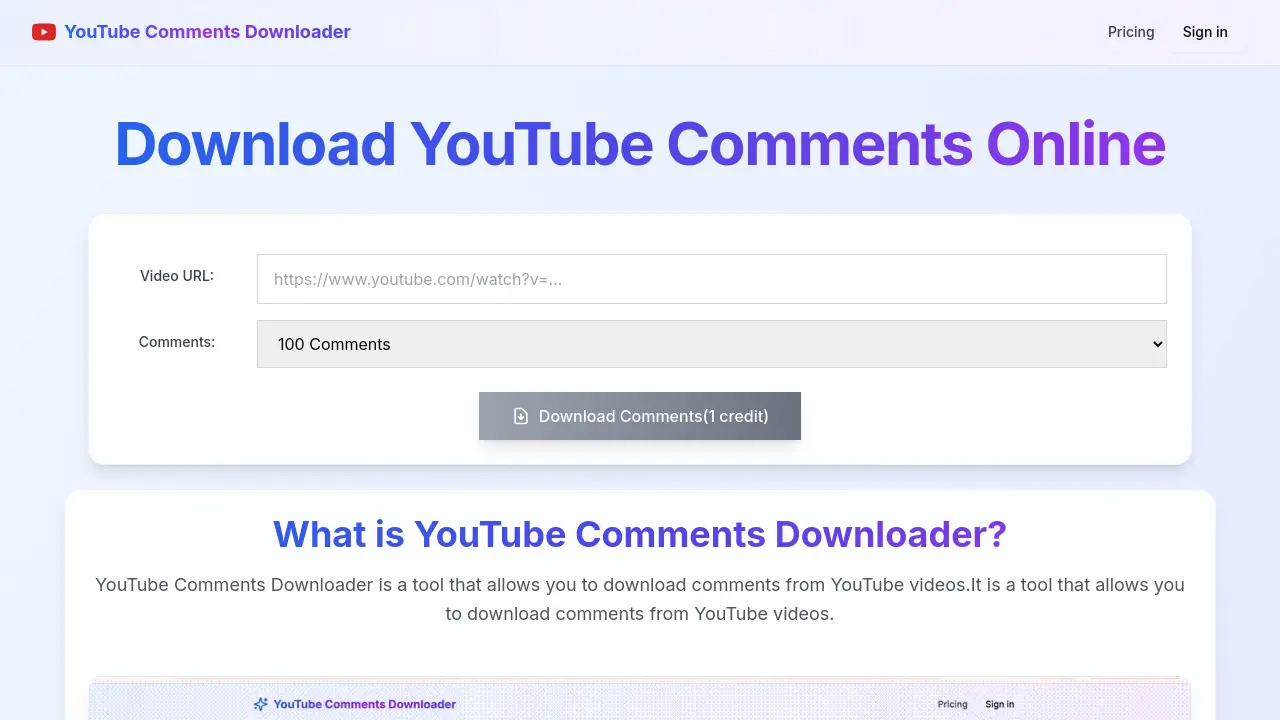
The YouTube Comments Downloader is an online tool designed to extract comments from YouTube videos. Users input a video URL and specify the desired number of comments. The tool then displays these comments in a table, offering download options in CSV or JSON formats. This functionality supports various YouTube content, including shorts and live streams. It provides a straightforward method for obtaining YouTube video comments for analysis or archiving.
How does YouTube Comments Downloader work
The YouTube Comments Downloader operates as an online utility enabling users to extract comments from YouTube videos. To use this youtube comments downloader, individuals input a video URL and specify the desired number of comments, such as 100, 500, or all. The system then processes this request, typically within ten seconds, displaying the retrieved comments in a table. Users can then download the comments in either CSV (excel) or JSON format, offering a versatile youtube video comments downloader solution. This platform supports comments from various YouTube content, including shorts and live streams.
Benefits of YouTube Comments Downloader
The YouTube Comments Downloader is an online tool designed to extract comments from YouTube videos, including Shorts and live streams. Users can input a video URL and specify the desired number of comments, which are then displayed in a table. This flexible youtube comments downloader allows for convenient downloading in either CSV or JSON format. It simplifies data collection for research or analysis, providing an efficient way to obtain video comments. The process for this youtube comments downloader online typically completes within ten seconds.
Pros and Cons of YouTube Comments Downloader
Pros
- Downloads YouTube comments efficiently.
- Supports various YouTube video types.
- Offers CSV and JSON download formats.
- Easy three-step usage process.
- Provides online comment copying.
Cons
- Requires credit for downloads.
- Pricing information not readily visible.
- No mention of a free tier.
- Limited information on advanced features.
Core Features of YouTube Comments Downloader
YouTube Comment Downloading
Enables users to download comments from any YouTube video, including Shorts and live streams, providing comprehensive access to user engagement data.
Customizable Comment Quantity Selection
Allows specification of the number of comments to download, from 100 to all available, optimizing data retrieval based on user needs.
Flexible Export Formats
Supports downloading comments in both CSV and JSON formats, facilitating diverse data analysis and integration into various platforms.
Use Cases of YouTube Comments Downloader
- Researchers: Extract YouTube comments for sentiment analysis or data mining purposes in JSON format.
- Marketers: Analyze audience feedback from YouTube video comments to understand consumer sentiment.
- Content Creators: Download YouTube live stream comments to review audience engagement and questions.
- Educators: Collect YouTube shorts comments for linguistic analysis or public opinion studies.
FAQs of YouTube Comments Downloader
What is the YouTube Comments Downloader?
The YouTube Comments Downloader is an online tool designed to extract and download comments from YouTube videos. It facilitates the acquisition of comment data for various analytical or archival purposes, providing a convenient way to access user interactions.
How does one use the YouTube Comments Downloader?
To utilize the YouTube Comments Downloader, users need to input the desired YouTube video URL. Following this, specify the number of comments to download, and then initiate the download process. The comments will then be displayed and available for download in CSV or JSON format.
Can YouTube comments be copied to the clipboard online using this tool?
Yes, users are able to copy the comments directly to their clipboard from the online interface. This feature allows for immediate access and transfer of comment text without requiring a full download, enhancing flexibility for users needing to quickly access content.
Is it possible to download comments from various types of YouTube videos, such as Shorts or live streams?
Yes, the YouTube Comments Downloader supports downloading comments from a wide range of YouTube content. This includes standard YouTube videos, YouTube Shorts comments, and even comments from YouTube live stream recordings, providing comprehensive coverage for user needs.
In what formats can the downloaded YouTube comments be saved?
The YouTube Comments Downloader offers flexibility in data export formats. Users can download the extracted YouTube comments in either Excel (CSV) or JSON format, catering to different analytical tools and data processing requirements. This ensures broad compatibility for users.
What is the estimated time required to download comments using the YouTube Comments Downloader?
The process of downloading comments using the YouTube Comments Downloader is designed to be efficient. Typically, it takes approximately 10 seconds to complete the download of the specified comments, offering a quick turnaround for users.
Are there any limitations on the number of comments that can be downloaded from a YouTube video?
The YouTube Comments Downloader allows users to specify the number of comments they wish to download, with options such as 100 comments, 500 comments, or even all available comments from a particular YouTube video. This provides flexibility based on user requirements.
How to use YouTube Comments Downloader
- Access the YouTube Comments Downloader platform via your web browser.
- Locate the "Video URL" input field on the main page.
- Paste the YouTube video URL from which you wish to download comments into the designated field.
- Specify the desired number of comments to retrieve (e.g., 100, 500, or all comments).
- Click the "Download Comments" button to initiate the comment retrieval process.
- Once processed, review the comments displayed in the table.
- Choose to download the collected YouTube comments in either CSV (Excel) or JSON format, as needed.
- Utilize the downloaded data for various analyses or archiving purposes, enhancing your video content understanding.
YouTube Comments Downloader Alternatives
Read every public comment and reply on TikTok, Instagram and YouTube posts without signing in, and export the thread to CSV or Excel when the rows are needed.
Watch public TikTok stories, videos, comments and profile pictures by username with no login or app. One-at-a-time downloads are free; credits cover batches.
ZocialComment exports comments from TikTok, Instagram, YouTube, Reddit, Facebook and Threads to CSV or JSON with AI analysis. No signup required.
AI website cloner that rebuilds live sites from a URL into editable React + Tailwind. Free preview, multi-page clones, production-ready code export, no subscription.
EnsembleData provides real-time social media scraping APIs for TikTok, Instagram, YouTube and more. Extract posts, profiles and analytics at scale.
KeyAPI is an AI‑ready unified social media API platform that gives developers, AI builders and automation engineers single‑key access to 20+ networks, real‑time and historic data, sub‑500 ms latency and auto‑scaling infrastructure.
Find Social Media Profile is an online username search tool that scans over 400 social networks in real time, helping recruiters, investigators, marketers and others quickly locate and export social media accounts.

AnyCrawl is a high-performance web crawling API that converts any website into structured, clean data optimized for AI and large language models.
Changeflow uses AI to monitor business websites, providing alerts on regulatory, competitor, and compliance changes with summarized insights.
LinkFinder AI enriches lead and company data instantly by finding websites, emails, phone numbers, and LinkedIn information from multiple sources.
This enterprise web scraper API service provides content extraction with JSON and HTML support, global CDN acceleration, and intelligent caching for efficient data retrieval.
This tool extracts TikTok video comments to CSV or Excel for analysis, helping marketers and creators save time on feedback review and campaign reports, with anonymous browsing.