
Wudpecker FAQs
Wudpecker, an AI meeting assistant, helps you start meetings prepared, take perfect notes, and share them with stakeholders, creating a seamless experience.

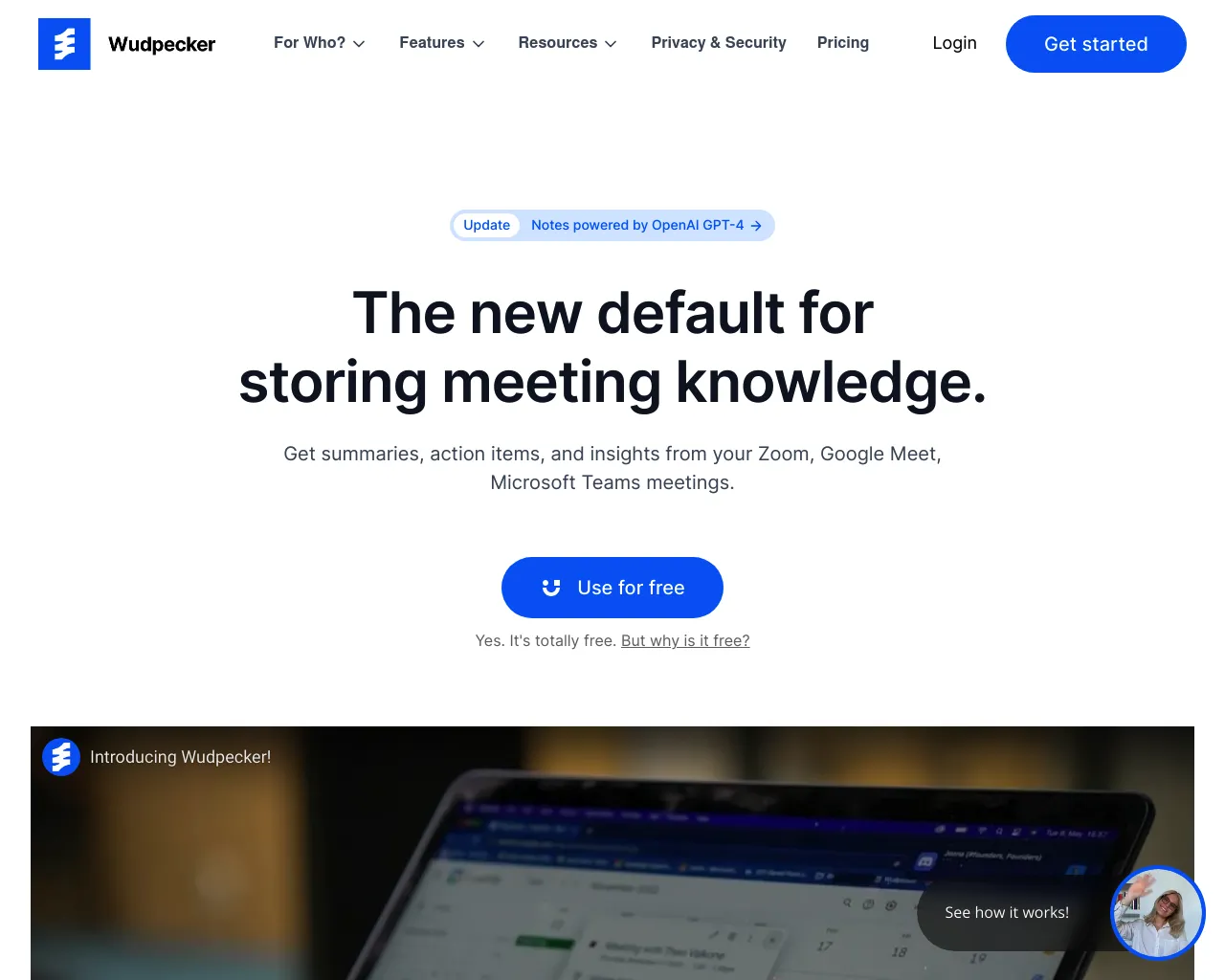
FAQs of Wudpecker
What is Wudpecker?
Wudpecker is an AI meeting assistant that helps you prepare for, take notes during, and share meeting information after meetings. Think of it as your personal meeting sidekick, helping you stay organized and productive.
How does Wudpecker work?
Wudpecker integrates with your existing meeting platforms like Zoom, Google Meet, and Microsoft Teams. When you join a meeting, Wudpecker automatically starts capturing audio and generating a real-time transcript. It also identifies key topics and action items discussed, so you don't have to manually write everything down. After the meeting, Wudpecker provides a clean, organized summary that you can share with attendees.
Why should I use Wudpecker?
Wudpecker is designed to save you time and effort by automating the often tedious and time-consuming tasks associated with meetings. You can spend less time taking notes and more time engaging with the discussion. With Wudpecker, you'll be able to:
- Be better prepared for meetings.
- Take comprehensive and accurate meeting notes.
- Quickly and easily share meeting information with everyone.
- Improve team communication and collaboration.
What are some of the benefits of using Wudpecker?
Wudpecker can help you:
- Improve meeting productivity. By automatically taking notes, Wudpecker frees up your mental energy to focus on the discussion at hand.
- Reduce meeting fatigue. Wudpecker makes it easier to follow along with the meeting, reducing the mental strain of trying to keep up with everything being said.
- Improve accountability. Wudpecker's detailed notes help everyone stay on track with action items and deadlines.
- Boost team morale. Wudpecker makes it easier for everyone to participate in meetings and contribute their ideas.
How does Wudpecker compare to other meeting assistants?
Wudpecker is different from other meeting assistants in a few key ways:
- Real-time transcription. Wudpecker provides a live transcript of the meeting as it happens, so you can follow along in real-time.
- Action item identification. Wudpecker automatically identifies action items and assigns them to specific people, making it easier to track progress and hold everyone accountable.
- Easy sharing and collaboration. Wudpecker makes it easy to share meeting notes with everyone who attended, facilitating team communication and collaboration.
If you're looking for an AI meeting assistant that can help you be more productive and efficient, then Wudpecker is worth checking out.
