
Wplace Live FAQs
This platform features a 4 trillion-pixel canvas overlaid on a world map, enabling users to create and collaborate on digital art projects in real-time.

FAQs of Wplace Live
What is Wplace Live?
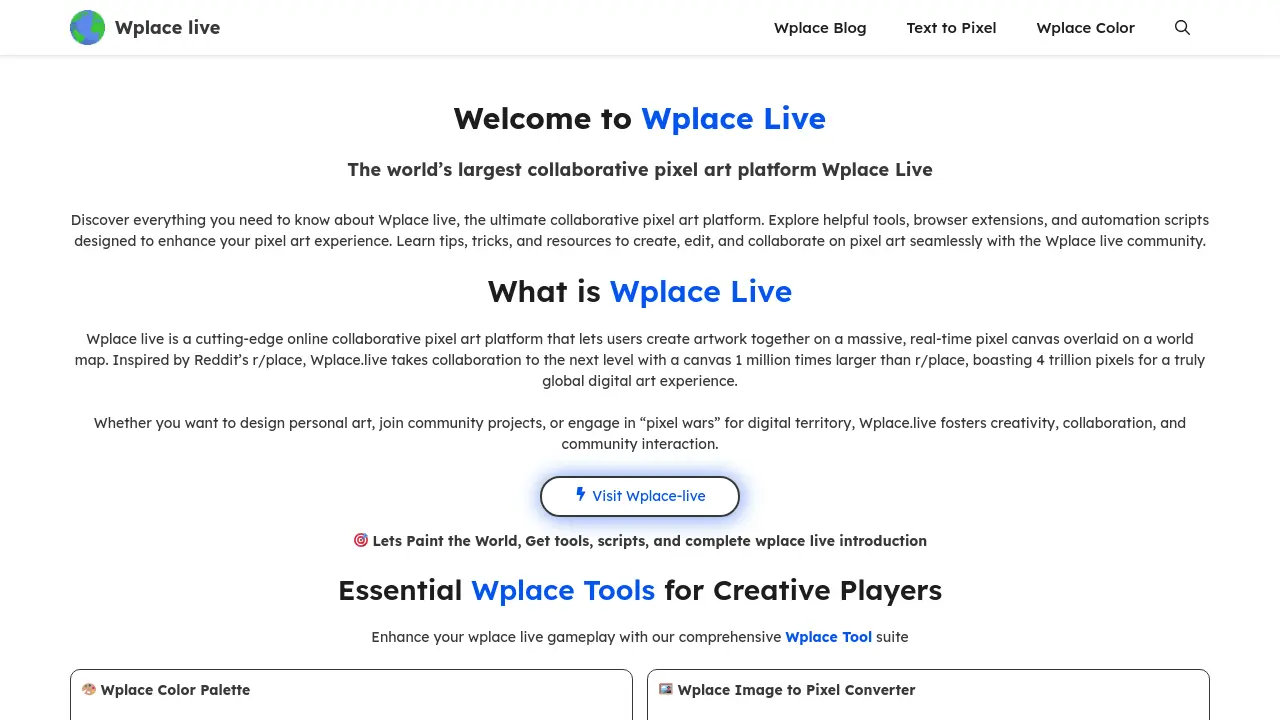
Wplace Live is a large-scale online collaborative pixel art platform where users collectively create artwork on a massive, real-time pixel canvas. Inspired by Reddit’s r/place, this platform features a 4 trillion-pixel canvas overlaid on a world map, facilitating global digital art creation and "pixel wars" for territory.
Is Wplace Live free to use?
Yes, Wplace Live is primarily free to access and use. Most of the platform's core features and games are available without cost. However, certain premium tools, specific pixel colors, or advanced functionalities may require a subscription or the purchase of in-game currency called Droplets.
Do I need to download any software to use Wplace Live?
No, Wplace Live operates entirely within your web browser. There is no requirement to download or install any software. Users can begin placing pixels immediately on any internet-connected device, including desktops, laptops, tablets, and smartphones.
How do I create an account on Wplace Live?
Creating an account on Wplace Live is a straightforward process. Users can register quickly using their Google account, Facebook login, or a standard email address. While basic participation allows for anonymous pixel placement, creating an account unlocks additional features and benefits within the platform.
What are Droplets in Wplace Live and how can they be used?
Droplets serve as the virtual currency within the Wplace Live platform. They can be earned through various activities, such as placing pixels, achieving drawing milestones, or purchasing them in the Wplace Store. Droplets are used to unlock premium items, advanced tools, and services, including increasing maximum pixel charge, restoring paint charges, customizing avatars, and acquiring country/region flags that offer charge recovery benefits.
How large is the Wplace Live canvas?
The Wplace Live canvas is exceptionally vast, featuring 4 trillion pixels. This massive digital space is approximately 1 million times larger than Reddit's r/place and is mapped to the real world, allowing users to draw at any geographical location, adding real-world context and significance to their pixel art creations.
How does Wplace Live prevent users from rapidly placing pixels?
To encourage thoughtful and strategic art creation, Wplace Live implements a placement limit of one pixel every 30 seconds. This mechanism promotes fairness and creativity by ensuring that users consider each pixel's placement carefully, fostering a more deliberate and collaborative artistic process.
How to use Wplace Live
Wplace Live is a collaborative pixel art platform enabling users to create and interact on a global, real-time canvas. This platform, inspired by r/place, offers a 4 trillion-pixel map for individual and community pixel art projects, facilitating widespread digital art creation.
- Access the Wplace Live platform via your web browser to begin the pixel art experience.
- Utilize tools like Wplace Color Palette to ensure your chosen colors are compatible with the platform's official selection.
- Employ the Wplace Text to Pixel Converter or Image to Pixel Converter to transform text or images into ready-to-place pixel art.
- Navigate the massive 4 trillion-pixel canvas, which overlays a real-world map, to select your desired drawing location.
- Zoom to the pixel level at your chosen location, select a color from the Paint Pixel Panel, and place your individual pixel.
- For continuous drawing, hold the SPACE key along with your mouse to create lines or fill larger areas efficiently.
- Monitor your pixel pool, which replenishes every 30 seconds, allowing for strategic pixel placement and continuous artistic contribution.
- Earn Droplets, the platform's virtual currency, by placing pixels and completing account milestones, enhancing your creative possibilities.
- Spend Droplets in the Wplace Store to unlock premium colors, expand your pixel pool, or customize your profile with avatars and flags.
- Engage with the Wplace Live community by joining discussions, participating in collaborative projects, or entering competitive "pixel wars" for digital territory.
- Refer to the Wplace Blog for updates, creative inspiration, and guides to enhance your collaborative pixel art journey and Wplace experience.
