
SpeedTestry is a free and accurate network speed test.

What is SpeedTestry
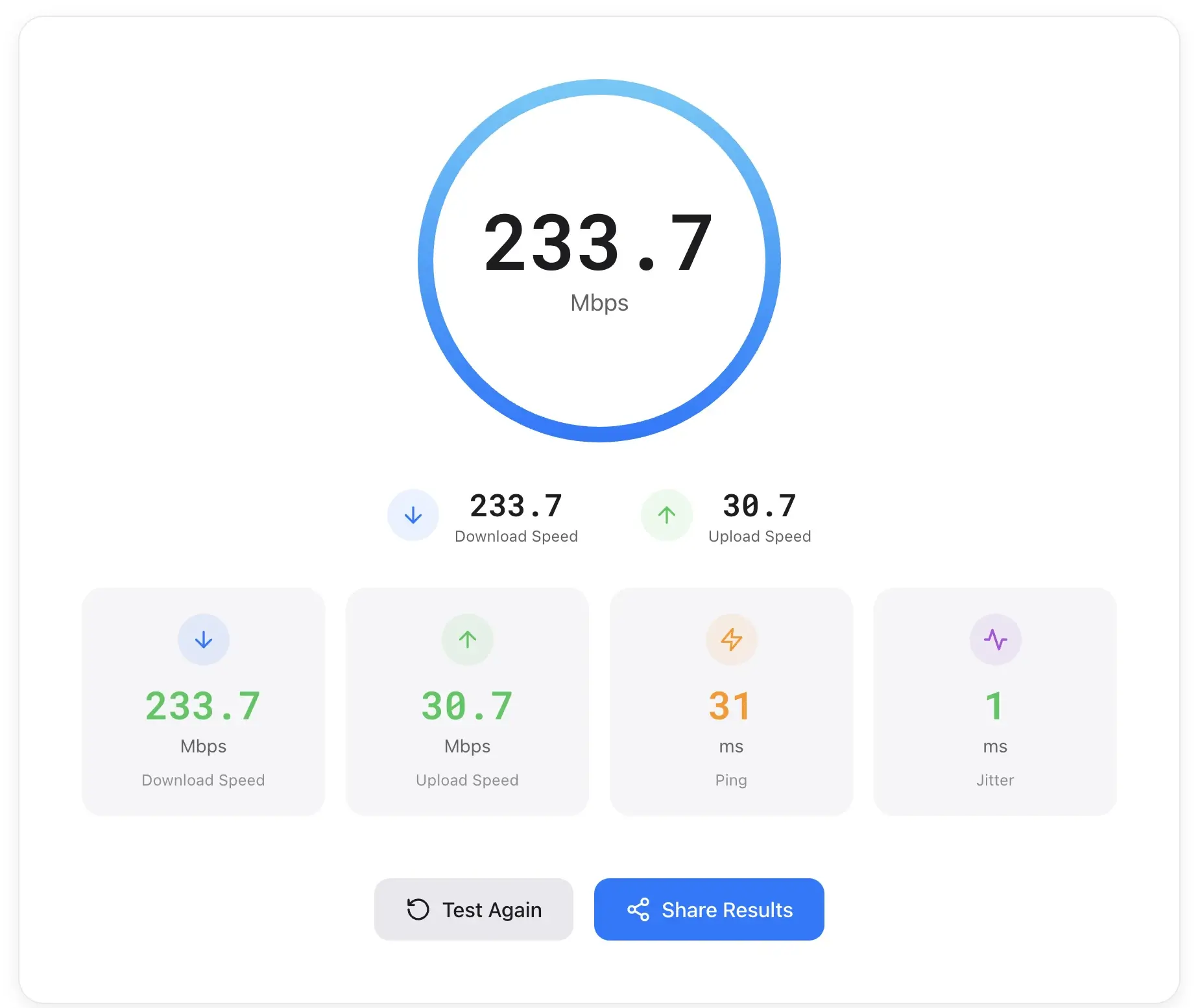
SpeedTestry is an internet speed test tool designed to assess connection performance. It provides detailed measurements of download and upload speeds, crucial for tasks like streaming, file transfers, and video calls. The platform also evaluates ping and jitter, offering insights into latency and connection stability, which are vital for online gaming and real-time communication. Leveraging a global server network powered by Cloudflare, SpeedTestry ensures accurate results from various locations, all while maintaining user privacy by not storing personal data.
How does SpeedTestry work
SpeedTestry operates by measuring key internet performance metrics including download speed, upload speed, ping, and jitter. The platform utilizes a global server network, powered by Cloudflare's edge network, to ensure accurate results regardless of user location. Users initiate a speed test to determine their internet speed, which involves transferring data packets to and from these servers. The system then displays the measured performance, providing insights into connection quality for activities like streaming, gaming, and video calls. The service emphasizes user privacy, asserting no personal data is stored or shared.
Benefits of SpeedTestry
SpeedTestry provides a comprehensive speed test to evaluate internet performance, including download and upload speeds. It also measures crucial metrics like ping and jitter for assessing connection responsiveness and stability. Utilizing a global server network powered by Cloudflare, it aims for accurate results from various locations. This speed test prioritizes user privacy by not storing personal data or sharing test results, ensuring a secure experience for users checking their internet speed.
Pros and Cons of SpeedTestry
Pros
- Measures download and upload speeds.
- Analyzes ping and jitter for stability.
- Utilizes a global server network.
- Protects user privacy; no data stored.
- Provides detailed connection info.
Cons
- Sample data is prominently displayed.
- Upload speed rating sometimes "Fair."
- No immediate server selection evident.
- Lacks historical speed test tracking.
- Limited advanced network diagnostics.
Core Features of SpeedTestry
Download Speed Measurement
Measures the rate at which data is delivered to a user's device, crucial for activities like streaming, file downloads, and web browsing.
Upload Speed Measurement
Tests the speed at which a user can send data to the internet, vital for video calls, cloud backups, and content uploading.
Ping and Latency Assessment
Determines the response time between a user's device and servers, directly impacting the quality of online gaming and real-time communication.
Jitter Analysis
Evaluates the stability of an internet connection by measuring variations in ping, which is important for smooth video calls and uninterrupted streaming experiences.
Global Server Network Connectivity
Connects users to a worldwide network of servers for accurate speed test results, ensuring reliability regardless of geographical location.
Privacy Protection
Ensures no personal data is stored and test results remain private, never being shared with third parties, thus maintaining user confidentiality.
Use Cases of SpeedTestry
- Home Users: Assess internet connection performance using a speed test to ensure optimal streaming and browsing.
- Gamers: Evaluate ping and jitter for stable online gaming experiences, utilizing accurate speed test data.
- Remote Workers: Verify upload speed for reliable video calls and efficient cloud backups with the internet speed test.
- IT Professionals: Diagnose network issues and confirm internet speed rychlosti internetu across different global servers.
- Content Creators: Monitor upload and download speeds to optimize content creation workflows and ensure smooth data transfer.
FAQs of SpeedTestry
How accurate is this speed test?
SpeedTestry leverages a global server network powered by Cloudflare's edge network, aiming to provide accurate internet speed test results from various locations. The tool measures key metrics such as download speed, upload speed, ping, and jitter to offer a comprehensive assessment of your internet connection.
Why is my speed slower than what I'm paying for?
Several factors can contribute to internet speeds being slower than advertised, including network congestion, Wi-Fi interference, outdated modem/router hardware, or issues with your internet service provider (ISP). Running a speed test like SpeedTestry can help identify if your current performance deviates significantly from your subscribed plan.
What is a good internet speed?
What constitutes "good" internet speed largely depends on your online activities. For basic browsing and email, lower speeds might suffice. However, for 4K streaming, online gaming, video calls, and large file downloads, higher download and upload speeds, along with low ping and jitter, are generally considered ideal for optimal performance.
What's the difference between download and upload speed?
Download speed measures how quickly data is received by your device from the internet, crucial for streaming and web browsing. Upload speed, conversely, measures how fast data can be sent from your device to the internet, which is vital for video calls, cloud backups, and online content creation. SpeedTestry assesses both metrics.
Why does ping matter for gaming?
Ping measures the response time between your device and a server. In online gaming, lower ping (latency) is critical because it indicates a quicker response time, leading to less lag and a smoother, more responsive gaming experience. High ping can result in noticeable delays and competitive disadvantages during gameplay.
How often should I test my speed?
Testing your internet speed with tools like SpeedTestry regularly, such as once a month or whenever you experience performance issues, can help monitor your connection's consistency. This also allows you to gather data if you need to troubleshoot problems with your internet service provider or ensure you are getting the speed you pay for.
What connection information does SpeedTestry provide?
SpeedTestry provides detailed connection information including your IP address, general location (e.g., United States), the device type used (e.g., Desktop), browser version (e.g., Chrome 126.0.0.0), operating system (e.g., Linux), and CPU architecture (e.g., amd64). This data aids in understanding the testing environment.
How does SpeedTestry protect user privacy?
SpeedTestry prioritizes user privacy by stating that no personal data is stored. Your internet speed test results are kept private and are explicitly not shared with any third parties. This commitment ensures that users can test their internet speed without concerns about data dissemination.
How to use SpeedTestry
SpeedTestry provides comprehensive internet speed test functionality, enabling users to assess download speed, upload speed, ping, and jitter. This tool helps evaluate internet connection quality for various online activities.
- Navigate to the SpeedTestry website to begin your internet speed test.
- Locate the "Start Test" button on the main page to initiate the diagnostic process.
- Observe the real-time measurement of your download speed, indicated in Mbps.
- Monitor the upload speed measurement, which quantifies your data transmission rate.
- Review the ping and jitter results, crucial metrics for connection responsiveness and stability.
- Interpret the displayed "Speed Rating" to understand your connection's overall performance.
- Examine the connection information, including IP address, location, and device details.
- Utilize these speed test results to identify potential network issues or assess service provider performance.
SpeedTestry Alternatives

View any public TikTok user's stories and videos anonymously with SneakStory. No login, no watermark, 100% free. Paste a username to watch.
Personality Test Now is a website offering a free SBTI personality quiz, instant type results and detailed guides in English, Chinese and Japanese for casual users seeking entertaining self‑reflection.
This free calculator for The Forge Roblox game optimizes crafting strategies, providing real-time calculations for ore combinations and trait setups.
This advanced GPU benchmark tests graphics card performance using volumetric rendering technology, assessing ray marching and shader compilation for developers and enthusiasts.
This calculator helps users determine optimal plant values and mutations in Grow A Garden, detailing over 120 plants and 43 mutations with automated conflict resolution for profit maximization.
Startup To Startup curates new products daily, providing a directory for users to discover the latest mobile apps, websites, and technology innovations.
Days Launch curates new mobile apps, websites, and technology products daily, allowing users to discover the latest innovations and trending tools.
This free online tool converts LaTeX code to PNG and SVG images, perfect for creating mathematical formulas for documents and websites, and offers customization options.