
SlidesPilot FAQs
Discover SlidesPilot's comprehensive AI Presentation Suite for business and education. Create professional presentations with AI CoPilot, generate relevant images, and convert PDF and Word to PPT. Elevate your presentations effortlessly with free PowerPoint templates and Google Slides Themes.

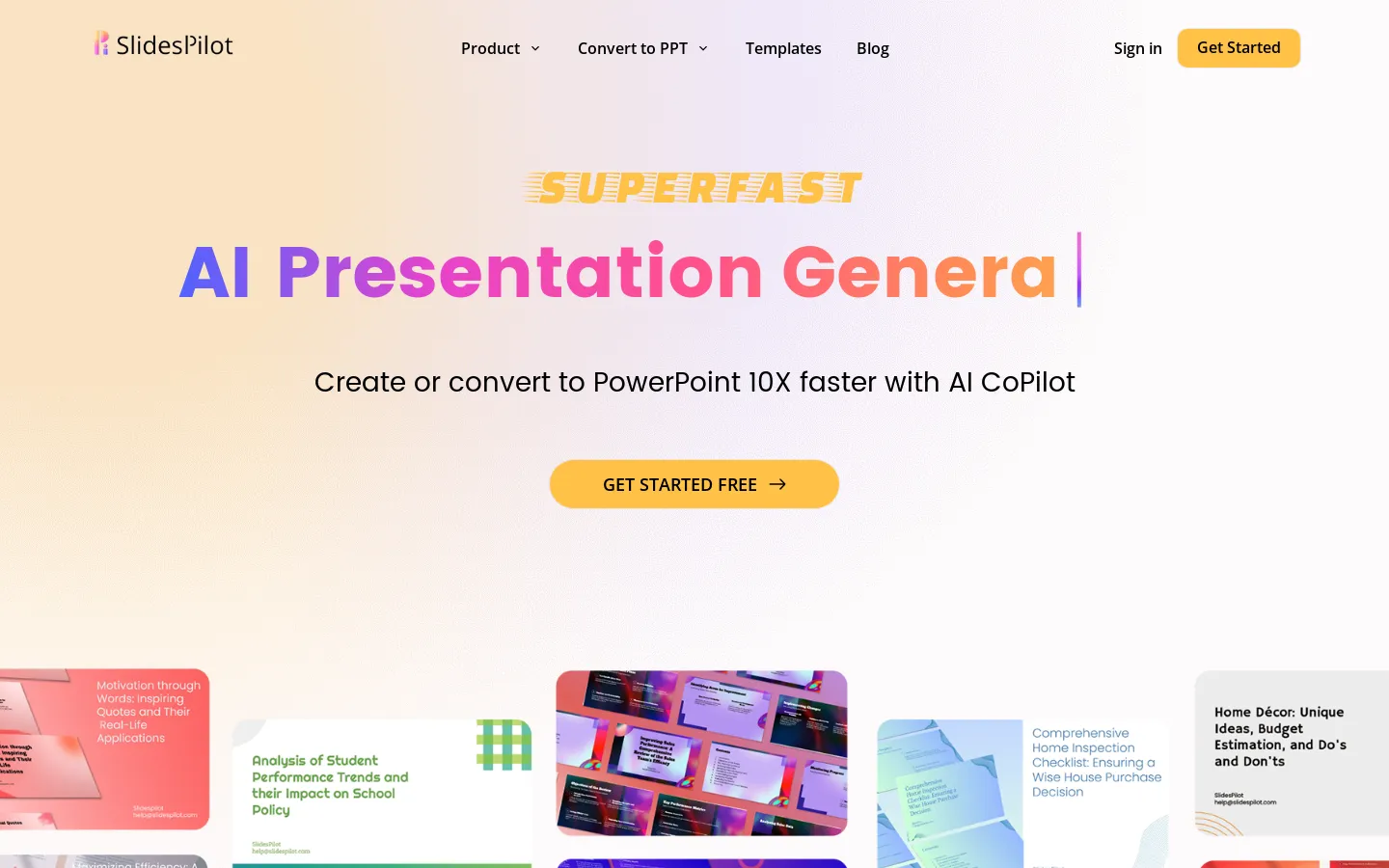
FAQs of SlidesPilot
What is SlidesPilot?
SlidesPilot is an AI-powered presentation tool that helps you create professional-looking presentations quickly and easily. It offers a range of features, including an AI presentation maker, PowerPoint image generator, and conversion tools for PDF and Word documents. You can also access a library of free PowerPoint templates and Google Slides themes.
How do I use SlidesPilot?
SlidesPilot is really easy to use. Just sign up for a free account and start creating your presentations. You can use the AI presentation maker to generate slides from scratch or upload your own content and let SlidesPilot help you polish it. You can also use the image generator to create custom images for your presentations.
What are the benefits of using SlidesPilot?
SlidesPilot helps you save time and effort when creating presentations. The AI features can help you get started quickly and easily, while the templates and themes can help you create professional-looking presentations. It's a great option for anyone who needs to create presentations regularly, whether for business or education.
What makes SlidesPilot different from other presentation tools?
SlidesPilot is unique because of its focus on AI. The AI-powered features make it easy to create high-quality presentations without having to spend hours on design and layout. It's also a great option for people who are new to creating presentations, as it provides a lot of guidance and support.
Can I use SlidesPilot to create presentations for different purposes?
Yes, you can use SlidesPilot for a variety of purposes. It's perfect for business presentations, educational presentations, sales pitches, marketing materials, and more.
