
ScreenshotSnap Introduction
This professional API service captures website screenshots with global CDN acceleration, supporting WebP/PNG formats and millisecond response times for developers.

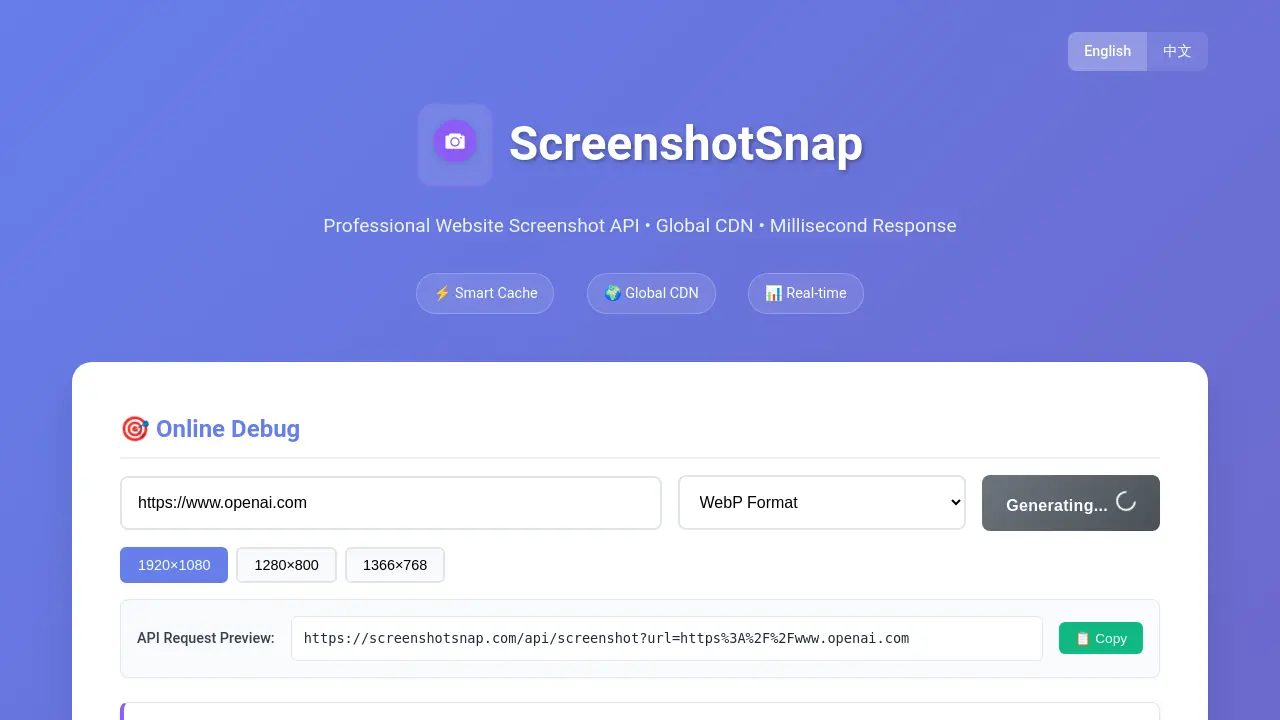
What is ScreenshotSnap
ScreenshotSnap offers a professional website screenshot API with a global CDN, designed for millisecond responses. This tool facilitates generating website screenshots in various formats like WebP and PNG, with customizable dimensions. Key features include high performance through a global edge computing architecture, a smart cache for faster access, and multi-format support. The service provides an online debug tool and API request previews, making it suitable for developers and businesses requiring efficient, reliable website snapshot capabilities.
How does ScreenshotSnap work
ScreenshotSnap operates as a professional website screenshot API, enabling users to generate website screenshots programmatically. Its core functionality involves a GET /api/screenshot endpoint, which accepts a target URL, and optional parameters for image format (WebP or PNG), viewport width, and height. This service leverages a global CDN for rapid, real-time responses and incorporates smart caching via R2 buckets for enhanced access speed and efficiency, offering up to seven days of cache support. This allows for quick screenshot snap functionality without needing direct browser interaction.
Benefits of ScreenshotSnap
ScreenshotSnap offers a professional website screenshot API featuring high performance with a global CDN and millisecond response times. Its smart cache, supported by R2 bucket technology, enhances access speed and reliability. Users can generate website screenshots in multiple formats like WebP and PNG, with customizable viewport dimensions. The API provides real-time processing and online debugging, simplifying the process of capturing a screenshot snapshot. This service is designed for efficient and versatile screenshot snap without notifying.
Pros and Cons of ScreenshotSnap
Pros
- Global CDN ensures fast response.
- Smart cache improves access speed.
- Supports multiple image formats.
- API offers customizable screenshot dimensions.
- Provides real-time screenshot generation.
Cons
- Limited to website screenshot functionality.
- No mention of advanced editing features.
- Specific pricing structure is not detailed.
- Lacks information on customer support channels.
- Browser compatibility not explicitly stated.
