
Power Up Tools FAQs
Discover AI tools for productivity, automation, coding, and design at Power Up Tools, a directory that streamlines workflow solutions for professionals.

FAQs of Power Up Tools
What is Power Up Tools?
Power Up Tools is an online AI tools directory that aggregates software for productivity, automation, design, coding, and output-focused workflows. It helps users discover and compare AI applications across diverse categories without promotional bias.
What kinds of AI tools does Power Up Tools cover?
Power Up Tools lists AI tools across multiple categories, including AI assistants, APIs, analytics, audio, automation, and design. The directory focuses on software that enhances productivity, creative output, and automated workflows for various professional and personal applications.
How do I compare products on Power Up Tools?
Users can compare AI tools by applying category and pricing filters on the Explore page. Reviewing detailed listings for tools serving similar workflows or use cases allows for informed evaluation of features, costs, and suitability before selection.
Who is Power Up Tools for?
The directory serves individuals and teams evaluating AI software for real-world tasks, such as content creation, data analysis, coding, or automation. It provides structured context to support decision-making for consistent performance improvement.
Can I submit my own entry?
Yes, users can submit their AI tool through the submission page. After creating an account and providing details like name, URL, and description, the submission undergoes review before potential publication in the directory.
How does Power Up Tools evaluate the AI tools listed?
Submissions are reviewed for basic completeness and relevance before listing. The directory does not endorse or test tools for effectiveness, maintaining a neutral platform for discovery based on provided information.
Is there a fee to submit an AI tool?
Standard submissions to Power Up Tools are free. The submission process requires no payment, though optional promotional features for visibility may be offered separately; basic listing carries no charge.
How often are new tools added to the directory?
New AI tools are added continuously as submissions pass the review process. The "Latest" section displays recently approved tools, reflecting ongoing updates to the directory's catalog based on submission volume and editorial review.
How can users find AI tools for specific professional needs?
Users can utilize category filters on the Explore page to narrow tools by industry or function. The search function also supports keyword queries to locate AI solutions tailored to particular tasks, such as SEO, video generation, or customer support.
How to use Power Up Tools
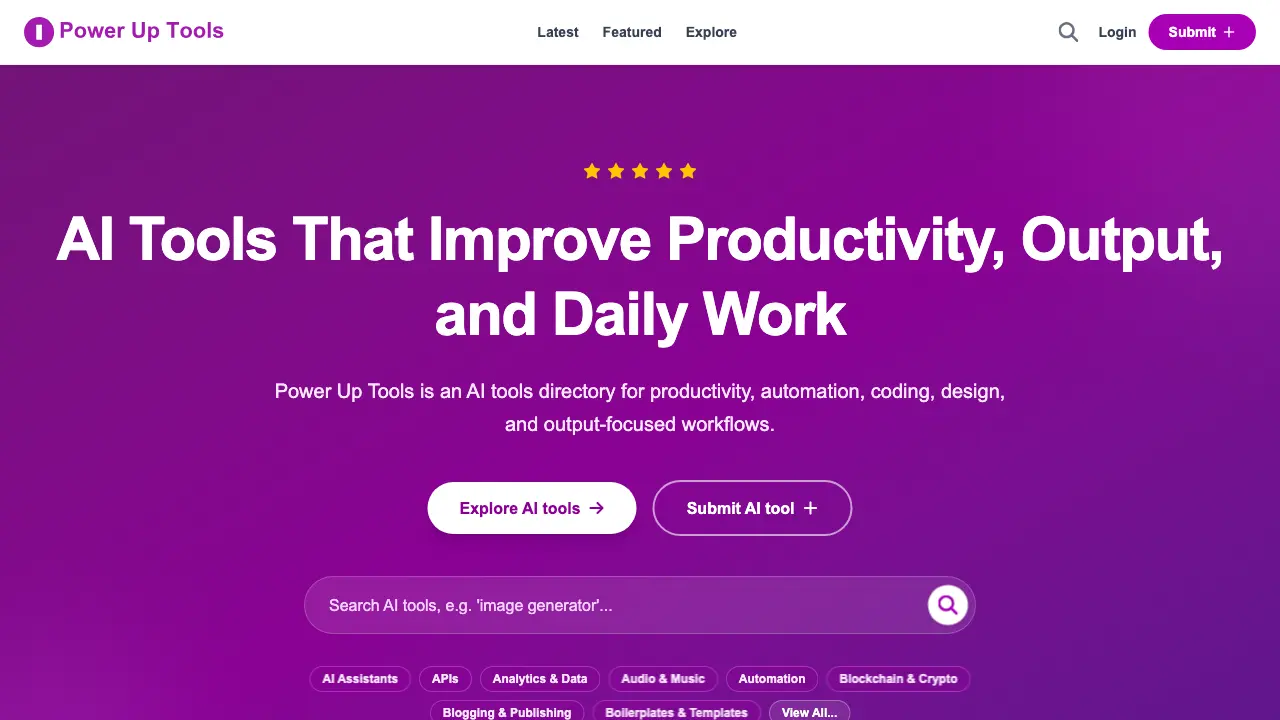
Power Up Tools is an AI tools directory that enables users to discover, compare, and submit artificial intelligence applications for productivity, automation, design, coding, and output-focused workflows. The platform organizes tools into categories, provides filtering options, and facilitates submissions with editorial review.
- Users begin by accessing the Power Up Tools website to view the homepage's categorized listings, featured tools, and navigation for exploring productivity and automation solutions.
- The search bar or category menu helps locate specific AI tools by function, such as SEO analysis, content automation, or data visualization, streamlining the discovery process.
- Apply filters like pricing model (free, freemium, trial, paid) and category to efficiently narrow the tool list based on budgetary and operational requirements.
- Selecting a tool opens its dedicated page, displaying a description, direct visit link, pricing details, and categorized tags for initial assessment and context.
- Compare multiple tools within a category by reviewing their features, target workflows, and contextual information to evaluate suitability for specific use cases.
- To submit an AI tool, sign in with Google, fill out the form with accurate details including a screenshot, and await editorial review for potential listing.
- Interpret the gathered directory data to select tools that align with personal or organizational goals in productivity, design, coding, or business intelligence.
