
Phasmophobia Sound Recorder FAQs
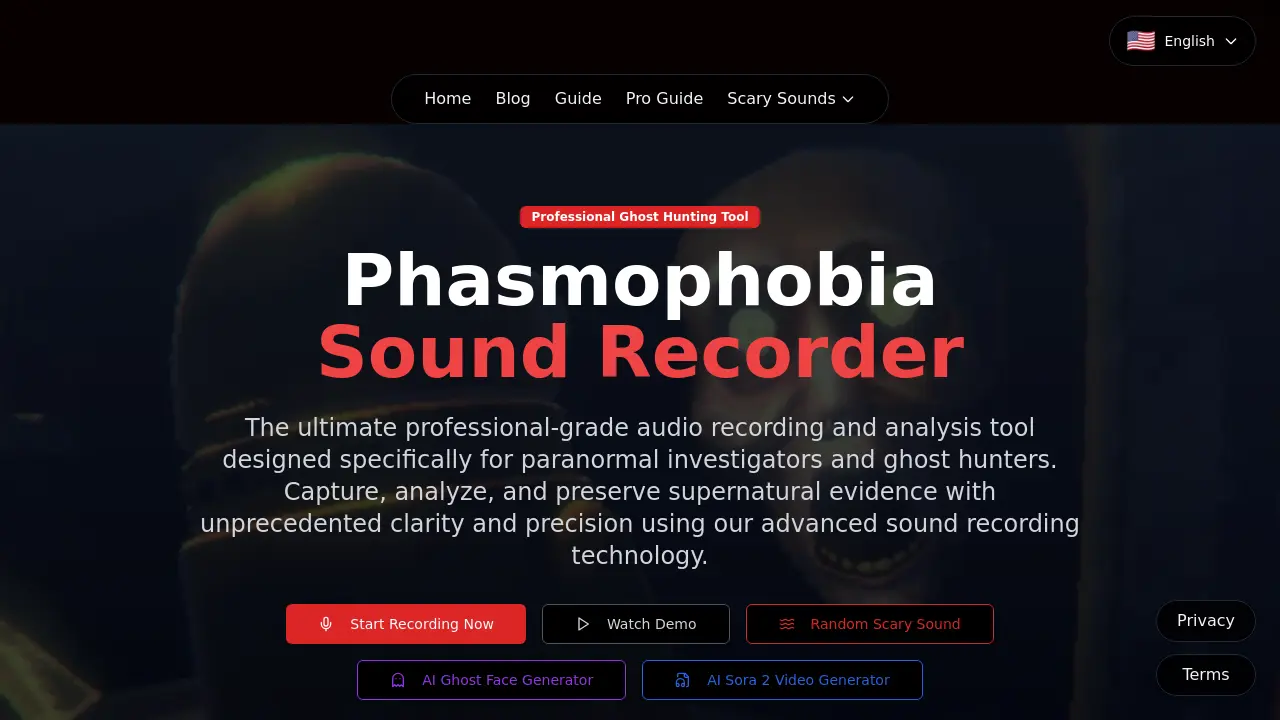
This professional-grade audio recording tool is designed for ghost hunters to capture, analyze, and preserve supernatural evidence with advanced sound recording technology and real-time visualization.

FAQs of Phasmophobia Sound Recorder
What is Phasmophobia Sound Recorder?
Phasmophobia Sound Recorder is a professional-grade audio recording and analysis tool specifically designed for paranormal investigators and ghost hunters. It offers advanced sound recording technology to capture, analyze, and preserve supernatural evidence with unprecedented clarity and precision.
What are the different recording tiers available?
Phasmophobia Sound Recorder features three distinct tiers of recording capability. Tier I offers basic detection with colored light indicators and a 3-meter range, perfect for beginners. Tier II includes a display screen with real-time waveform visualization and an extended 5-meter range. Tier III provides professional-grade features with advanced stereo bars, directional indicators, and enhanced range capabilities for maximum precision.
How does the recording interface work?
The professional-grade recording interface allows users to capture supernatural evidence and paranormal phenomena in real-time. It includes features such as audio level visualization, recording controls, and the ability to import external audio evidence. Users can name their recordings and manage them in an investigation library with tags and effects.
What types of supernatural evidence can be captured?
Phasmophobia Sound Recorder can capture various types of supernatural evidence including ghost whispers and direct communication, Spirit Box responses and interactions, Ghost Writing audio signatures, EMF Level 5 detection sounds, environmental paranormal events, and ghost footsteps and movement sounds.
How should I position the recorder for optimal results?
For optimal results, position the recorder in high-activity areas where lights flicker, objects move, or EMF levels spike. These locations typically indicate increased paranormal activity and provide better audio capture opportunities. It's recommended to stay close to areas with active paranormal behavior for better capture rates.
What are some tips for successful paranormal audio capture?
Successful paranormal audio capture requires precise timing, strategic positioning, and understanding of ghost behavior patterns. Activate recording only when paranormal sounds occur, listen for ghost whispers, heavy footsteps, or sudden environmental changes before starting capture, and combine with EMF readers and motion sensors to predict ghost behavior patterns.
How many audio clips can be stored per investigation?
The Phasmophobia Sound Recorder can store up to three audio clips per investigation session. Users should strategically focus on the most significant paranormal events to maximize evidence value within this limitation.
What advanced analysis capabilities are available?
The tool offers real-time monitoring with sophisticated visualization tools to identify supernatural anomalies as they occur. It includes advanced filtering and noise reduction algorithms to isolate supernatural sounds from background interference, amplify paranormal evidence for detailed analysis, and features a comprehensive tagging system for organizing evidence.
How can I integrate this tool with other investigation equipment?
Phasmophobia Sound Recorder is designed to work seamlessly with other investigation tools such as EMF readers and motion sensors. Using multiple devices simultaneously can provide comprehensive evidence collection and analysis, allowing investigators to predict ghost behavior patterns more effectively.
Is there a mobile version or app available?
The provided context does not mention a mobile version or app. For the most current information about platform availability, please visit the official Phasmophobia Sound Recorder website or contact their support team directly.
How to use Phasmophobia Sound Recorder
- Navigate to the Phasmophobia Sound Recorder website to access the professional audio recording interface.
- Click the "Start Recording" button to begin capturing paranormal audio evidence during your ghost hunting session.
- Position yourself near areas with active paranormal behavior to maximize the capture of supernatural sounds and phenomena.
- Monitor the real-time audio visualization to identify ghost whispers, footsteps, or sudden environmental changes indicating paranormal activity.
- Import external audio evidence using the designated feature to analyze previously recorded paranormal sounds alongside new captures.
- Review your Investigation Library to manage and organize collected supernatural audio evidence with tags and effects.
- Utilize the advanced recording technology features, including tiered detection systems and enhanced analysis tools for comprehensive paranormal investigation.
