
Openmart FAQs
Openmart automates SMB sales research using AI to identify high-potential local business leads, streamlining prospecting and data enrichment.

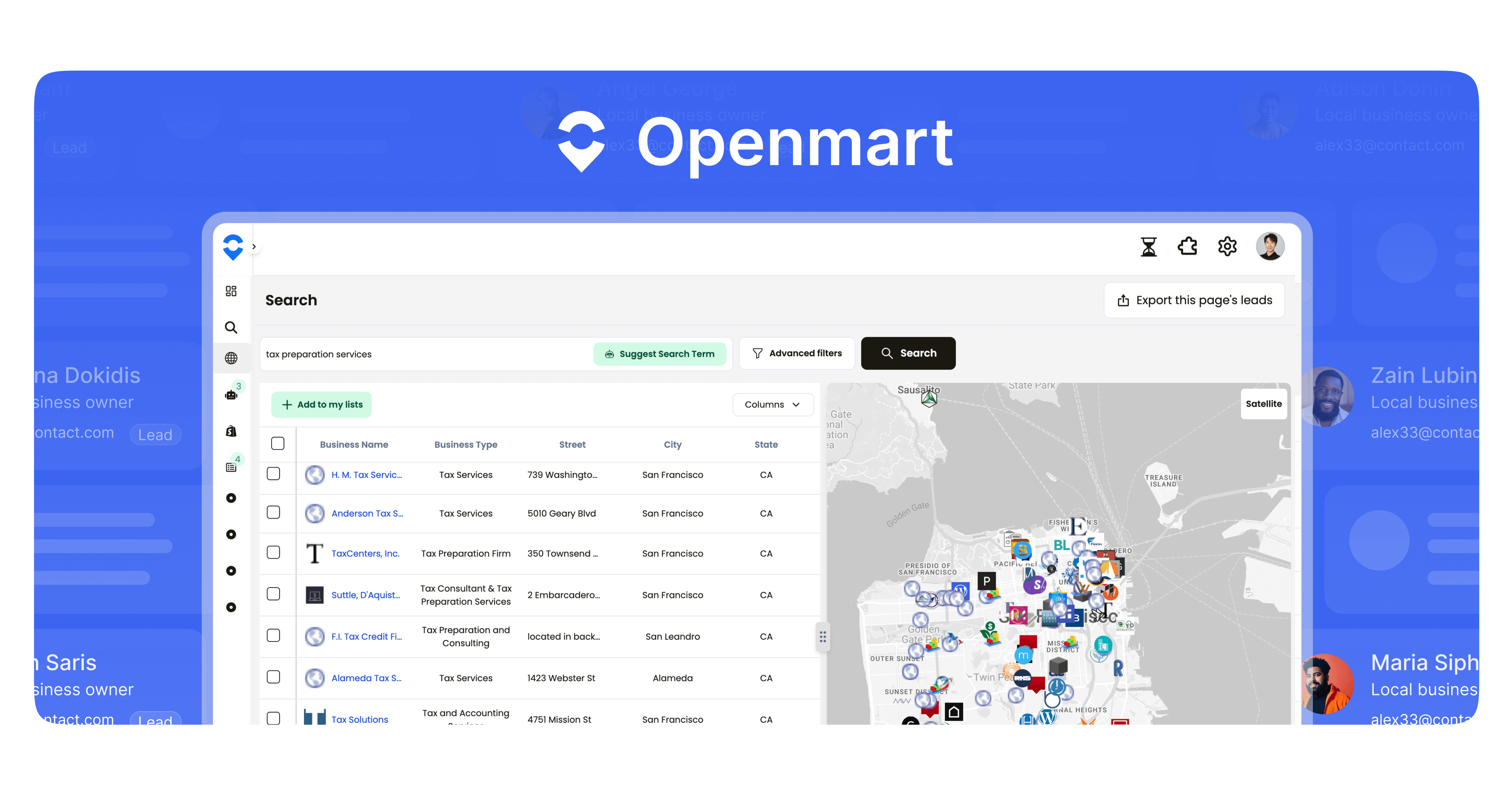
FAQs of Openmart
How do I sign up and get access to Openmart?
To sign up and gain access to Openmart, simply click the "Get Started" button on the Openmart website, which will redirect you to the registration page. Follow the prompts to create your account and begin leveraging Openmart's AI-powered lead generation and business intelligence tools.
Do you provide free trials?
Yes, Openmart provides free trials to allow users to explore the platform's features and capabilities before committing to a paid plan. This enables potential customers to experience firsthand how Openmart can streamline their lead generation and qualification processes.
Is a credit card required to sign up for Openmart's free trial?
Yes, a credit or debit card is required to sign up for Openmart's free trial. This is a standard practice that allows Openmart to verify the authenticity of the account and helps prevent fraudulent activities, ensuring a secure environment for all users.
What's a "Verified" email?
Within Openmart, a "Verified" email indicates that the system has checked the email address and confirmed its deliverability. While "Unknown" emails may still be deliverable around 80% of the time, "Verified" emails offer a higher level of confidence in reaching the intended recipient.
How do we verify emails and phone numbers for leads?
Openmart verifies email addresses and phone numbers for leads by cross-referencing information from multiple data vendors. This multi-source verification process enhances the accuracy and reliability of the contact information provided, improving the effectiveness of outreach efforts.
How can I find more information on my leads? e.g. find dental clinics that are closed on Saturdays.
Openmart provides two primary methods for finding detailed information on leads. You can use the AI Leads Finder and input specific filtering criteria like "closed on Saturdays." Alternatively, the "add enrichment" function allows you to return custom data relevant to your search, providing comprehensive insights into potential clients.
Why are there fewer results in my list even though I exported a lot of them?
When exporting data from Openmart's AI Leads Finder, the total number of leads displayed is sometimes an estimate. The actual count may vary slightly due to real-time data updates and deduplication processes designed to ensure data accuracy and eliminate redundancies.
What is Openmart AI?
Openmart AI is a sales intelligence platform that leverages artificial intelligence to help businesses identify, qualify, and connect with local business leads. It offers features such as AI lead finders, data enrichment, and owner contact information to streamline the sales process.
What industries does Openmart support?
Openmart supports a wide range of industries, including SMB tech, real estate, private equity, media companies, energy suppliers, consumer brands, and hiring agencies. Its adaptable platform caters to the unique data needs of various sectors.
Can Openmart integrate with my CRM?
Yes, Openmart offers two-way CRM integration, which enables seamless data synchronization and deduplication of leads. This integration streamlines workflows and helps maintain data consistency across systems.
How to use Openmart
Openmart helps businesses find qualified leads using AI-powered targeting. Its key functions include data enrichment, smart prospecting, and owner contact finding. It serves industries like SMB tech, real estate, and media.
Begin by creating an account or logging into Openmart at
app.openmart.com. A credit card is needed for the free trial to verify the account.Use the "AI Leads Finder" to enter criteria like revenue and location to find qualified leads. Apply AI filters to refine lead quality within Openmart.
Utilize the maps search engine, designed for sales, to identify local businesses. Openmart’s maps search provides focused results.
Connect your CRM to Openmart. This deduplicates leads, prevents duplicate work, and streamlines sales efforts.
Employ custom enrichments to obtain in-depth data on leads. Enrichments provide details like a business's hours or specific services offered within Openmart.
Review the leads list generated. Note that the number of leads may be an estimate. Consider enriching leads to obtain verified contact information.
Export lead data for use in your sales and marketing campaigns. Openmart allows unlimited exports within its platform's pricing plans.
Interpret your results. Analyze the enriched data and compatibility scores to determine the best leads. Use verified emails for efficient outreach.
Select a plan. Scale plans offer intent signals and owner contacts; enterprise plans enable custom solutions. Consider a demo for custom needs.
Leverage Openmart's features to improve lead generation and qualification. The platform offers AI-powered prospecting for enhanced sales outreach.
