
MyDetector FAQs
MyDetector offers a free AI content detector that instantly analyzes ChatGPT, Gemini, Claude, delivering 99% accuracy for writers and educators to verify authenticity.

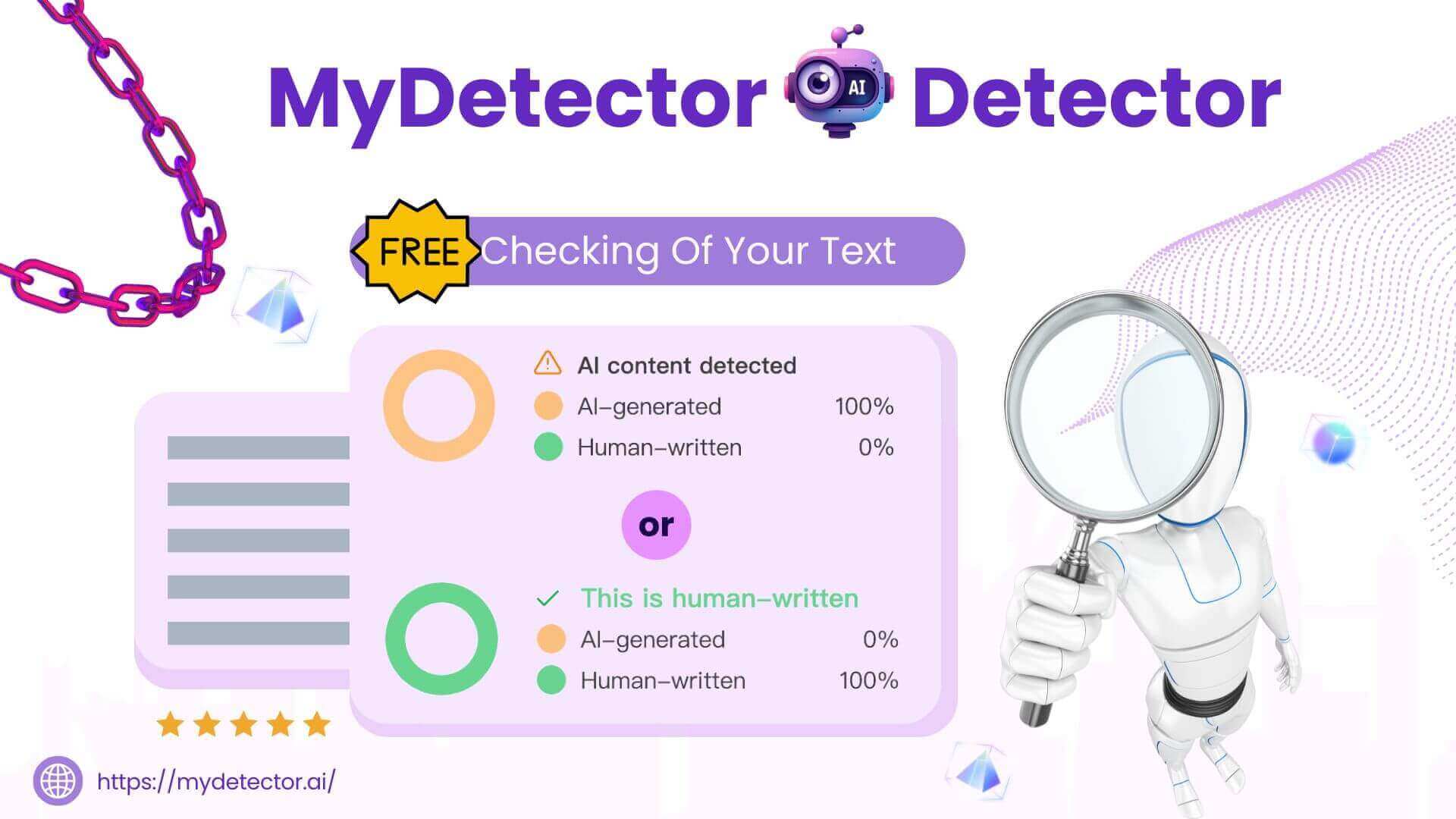
FAQs of MyDetector
What file types can I upload to MyDetector for AI content detection?
MyDetector accepts several common document formats, including PDF, Microsoft Word (.doc/.docx), PowerPoint (.ppt/.pptx), and plain text (.txt). These file types allow users to verify large documents directly without manual copying. The upload feature supports files up to the platform’s maximum size, ensuring efficient analysis of academic papers, reports, or marketing content.
How does MyDetector protect my privacy during AI detection?
All text and file data entered into MyDetector is processed locally within the browser and is not stored or transmitted to any external server. The platform follows strict data‑security protocols, guaranteeing that uploaded content remains confidential. Users can rely on the tool without creating an account or submitting personally identifying information.
Can MyDetector detect AI‑generated images as well as text?
Yes. MyDetector offers a dedicated AI Image Detector that analyses image metadata, pixel patterns, and visual artifacts to identify content likely produced by generative AI models. This separate tool operates independently from the text detector, allowing users to verify authenticity across both media types.
Is there a limit on how much text I can analyze per day with MyDetector?
While the AI text detector is free and does not require registration, users may encounter a daily usage limit. If the limit is reached, the interface prompts the user to wait until the next day before continuing scans. This limit helps maintain service reliability for all users.
What type of result does MyDetector provide after analysis?
After detection, MyDetector displays a visual report showing the percentage of AI‑generated content within the input. Each sentence is highlighted with a gauge indicating its AI likelihood. Additionally, the tool offers human‑like rewriting suggestions through the AI Humanizer feature, enabling users to adjust their text for improved readability while remaining compliant with authenticity checks.
How accurate is MyDetector’s AI content detection?
MyDetector employs machine‑learning models trained on extensive corpora of human and AI‑written text. Accuracy varies depending on the writing style; highly structured or formal prose may produce higher false‑positive rates, while natural, varied sentences tend to be correctly classified. The platform continuously updates its models to improve precision across evolving AI writing technologies.
Which languages can MyDetector handle for AI detection?
The tool supports multiple languages, including English, Spanish, French, Portuguese, German, Russian, Mandarin Chinese, Japanese, and Korean. Its multilingual models are regularly expanded, enabling reliable detection for users worldwide.
Does MyDetector also test code for AI generation?
Yes. MyDetector offers an AI Code Detector that scans scripts and source code to distinguish between human‑written and AI‑generated fragments. This feature is useful for developers and educators verifying the originality of programming assignments.
Are the detection reports exported or shareable?
Users can copy the text results directly from the web interface. While an export function is not present in the free version, the information can be manually saved or printed for record‑keeping or audit purposes.
Can I integrate MyDetector into other software or workflows?
The free AI detector is web‑based and does not provide a public API. However, developers can manually copy and paste content into the tool or use browser extensions that automate the submission process for large batches of documents.
How to use MyDetector
- Introduce MyDetector as a free, web‑based AI content detector that identifies ChatGPT, Gemini, Claude text, and offers plagiarism checking, code detection, image detection, and humanization.
- Open https://mydetector.ai/, locate the main textarea or file‑upload icon, and paste or drag documents (PDF, DOCX, PPT, TXT) for scanning.
- Choose the desired analysis—AI Content, Plagiarism, Code, or Image—by clicking the corresponding tab before initiating the scan.
- Press the “Detect Text” button; the algorithm processes content within seconds, generating an AI likelihood percentage and highlighting flagged sentences.
- Examine the report panel: see overall AI confidence score, per‑sentence AI % and a summary of detected patterns across the document.
- Interpret an AI confidence > 50 % as likely automated origin; use lower values to assess human authenticity, noting highlighted sections for revision.
- Apply the AI Humanizer module directly on flagged text to replace unnatural phrasing; re‑run detection to confirm increased human‑like quality.
- Download or copy the report in PDF or CSV, and integrate findings into academic, marketing, or editorial workflows to ensure content integrity.
