
MindMac FAQs
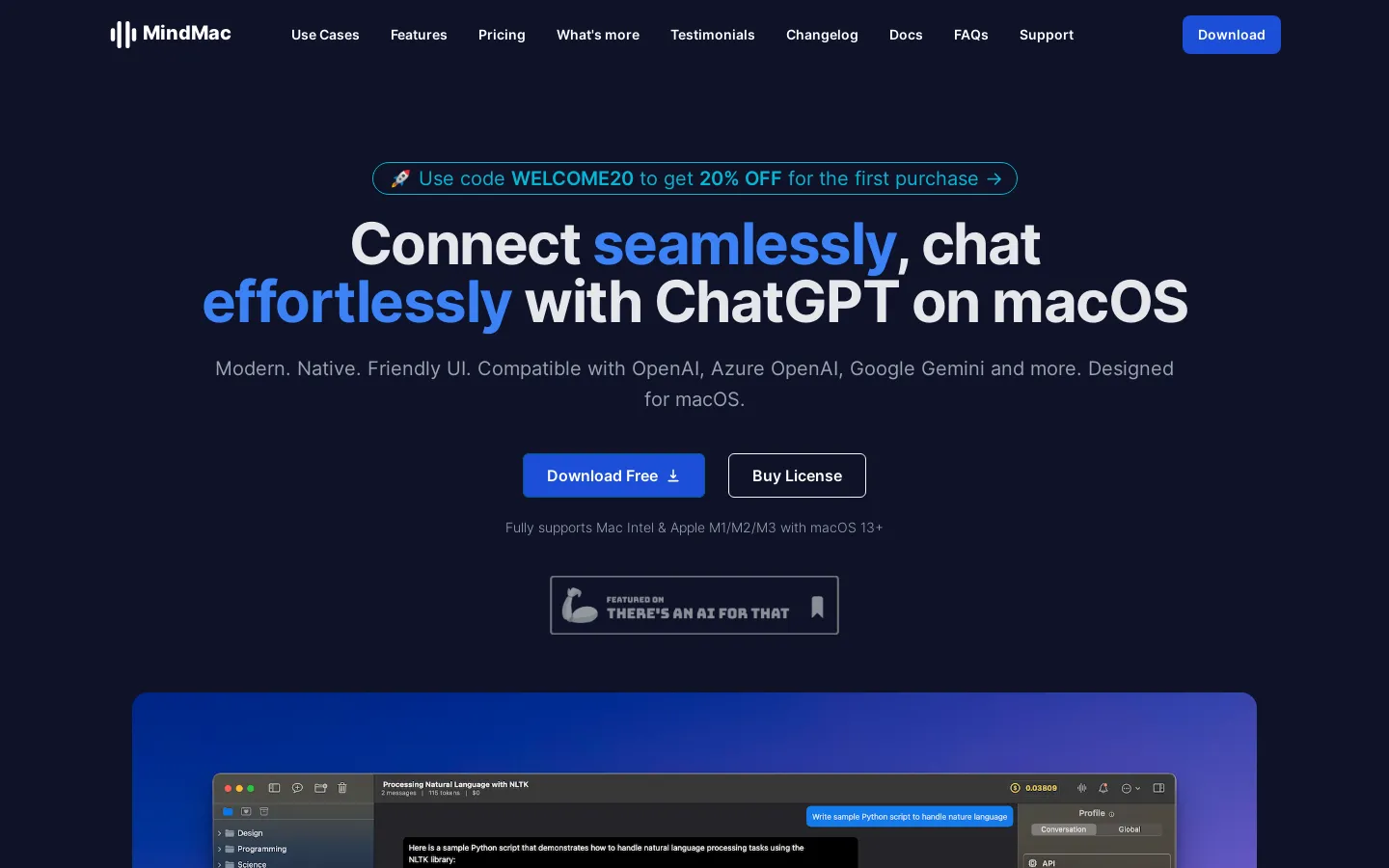
Experience seamless and efficient conversations with ChatGPT on your macOS. MindMac is a modern, native, and user-friendly app designed to enhance your productivity. Download now!

FAQs of MindMac
What is MindMac?
MindMac is a ChatGPT client for macOS. It provides a user-friendly interface to interact with ChatGPT, making it easy to access the powerful language model on your Mac.
How do I use MindMac?
MindMac is designed to be intuitive and easy to use. Simply type your query into the chat window, and MindMac will send it to ChatGPT. You can then view the response in the chat window.
What are the benefits of using MindMac?
MindMac provides a more streamlined and efficient way to use ChatGPT on macOS. It lets you focus on your conversation with ChatGPT, without being bogged down by the complexity of using a web browser.
What are some of the features of MindMac?
MindMac features include:
- A clean and modern interface for interacting with ChatGPT.
- Support for different ChatGPT models, allowing you to choose the one best suited for your needs.
- Ability to save your chat history, so you can refer to past conversations.
How does MindMac compare to other ChatGPT clients?
MindMac offers a sleek and user-friendly experience designed specifically for macOS. While other clients might have more features, MindMac's focus on simplicity and efficiency makes it a great option for users who want to get the most out of ChatGPT without unnecessary distractions.
