
Make My Brand FAQs
Make My Brand helps creators build personal brands with AI-powered infographic creation. Generate visuals from content or URLs, using custom branding and templates. Save time and boost engagement.

FAQs of Make My Brand
What is Make My Brand?
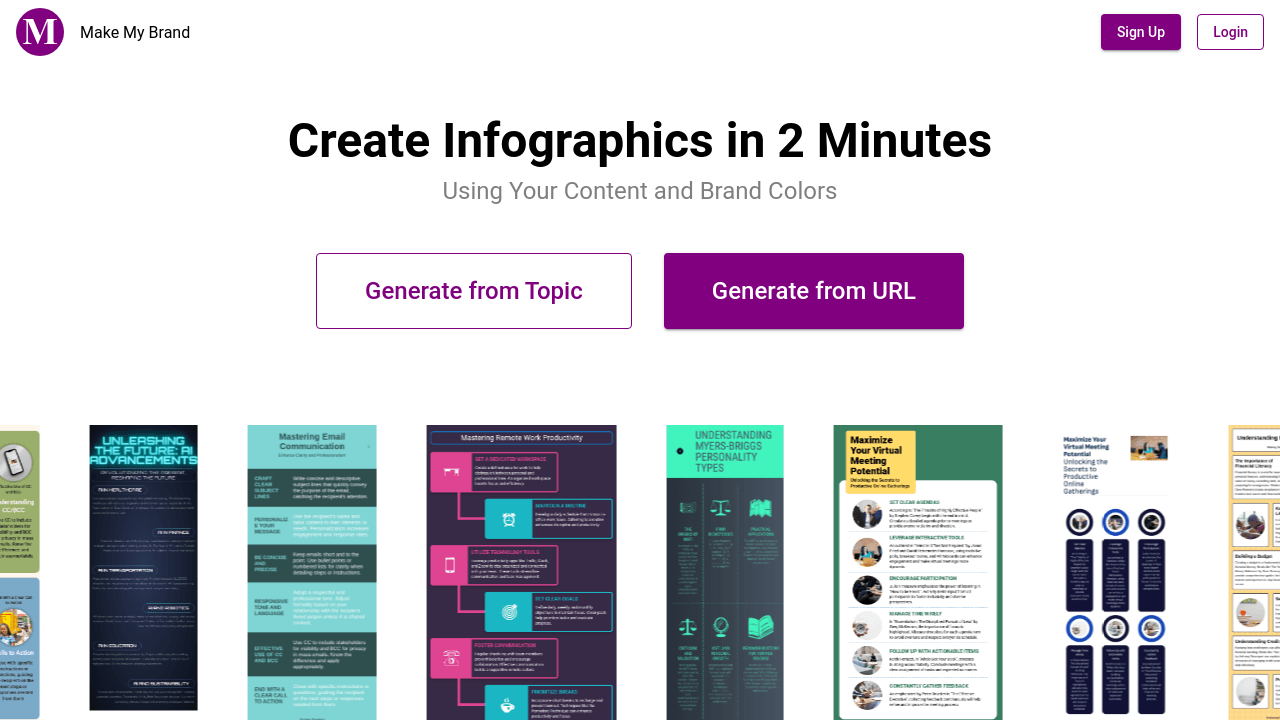
Make My Brand is an AI-powered tool designed to help users create professional-quality infographics quickly and easily. It streamlines the infographic design process, allowing users to repurpose existing content or choose from pre-made templates, all while maintaining brand consistency. The platform offers various features to simplify content creation and enhance visual appeal.
How does Make My Brand work?
Make My Brand uses AI to automate the infographic design process. Users can either input a blog URL to automatically generate an infographic based on the content or select from a library of pre-designed templates. The AI tool then uses the provided information and brand colors to create a polished, brand-consistent infographic. This simplifies the design process and saves users significant time.
What are the pricing plans for Make My Brand?
Make My Brand offers two pricing plans: Basic and Premium. The Basic plan costs $14.99 per month and includes 100 infographics per month, access to basic templates, unlimited edits and downloads, custom branding, and email support. The Premium plan, priced at $24.99 per month, includes all the features of the Basic plan plus access to premium templates. Both plans offer free trial periods.
What types of templates does Make My Brand offer?
Make My Brand provides a library of visually appealing templates categorized by industry and need. These templates are professionally designed and offer a variety of styles to suit different branding requirements and content topics. The Premium plan unlocks access to a more extensive collection of templates compared to the Basic plan.
Can I use Make My Brand to create infographics for my brand?
Yes, Make My Brand is specifically designed to help users create brand-consistent infographics. The platform allows you to input your brand colors and other branding elements to ensure that the generated infographics align with your overall brand identity. This helps to maintain visual consistency across all your marketing materials.
How to use Make My Brand
- Begin by signing up for a Make My Brand account. This grants access to the infographic creation tools.
- Choose between generating an infographic from a URL or a topic. Provide the necessary input.
- Select a pre-designed template or let the AI generate one based on your brand colors and content.
- Customize the generated infographic as needed, ensuring consistency with your brand identity.
- Download the completed infographic in your preferred format for various applications.
- Make use of the available template library for faster infographic creation, utilizing professional designs.
- Consider the pricing plans; the Basic plan offers 100 infographics monthly, while Premium unlocks premium templates.
- Utilize the created infographics across social media, email marketing, and presentations to boost engagement. This improves brand visibility and reach.
- Leverage the AI-powered automation to streamline content creation, saving time and resources. This allows for efficient brand building.
- Benefit from the cost-effectiveness compared to hiring professional designers, enabling budget-conscious brand management.
