
Image to STL Core Features
This AI-powered online converter transforms images into 3D printable STL files in minutes, supporting GLB and OBJ exports for various applications.

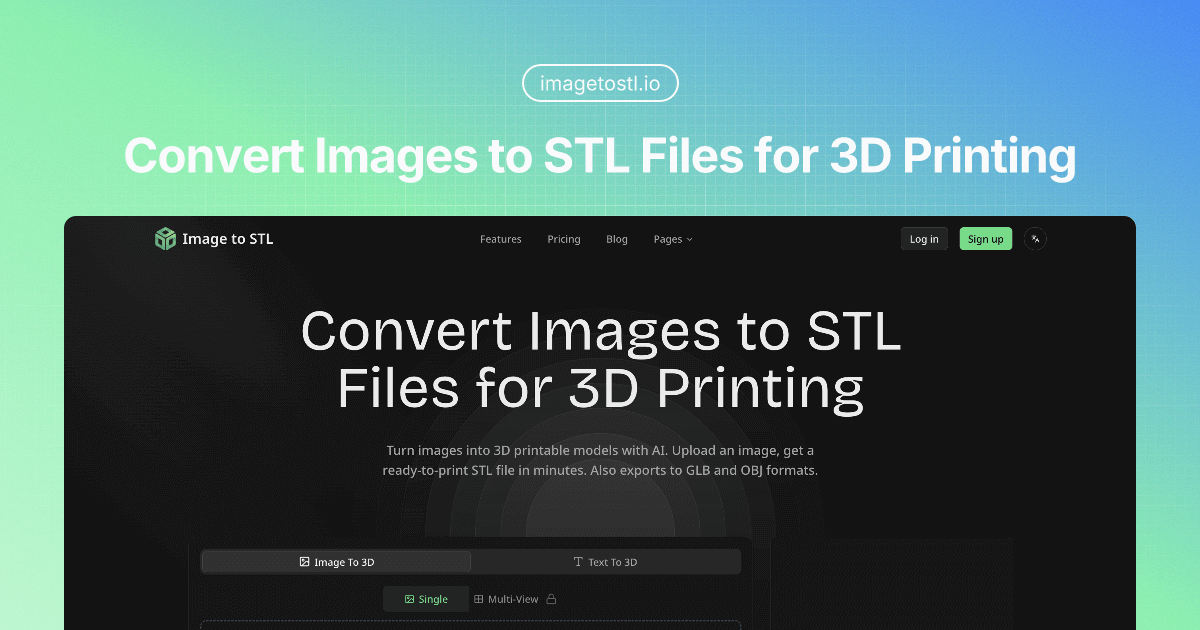
Core Features of Image to STL
AI-Powered Image to 3D Model Conversion
This core function enables users to transform 2D images into high-quality 3D printable models using advanced AI, simplifying 3D content creation.
Multi-Format 3D Model Export
Allows generated 3D models to be exported in various universal formats, including STL, GLB, and OBJ, ensuring compatibility across diverse 3D applications and workflows.
Text-to-3D Model Generation
Provides the capability to create 3D models from textual descriptions, offering an alternative input method for generating diverse 3D assets for various purposes.
Multi-View Image to 3D Conversion
Supports generating 3D models from multiple image angles, enhancing the accuracy and detail of the resulting 3D mesh for more complex objects.
Interactive 3D Model Preview and Refinement
Offers an interactive viewer for users to preview, rotate, zoom, and inspect generated 3D models, with options to regenerate for refining settings and quality.
Use Cases of Image to STL
- 3D Printing Enthusiasts: Utilize the image to STL converter free service to generate printable models from photos.
- Game Developers: Create game-ready 3D assets quickly from images, exporting to GLB format for various engines.
- Architects: Visualize building concepts by converting architectural sketches into 3D models using the image to STL AI.
- E-commerce Businesses: Generate interactive 3D product previews from images to enhance online customer engagement.
- AR/VR Developers: Build immersive experiences by transforming 2D images into optimized 3D models for AR/VR platforms.
