
Glitter AI FAQs
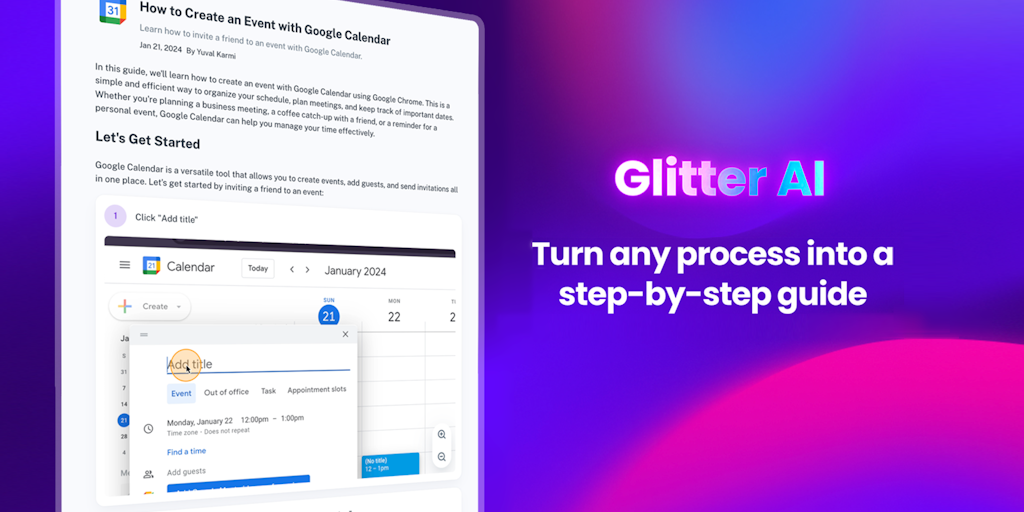
Create written documentation just by speaking! Skip the endless Zooms to explain stuff to co-workers or customers. Glitter AI turns your mouse clicks + voice into a beautiful written guide complete with screenshots + text that you can easily edit and share.

FAQs of Glitter AI
What is Glitter AI?
Glitter AI is a tool that lets you turn any process into a step-by-step guide. It's like having a personal assistant who can take your complex instructions and break them down into easy-to-follow steps that anyone can understand.
How do I use Glitter AI?
You can start using Glitter AI by signing up for a free account on their website. Once you're signed in, you can create a new guide by adding a title and then recording yourself performing the process you want to document. Glitter AI will automatically transcribe your audio and generate a step-by-step guide with screenshots. You can then share this guide with anyone.
Who is Glitter AI for?
Glitter AI is for anyone who wants to create clear and concise guides for their team, customers, or anyone else. It can be used for tasks like onboarding new employees, training customers on a new product, or simply teaching your mom how to use your new smartphone.
What are some of the benefits of using Glitter AI?
Glitter AI can save you time and effort by automating the process of creating step-by-step guides. It can also help to improve communication and collaboration within your team by providing a clear and concise way to document processes.
How is Glitter AI different from other tools that create step-by-step guides?
Glitter AI is unique because it uses AI to automatically transcribe your audio and generate a step-by-step guide with screenshots. This means that you don't have to manually type out each step or take screenshots yourself.
What are the limitations of Glitter AI?
While Glitter AI is a great tool for creating step-by-step guides, it's not perfect. There might be times when the AI doesn't accurately transcribe your audio, or the screenshots don't capture everything you need. But the creators are continuously working to improve the accuracy of the tool.
