
Browse AI FAQs
Monitor any webpage for changes. Download any data on the web as a spreadsheet. Turn any website into an API.

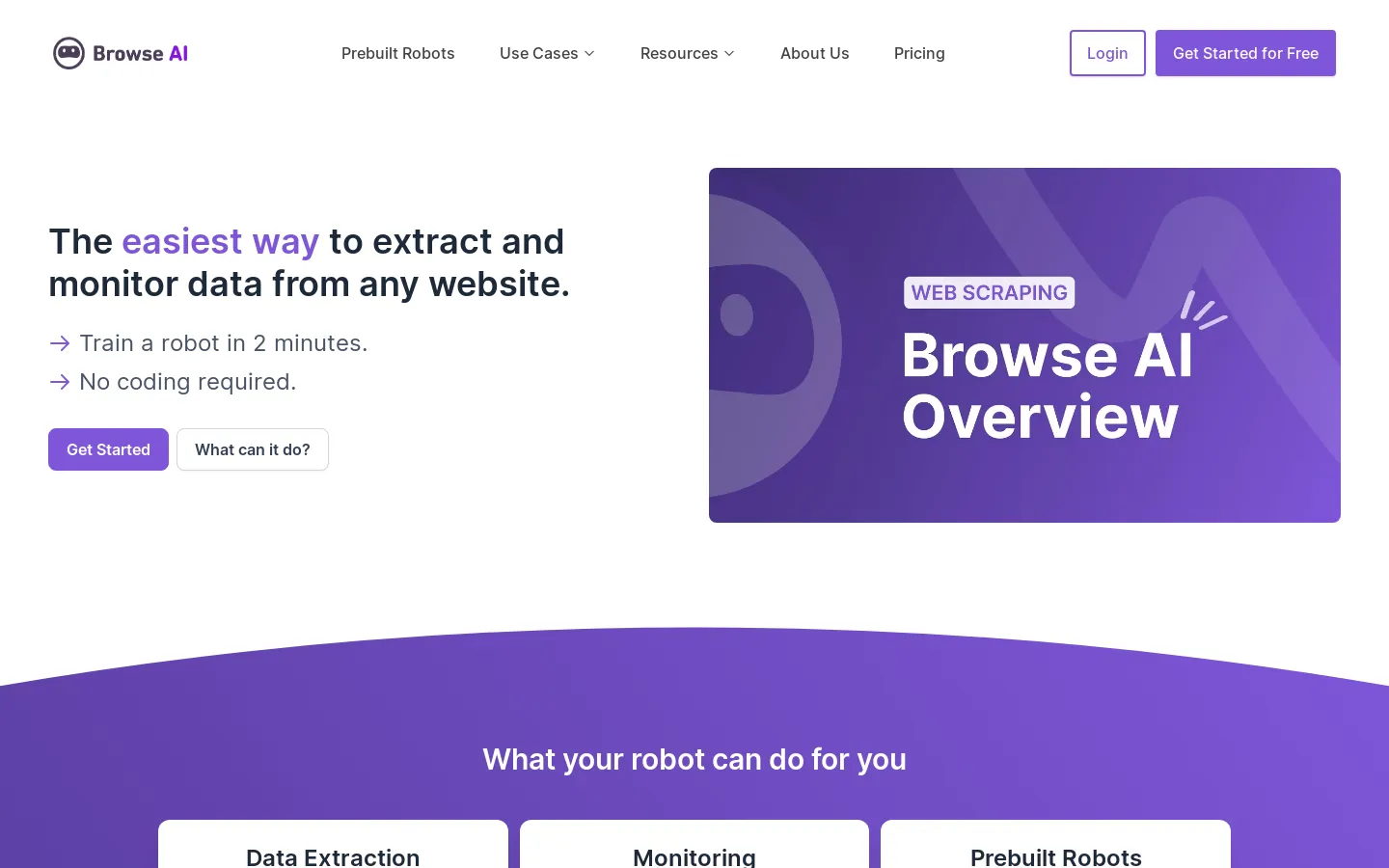
FAQs of Browse AI
What is Browse AI?
Browse AI is a tool that allows you to scrape and monitor data from any website without writing any code. You can download any data on the web as a spreadsheet, monitor any webpage for changes, and turn any website into an API.
How do I use Browse AI?
Browse AI is easy to use. You just need to create an account and then you can start scraping data from any website. There are no coding skills required. You can use the built-in browser extension to easily select the data you want to scrape. Once you have selected the data, Browse AI will automatically create a spreadsheet for you.
What are the benefits of using Browse AI?
Browse AI can save you a lot of time and effort. Instead of manually copying and pasting data from websites, you can use Browse AI to automate the process. This can be helpful for tasks such as:
- Collecting market research data
- Tracking competitor pricing
- Monitoring website changes
- Generating leads
How does Browse AI compare to other web scraping tools?
Browse AI is a no-code web scraping tool. It makes it easy to get started with web scraping, even if you don't have any coding experience. Compared to other web scraping tools, Browse AI is relatively easy to use and offers a wide range of features. It also offers a free trial so you can try it out before you commit.
