
Scrape and Monitor Data from Any Website with No Code
| Added on: | Apr 28, 2024 |
| Monthly Visits: | 203.18K |
| Social & Email: | -- |

What is Browse AI
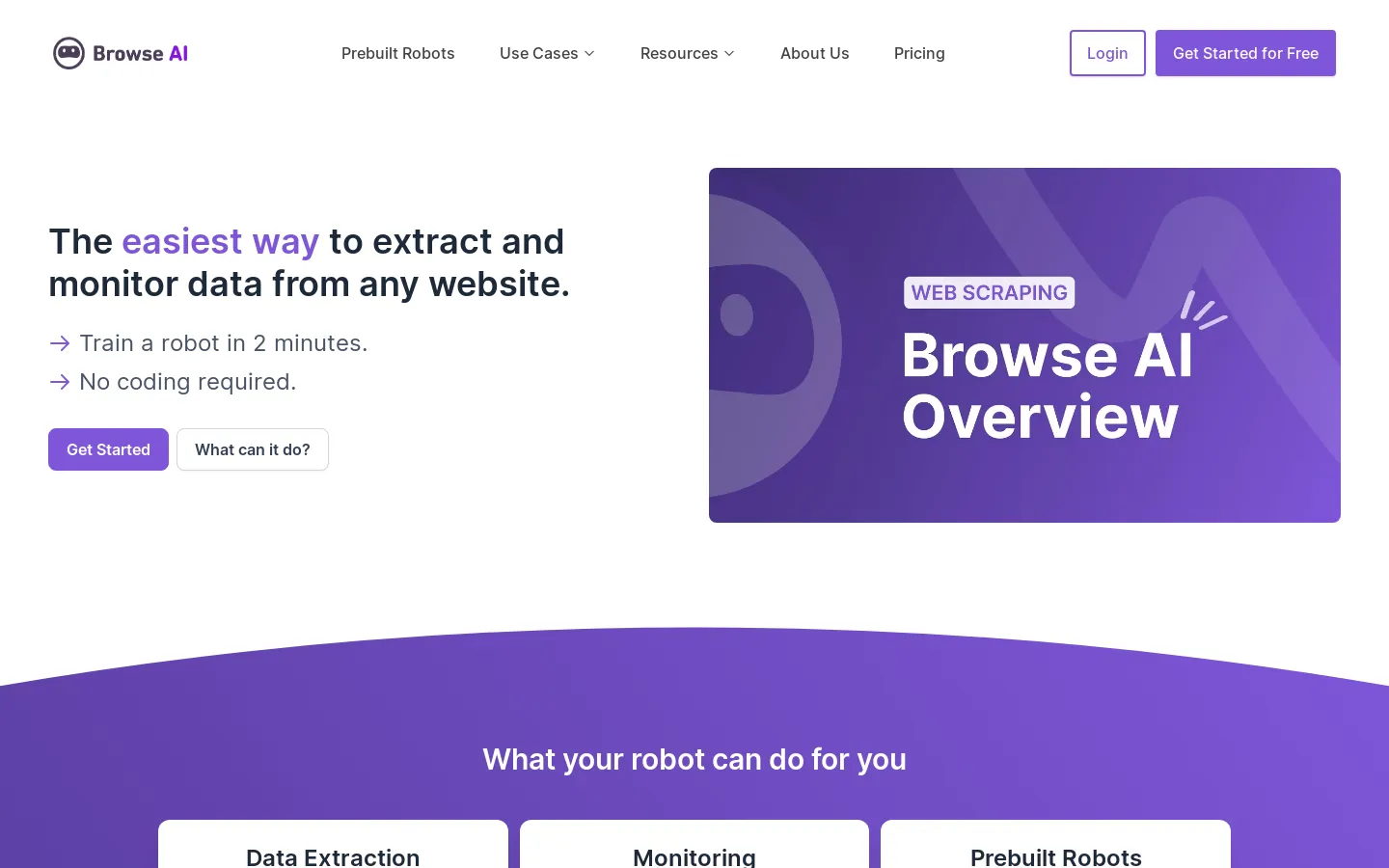
Browse AI is a no-code tool that lets you scrape and monitor data from any website. It can be used to gather data for research, marketing, or any other purpose. For example, you can use it to monitor the prices of your competitors' products, track the availability of certain products, or collect data on the latest news stories. Browse AI is also able to turn any website into an API, which can be helpful for automating tasks or integrating data with other applications.
Core Features of Browse AI
Scrape and Monitor Data from Any Website with No Code
Browse AI allows you to extract and monitor data from any website without writing code.
Monitor any webpage for changes
This feature enables you to track any website for updates, price changes, or other relevant information. You can set up alerts to be notified when changes occur.
Download any data on the web as a spreadsheet
Browse AI lets you convert website data into organized spreadsheets, making it easy to analyze and use the information.
Turn any website into an API
This functionality allows you to access data from a website programmatically, enabling you to integrate it into your applications.
FAQs of Browse AI
What is Browse AI?
Browse AI is a tool that allows you to scrape and monitor data from any website without writing any code. You can download any data on the web as a spreadsheet, monitor any webpage for changes, and turn any website into an API.
How do I use Browse AI?
Browse AI is easy to use. You just need to create an account and then you can start scraping data from any website. There are no coding skills required. You can use the built-in browser extension to easily select the data you want to scrape. Once you have selected the data, Browse AI will automatically create a spreadsheet for you.
What are the benefits of using Browse AI?
Browse AI can save you a lot of time and effort. Instead of manually copying and pasting data from websites, you can use Browse AI to automate the process. This can be helpful for tasks such as:
- Collecting market research data
- Tracking competitor pricing
- Monitoring website changes
- Generating leads
How does Browse AI compare to other web scraping tools?
Browse AI is a no-code web scraping tool. It makes it easy to get started with web scraping, even if you don't have any coding experience. Compared to other web scraping tools, Browse AI is relatively easy to use and offers a wide range of features. It also offers a free trial so you can try it out before you commit.
Browse AI Website Traffic Analysis
Latest traffic information
- Monthly Visits203.18K
- Bounce Rate36.94%
- Pages Per Visit7.23
- Visit Duration00:02:09
- Global Rank134.97K
- Country/Region Ranking105.63K
Top Keywords
| Keyword | Traffic | Volume | Cost Per Click |
|---|---|---|---|
| browse ai | 8.38K | 9.95K | $2.45 |
| apify | 8.19K | 798.49K | $1.56 |
| browser ai | 990 | 2.27K | $3.78 |
| firecrawl | 930 | 290.62K | $2.5 |
| browseai | 510 | 1.1K | $5.34 |
Top Regions
| Region | Percentage |
|---|---|
| United States | 16.41% |
| India | 16.18% |
| Brazil | 5.92% |
| Canada | 5.59% |
| Australia | 3.11% |
Browse AI Alternatives
Read every public comment and reply on TikTok, Instagram and YouTube posts without signing in, and export the thread to CSV or Excel when the rows are needed.
Watch public TikTok stories, videos, comments and profile pictures by username with no login or app. One-at-a-time downloads are free; credits cover batches.
Always free browser that shares your logged-in Chrome state with AI agents like Claude Code and Codex, running browser automation up to 3.45x faster.
ZocialComment exports comments from TikTok, Instagram, YouTube, Reddit, Facebook and Threads to CSV or JSON with AI analysis. No signup required.
AI website cloner that rebuilds live sites from a URL into editable React + Tailwind. Free preview, multi-page clones, production-ready code export, no subscription.
EnsembleData provides real-time social media scraping APIs for TikTok, Instagram, YouTube and more. Extract posts, profiles and analytics at scale.
KeyAPI is an AI‑ready unified social media API platform that gives developers, AI builders and automation engineers single‑key access to 20+ networks, real‑time and historic data, sub‑500 ms latency and auto‑scaling infrastructure.
Find Social Media Profile is an online username search tool that scans over 400 social networks in real time, helping recruiters, investigators, marketers and others quickly locate and export social media accounts.

AnyCrawl is a high-performance web crawling API that converts any website into structured, clean data optimized for AI and large language models.
Changeflow uses AI to monitor business websites, providing alerts on regulatory, competitor, and compliance changes with summarized insights.
echoloc uses AI to analyze job posts for hiring signals, providing sales teams with real-time, evidence-based company insights to find ready buyers.
LinkFinder AI enriches lead and company data instantly by finding websites, emails, phone numbers, and LinkedIn information from multiple sources.