
YouMind FAQs
YouMind is an AI creation agent that captures PDFs, webpages, videos, and notes, learns from user highlights, and produces reports for creators and researchers.

FAQs of YouMind
What is YouMind?
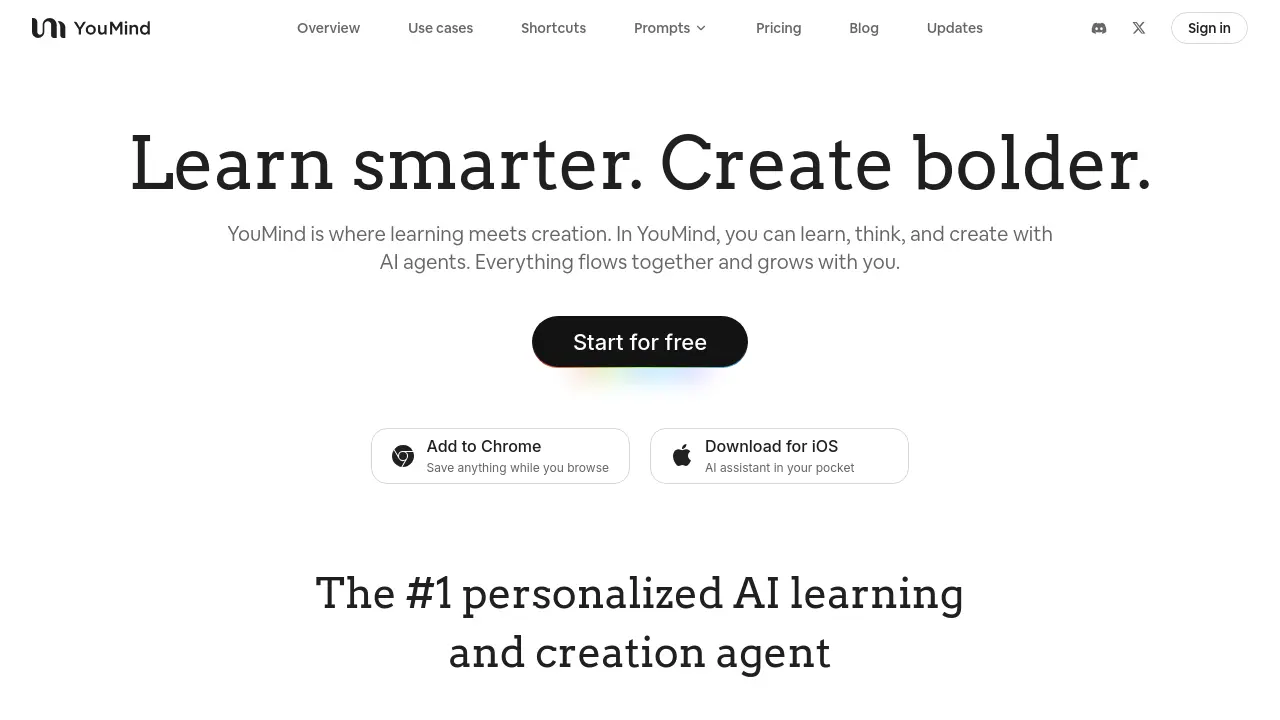
YouMind is an AI‑powered learning and creation platform that lets users capture, organize, and transform content into personalized insights and editable documents. It combines a web‑clipper extension, an iOS app, and a web interface to provide a unified workspace for students, researchers, and creators.
How does YouMind capture and organize content?
Through its Chrome extension and iOS app, YouMind allows users to save PDFs, webpages, YouTube videos, podcasts, audio recordings, Office files, and more. Highlights, notes, and annotations are stored in a project‑based system, where the AI learns from user interactions to generate tailored summaries and structured documents.
Which AI models does YouMind support?
YouMind supports multiple top‑tier models, including GPT‑4, Gemini‑3, and Seedream‑4.5. Users can choose the model that best fits their workflow, and the platform automatically adapts prompts to match the selected AI engine for optimal output quality.
Is there a free plan for YouMind?
Yes, YouMind offers a free tier that includes core features such as content capture, AI summarization, and basic editing. Paid plans unlock advanced capabilities like higher usage limits, premium prompts, and priority support, with pricing details available on the pricing page.
How do I install the YouMind Chrome extension?
To add the YouMind extension, visit the Chrome Web Store link provided on the website, click “Add to Chrome,” and grant the necessary permissions. Once installed, the extension icon appears in the browser toolbar, enabling instant clipping of any webpage or media content.
Can I use YouMind to manage YouTube videos?
Yes, YouMind’s extension and mobile app allow users to save YouTube videos directly. The platform extracts key timestamps, transcribes audio, and generates concise summaries or script drafts, making it a practical tool for video creators and researchers alike.
Does YouMind integrate with Notion or Readwise?
While YouMind does not offer native Notion or Readwise integration, users can export documents or summaries in Markdown or PDF format and import them into those services. The platform’s export options support seamless transfer of content between tools.
What privacy measures does YouMind implement?
YouMind does not use uploaded content or AI responses for training. All data is stored securely, and users retain full control over their notes and highlights. The platform follows strict privacy policies, ensuring that personal information remains confidential.
How can I customize prompts in YouMind Nano Banana Pro?
The Nano Banana Pro prompt library lets users select or edit pre‑built prompts tailored to specific tasks. Users can modify prompt text, add variables, or create new prompts entirely, then save them for repeated use across projects.
Is there a YouMind API or GitHub repository?
Yes, YouMind maintains an open‑source GitHub repository that includes SDKs, example integrations, and documentation for developers. The API allows programmatic access to content capture, AI generation, and project management features, facilitating custom workflows and automation.
How to use YouMind
- Sign up or sign in to YouMind via the web portal, Chrome extension, or iOS app. Authentication uses Google or email, granting access to the unified workspace.
- Add content by clipping PDFs, webpages, YouTube videos, podcasts, or Office files through the browser extension or mobile app. Each clip is stored in the project library.
- Organize clips into projects or boards, tagging them with keywords such as research, marketing, or personal. This structure keeps related materials easily searchable.
- Highlight, annotate, and add personal notes to each clip. The AI learns from these interactions, tailoring future insights to your reading style.
- Choose an AI model—Nano Banana Pro, Gemini 3, or GPT Image 1.5—and prompt the system to generate summaries, outlines, or creative drafts.
- Review the editable document produced by the AI. Edit, rewrite, or expand sections directly within the workspace, turning a rough draft into polished content.
- Export or publish the finished piece to blogs, social media, or PDF. The platform supports direct posting via WordPress, Medium, or email newsletters.
- Use the dashboard to monitor engagement metrics, note revisions, and track project milestones. Analytics help refine future prompts and content strategy.
- Iterate by adding new sources, adjusting prompts, or switching AI models. Continuous input and output keep the knowledge loop active and productive.
- Leverage multimodal AI to transform text into images, videos, or podcasts. The extension can auto‑generate visual assets for presentations or social posts.
