
T-Checker Introduction
T-Checker delivers private Turnitin‑style plagiarism and AI writing reports for students, academics, and researchers, enabling quick fixes before submission.

What is T-Checker
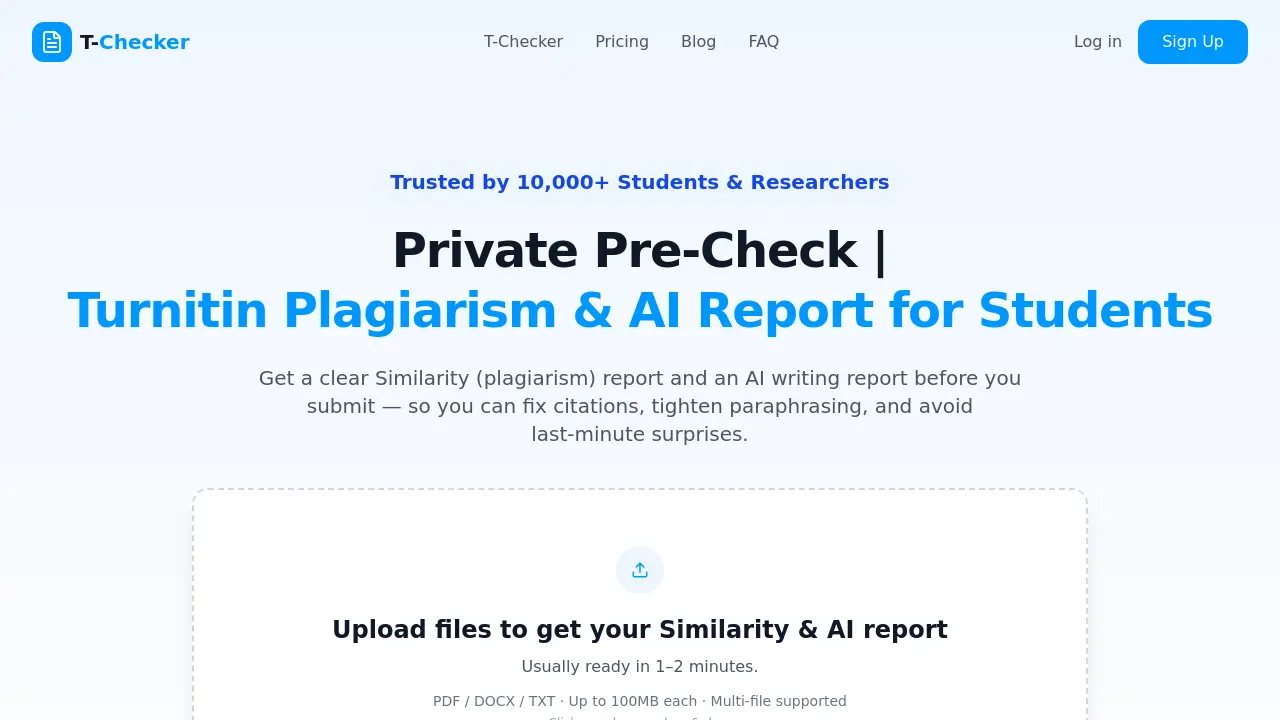
T-Checker is an independent online service that delivers plagiarism similarity reports and AI writing analyses for academic documents. Users upload PDF, DOCX, or TXT files up to 100 MB, and within one to two minutes receive downloadable reports that indicate text overlap, citation issues, and AI‑generated content indicators. The platform emphasizes privacy by storing no copies in external repositories, deleting files automatically after download, and encrypting transmissions with 256‑bit SSL. Pricing is subscription‑based, offering monthly and annual plans with varying credit counts, making it attractive for students, researchers, and academic staff who need quick, transparent checks before final submission. The service is noted for its simple three‑step workflow, bank‑level security, and third‑party verified data protection.
How does T-Checker work
T-Checker is an independent service that lets users upload PDF, DOCX, or TXT files to receive a similarity report and an AI writing report within one to two minutes. The platform processes documents in private mode, does not store files in its repository, and deletes them after download, employing AES‑256 encryption and 256‑bit SSL for security. It serves students, academic staff, and research assistants who need pre‑submission checks for plagiarism and AI‑generated content. Pricing starts at $3.59 per scan with credit‑based subscription tiers.
Benefits of T-Checker
The T‑Checker platform delivers rapid plagiarism and AI‑writing analysis, generating similarity and AI reports within one to two minutes after file upload. It supports PDF, DOCX, and TXT files up to 100 MB, and processes multiple files in a single batch. Users benefit from a private workflow that does not store documents in any repository, employs AES‑256 encryption, and enables immediate auto‑deletion after download. The service is tailored for students, academic staff, and research assistants seeking to verify citations, improve paraphrasing, and avoid unintended matches before final submission. Simple three‑step operation and transparent pricing further enhance its appeal.
Pros and Cons of T-Checker
Pros
- Fast results within 1–2 minutes.
- No repository storage ensures privacy.
- Secure 256‑bit SSL encryption.
- Supports PDF, DOCX, TXT multi‑file uploads.
- Affordable per‑scan pricing plans.
Cons
- Limited credits per subscription tier.
- Max 100MB file size per upload.
- No free tier or trial available.
- AI detection may miss subtle AI text.
- Requires internet connection for scanning.
