
TurboScribe FAQs
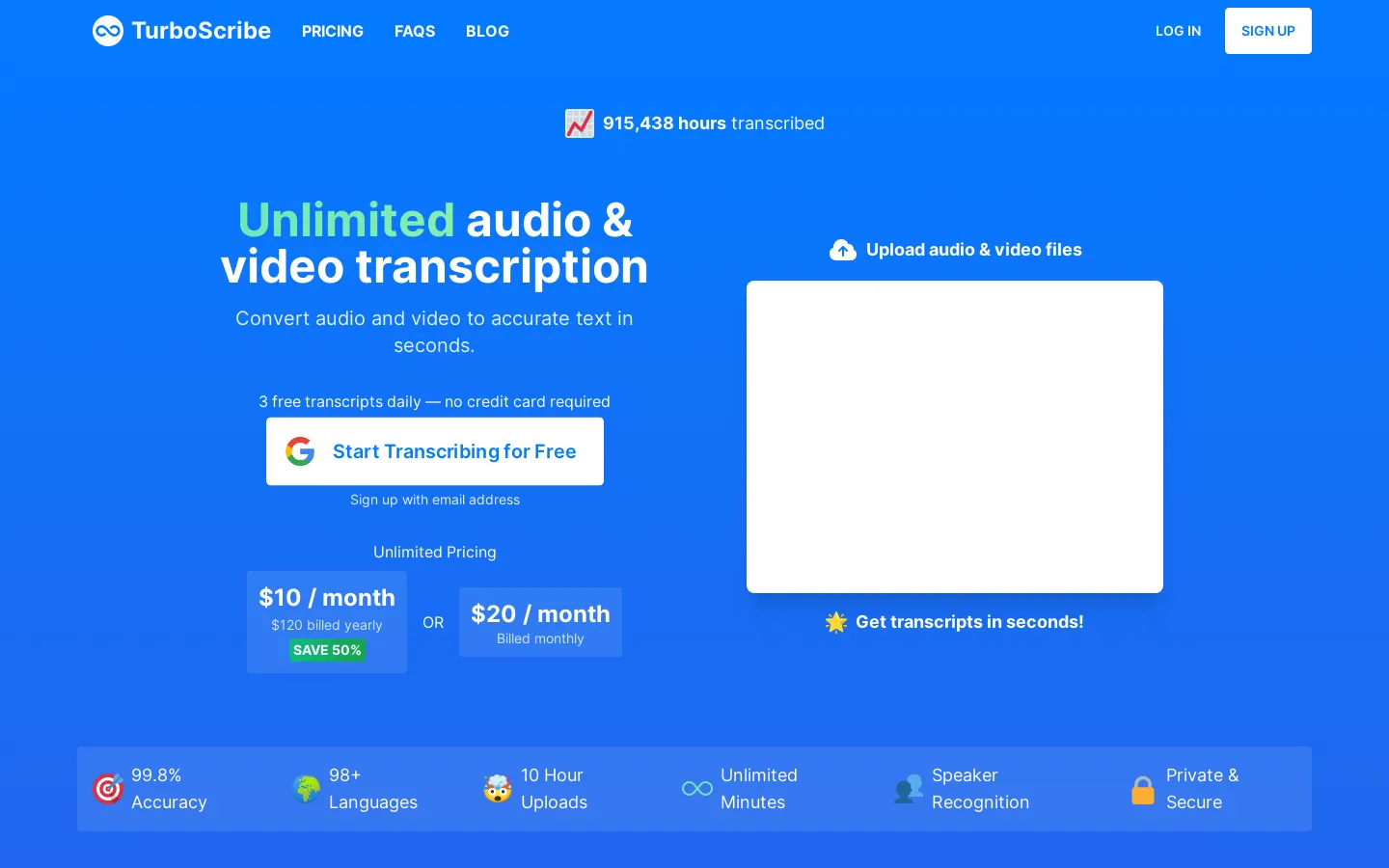
Convert unlimited audio and video files to accurate text with TurboScribe. Transcribe in 98+ languages with 99.8% accuracy. Download as PDF, DOCX, subtitles, and more. Get started for free!

FAQs of TurboScribe
What is TurboScribe?
TurboScribe is an AI-powered transcription service that converts audio and video files into text. It supports over 98 languages and claims to have an accuracy rate of 99.8%.
How does TurboScribe work?
You can upload your audio or video file to TurboScribe's website and it will automatically transcribe the content for you. You can then download the transcript in various formats, including PDF, DOCX, TXT, and subtitles (SRT).
What are the benefits of using TurboScribe?
TurboScribe offers several benefits, including:
- Unlimited transcription: You can transcribe an unlimited number of audio and video files.
- Fast transcription: TurboScribe transcribes your files in seconds.
- High accuracy: TurboScribe boasts a 99.8% accuracy rate.
- Multiple formats: You can download your transcripts in various formats, including PDF, DOCX, TXT, and subtitles.
- Free trial: You can try TurboScribe for free with three free transcripts every day.
What are the limitations of TurboScribe?
While TurboScribe is a great option for many users, it does have some limitations. For example:
- Limited free trial: You only get three free transcripts per day.
- No offline transcription: TurboScribe requires an internet connection to work.
What are the alternatives to TurboScribe?
There are many other transcription services available, such as:
- Otter.ai: Otter.ai is another popular AI transcription service that offers similar features to TurboScribe.
- Trint: Trint is a more comprehensive transcription service that also offers features like collaboration and editing.
Ultimately, the best transcription service for you will depend on your specific needs and budget.
