
The App Tools FAQs
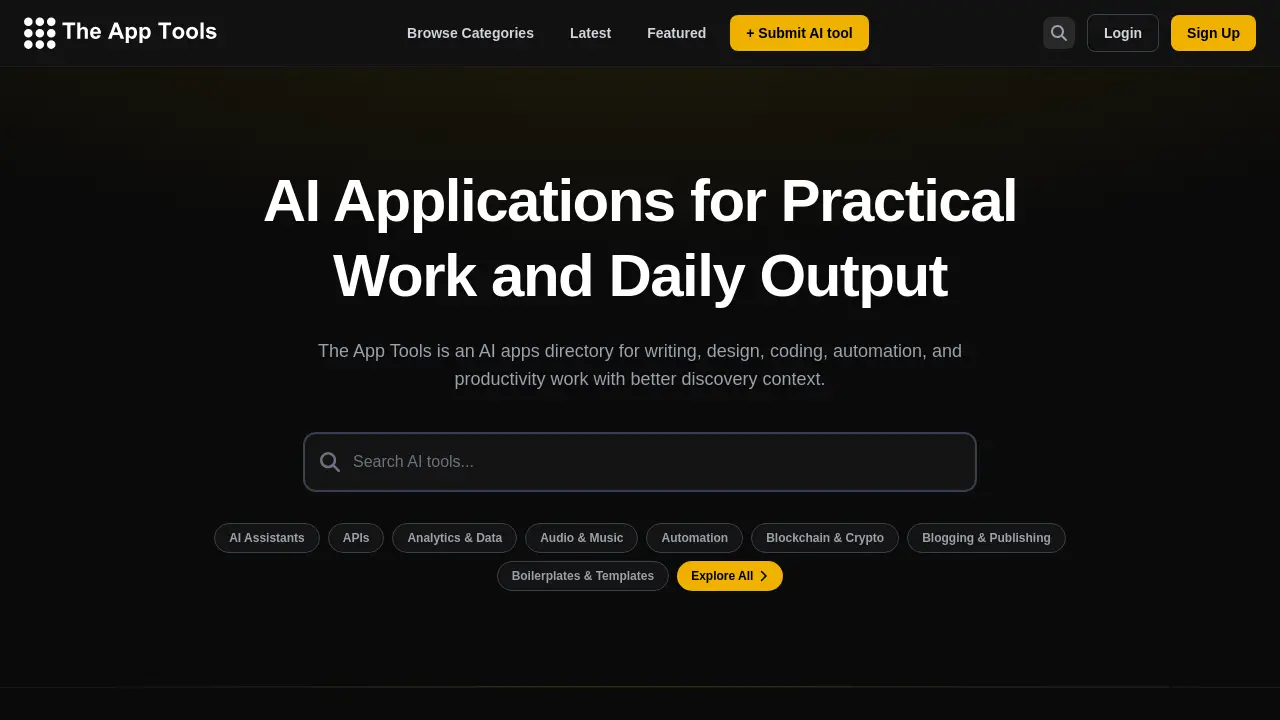
The App Tools is an AI apps directory that helps professionals discover tools for writing, design, coding, automation, and productivity with enhanced search and context.

FAQs of The App Tools
What kinds of AI apps does The App Tools cover?
The App Tools directory includes a wide range of AI applications organized into categories like writing, design, coding, automation, and productivity. It covers tools for content creation, image generation, coding assistance, and business process automation, providing comprehensive coverage for practical workflows.
How do I compare products on The App Tools?
Users can compare AI tools by using category and pricing filters to narrow options based on specific workflows or use cases. Detailed listings feature descriptions, pricing models, and category tags, enabling side-by-side evaluation of different AI applications for informed decisions.
Who is The App Tools for?
The directory serves professionals, students, and researchers evaluating AI software for real-world tasks. It is particularly useful for those in creative production, technical development, automation, and research who need contextual information to select appropriate AI tools for their projects.
Can I submit my own entry?
Developers and companies can submit their AI applications through the submission page on The App Tools. Each submission undergoes a review process to verify functionality and relevance before being added to the directory, ensuring quality and usefulness for users.
How frequently is The App Tools directory updated with new AI tools?
The App Tools regularly updates its directory to incorporate new AI tools and applications. Recent additions are highlighted in the 'Latest' section, and the catalog is consistently refreshed to reflect emerging technologies and innovations in AI software across various industries.
What evaluation criteria does The App Tools use for listing AI tools?
AI tools are evaluated based on their relevance, practical utility, and alignment with specific workflows such as writing, design, or coding. The directory prioritizes tools that offer clear applications for productivity and creativity, maintaining a focus on quality and user value.
Can I filter AI tools by specific industries or professional fields?
Yes, users can filter AI tools by category tags that correspond to industries like health, business & finance, marketing, or education. This allows for targeted discovery of AI applications tailored to niche professional requirements within broader functional areas.
Is The App Tools accessible on mobile devices?
The App Tools website is optimized for mobile access, featuring a responsive design that works on smartphones and tablets. Users can browse the AI apps directory, apply filters, and view tool details seamlessly on various devices for convenient on-the-go research.
How does the submission review process work for AI tool developers?
After submitting an AI tool, the review process assesses its functionality, compliance with directory guidelines, and relevance to target categories. Developers receive notification upon approval, and successful submissions are typically listed within a few business days after review.
How to use The App Tools
The App Tools is an AI apps directory designed for discovering and comparing artificial intelligence tools for practical work, including writing, design, coding, automation, and productivity workflows. Users can browse categorized listings, assess features and pricing, and identify suitable software for specific use cases. The platform serves as a central resource for evaluating AI applications without direct installation.
- Navigate to the official website at theapptools.com to access the AI apps directory.
- Explore tool listings by selecting a relevant category from the main navigation menu, such as writing or automation.
- Refine results using available filters for pricing models (free, freemium, paid) or tool status (latest, featured).
- Select an individual AI tool listing to review its description, primary use case, and direct link to the vendor's site.
- Click the provided "Visit" button to be redirected to the external tool's website for hands-on testing or account creation.
- For tool owners, locate the "+ Submit AI tool" option to begin the process of adding a new entry to the directory.
- Use the comparison context provided in listings—like category alignment and pricing—to make informed decisions about software adoption.
- Regularly check the "Latest" or "Featured" sections to stay updated on new and highlighted AI applications in the directory.
