
QuoteCraft AI FAQs
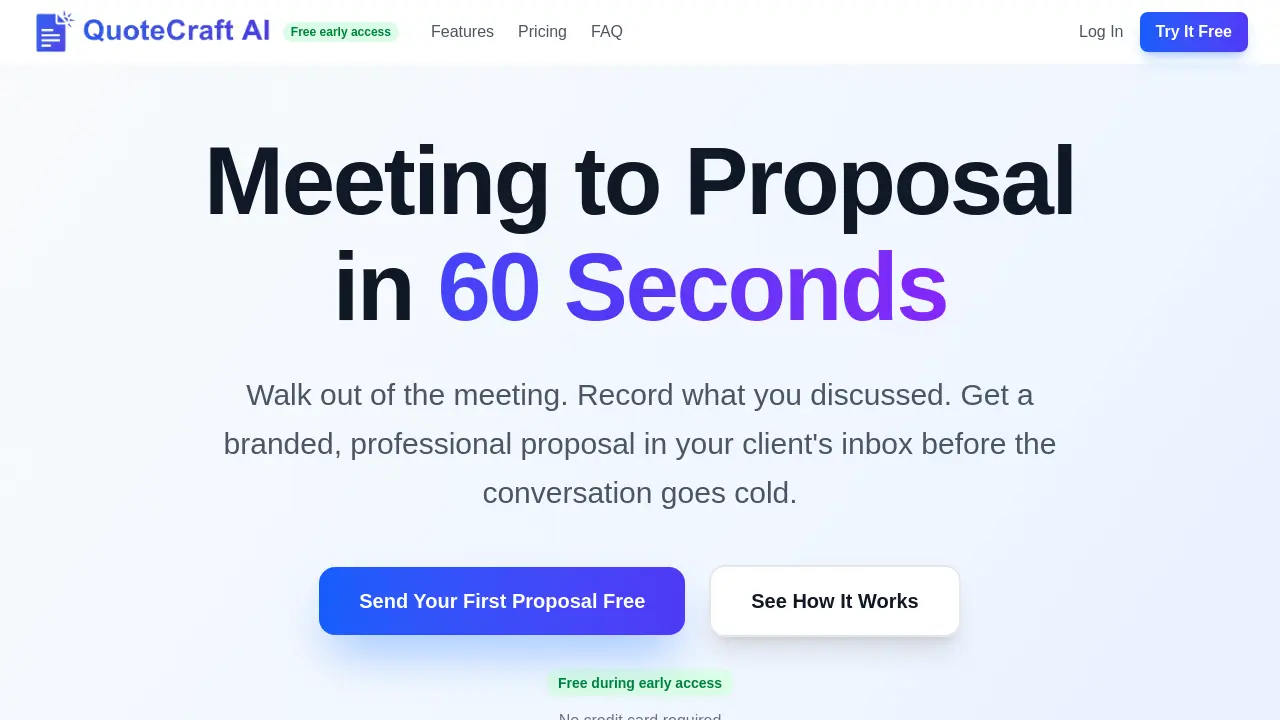
QuoteCraft AI generates professional proposals from meeting notes in 60 seconds for freelancers, with AI that learns your style from past proposals.

FAQs of QuoteCraft AI
Is QuoteCraft AI accessible on mobile devices?
Yes, QuoteCraft AI is a web-based application optimized for mobile browsers. This allows users to record meeting notes via voice or text directly from their smartphones immediately after a client meeting, supporting the core workflow of generating a proposal within 60 seconds while on the go.
What types of files can I upload for the AI to learn my style?
Currently, the style learning feature requires uploading a past proposal formatted as a PDF. The system analyzes the document's structure, tone, pricing format, and branding elements to replicate your unique proposal style in future AI-generated drafts.
Can I export my proposals to other formats like PDF or Word?
Yes, after generating and customizing a proposal, you can export the final document to a standard PDF format for your records or to share outside of the QuoteCraft platform. The platform's primary workflow focuses on sending a secure, interactive client link that houses the proposal and e-signature functionality.
Does QuoteCraft AI integrate with other tools like calendars or CRM software?
During the current early access phase, direct integrations with external calendars or CRM systems are not listed as a feature. The primary data input methods are manual voice recording or text entry of meeting notes. Future premium features, as noted in the pricing section, may include API access which could enable custom integrations.
How long does the free early access period last, and what happens after?
The early access period is currently free with no credit card required. The exact end date for this complimentary phase is not specified on the site. After early access concludes, paid plans starting at $9 per month will be introduced, as indicated in the pricing section. Users who sign up during early access lock in that free access for the duration of the Beta period.
How to use QuoteCraft AI
- QuoteCraft AI is a specialized tool for freelancers to convert meeting discussions into professional proposals rapidly. Users access the platform and begin by recording voice notes or typing project details.
- The AI engine processes the input, transcribing speech or parsing text to generate a structured proposal draft with line items, deliverables, timeline, and pricing sections automatically.
- Users can edit the proposal's content, including scope, terms, and pricing, to ensure accuracy and align with their personal or brand style before distribution.
- The finalized proposal is sent via a secure, branded email link, enabling clients to view the document directly without downloading or using external software.
- Clients interact within the link, toggling line items on or off; the total updates in real time, streamlining negotiation and reducing revision cycles.
- Integrated e-signature functionality allows clients to accept and sign the proposal legally within the same interface, with a timestamp for audit protection.
- Users track client engagement through analytics that show when the proposal is opened and time spent per section, informing strategic follow-up timing.
- A centralized dashboard displays all proposals, their statuses, and interaction metrics, facilitating management of multiple client opportunities efficiently.
- Uploading a past proposal PDF trains the AI on the user's tone, structure, and branding, ensuring generated proposals consistently match their established style.
- Security measures include encrypted data storage, optional two-factor authentication, and custom email domain support on paid plans for professional communication.
