
Meshy FAQs
Meshy generates 3D models from text prompts and images in 20-30 seconds, offering AI texturing, rigging, animation, and exports in FBX, OBJ, GLB, and STL.

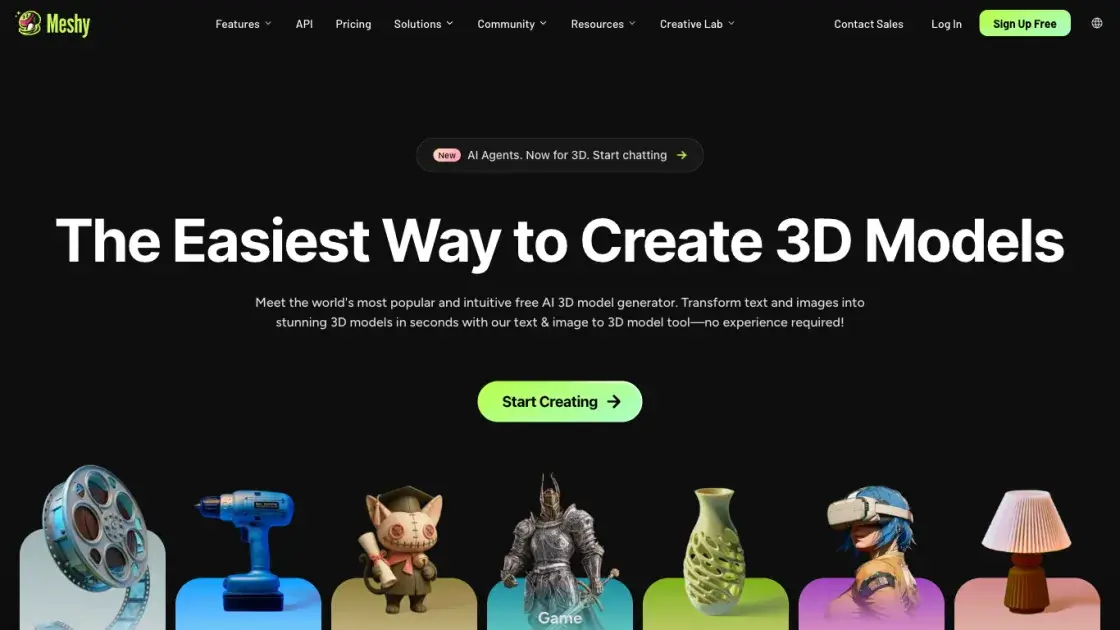
FAQs of Meshy
What is Meshy and who is it for?
Meshy is an AI-powered 3D model generator that creates textured 3D assets from text descriptions and reference images. It serves game developers, film studios, product designers, educators, and anyone who needs 3D models without specialized modeling skills.
How fast does Meshy generate 3D models?
Most models are generated within 20 to 30 seconds, depending on the complexity of the input description and the chosen generation mode. Text-to-3D and image-to-3D workflows have similar generation times.
What file formats does Meshy support for export?
Meshy exports 3D models in FBX, OBJ, GLB, and STL formats. These formats are compatible with major 3D software including Blender, Maya, Unity, and Unreal Engine, as well as 3D printing workflows.
Does Meshy offer a free plan?
Meshy operates on a freemium model with a free tier that includes limited generation credits. Paid plans unlock additional credits, faster generation, and advanced features like rigging and animation.
Can Meshy models be used in commercial projects?
Yes, models generated on Meshy can be used in commercial projects including games, films, product visualizations, and 3D printing. Users should review the platform's terms of service for specific licensing details.
How does Meshy compare to traditional 3D modeling?
Meshy dramatically reduces the time needed to create 3D assets compared to manual modeling, which can take hours or days. However, AI-generated models may lack the precision and customization of hand-crafted assets for high-end production work.
What industries use Meshy?
Meshy is used across game development, film production, product design, education, 3D printing, VR/AR development, and interior design. Enterprise customers include companies like Nexon, DNEG, and Square Enix.
How to use Meshy
- Sign up for a Meshy account at https://www.meshy.ai and select a plan that fits the usage needs, including a free tier with limited credits.
- Choose a generation mode: text-to-3D for prompt-based creation, or image-to-3D to convert a reference image into a 3D model.
- Enter a detailed text description or upload a reference image, then start the generation process which typically completes in 20 to 30 seconds.
- Review the generated 3D model in the built-in viewer, adjusting texturing, remeshing, or rigging settings as needed for the target application.
- Export the finished model in the desired format (FBX, OBJ, GLB, or STL) and import it into game engines, 3D software, or rendering pipelines.
- For video output, use the 3D-to-video feature to animate and render the model directly within the platform.
