
Maps Scraper: AI-Powered Lead Generation from Google Maps
| Added on: | Aug 22, 2024 |
| Monthly Visits: | 17.49K |
| Social & Email: | -- |

What is MapsScraperAI
MapsScraperAI is an AI-powered tool that extracts leads and data from Google Maps listings. It helps businesses gather valuable information like contact details, social media profiles, and customer reviews, streamlining lead generation and market research. With its intuitive interface and user-friendly design, MapsScraperAI simplifies the process of extracting data from Maps, saving businesses time and effort.
How does MapsScraperAI work
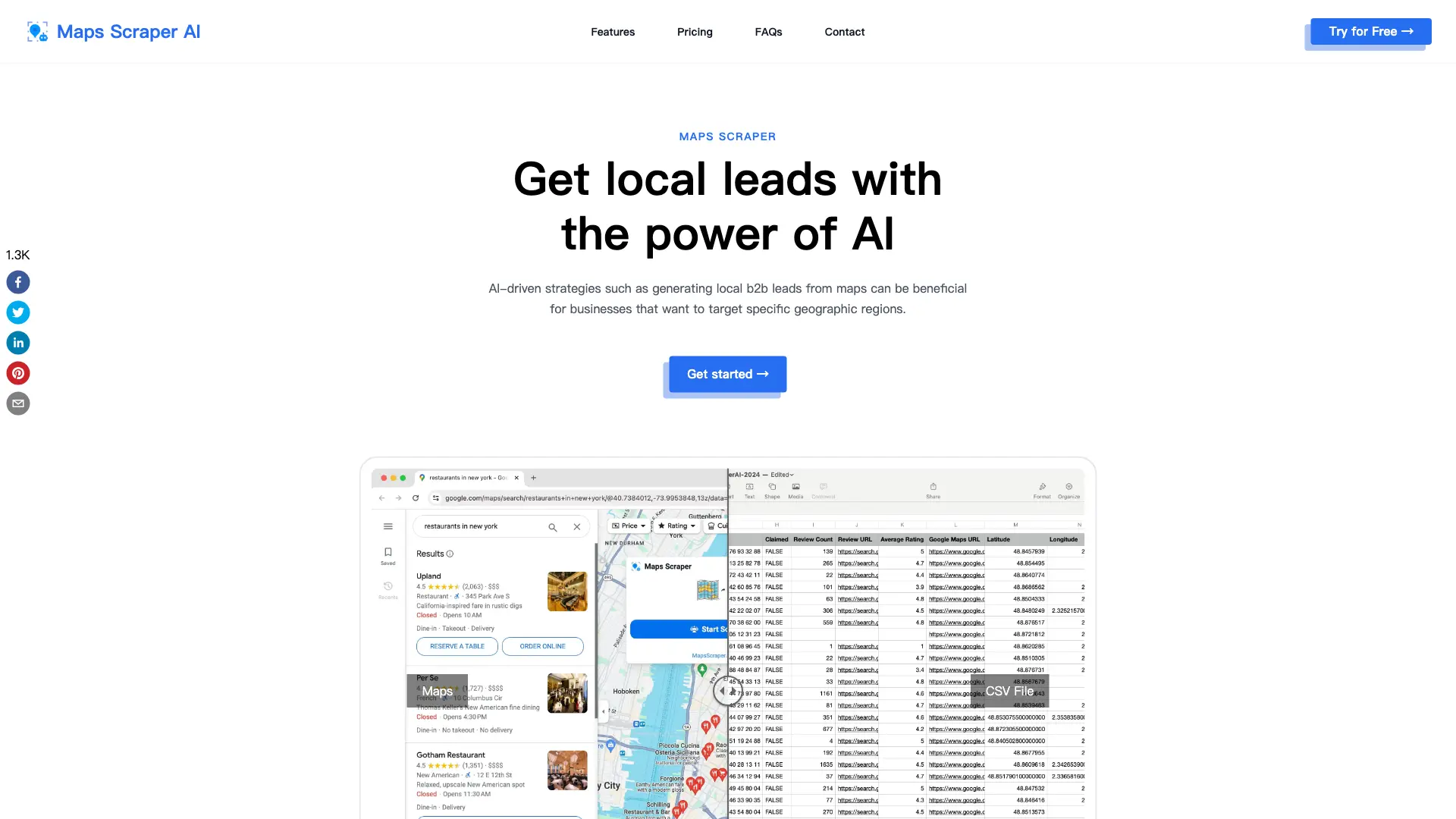
MapsScraperAI is a Google Maps data scraper and lead extractor that leverages AI to gather business information. This maps scraper extension operates by searching Google Maps, mimicking user behavior to avoid detection. It extracts diverse data fields including business names, phone numbers, email addresses, social media links, addresses, and reviews into CSV or XLS files. The software offers both free and pro plans, differentiating primarily in lead export limits and data extraction capabilities, such as email and social media extraction. Users can perform batch lookups and export unlimited records with the Pro plan, streamlining lead generation and market research.
Benefits of MapsScraperAI
MapsScraperAI is an AI-powered maps scraper and lead extractor designed for efficient lead generation and market research. This maps scraper extension easily extracts crucial data from Google Maps, including email addresses, phone numbers, social media links, and business details. The user-friendly interface requires no coding experience, enabling batch lookups and lightning-fast results. MapsScraperAI mimics real user behavior, minimizing the risk of Google Maps blocks. Choose from free and pro plans offering varying data export limits—perfect for students and businesses needing a reliable maps scraper & leads extractor.
Pros and Cons of MapsScraperAI
Pros
- Extracts various data types.
- User-friendly interface.
- Fast data extraction.
- Offers free and pro plans.
- Supports batch lookups.
Cons
- Limited free plan.
- Potential Google blocks.
- Relies on Google Maps data.
- No offline functionality.
- Chrome extension only.
Core Features of MapsScraperAI
Extract Email and Social Media
This feature enables the tool to gather email addresses associated with listed businesses, which are often not displayed directly on Maps. This provides valuable contact information for outreach and marketing.
Ease of Use
MapsScraperAI is designed for ease of use, eliminating the need for coding expertise. Users can extract data from Maps without writing any code (Python or JavaScript). This makes the tool accessible to a wider audience, including those with limited technical skills.
Batch Lookup
The tool offers batch search capability, allowing users to search for multiple keywords simultaneously. This streamlines the process of extracting data, making it efficient for large-scale lead generation or research projects.
Lightning-Fast Results
MapsScraperAI provides quick results, saving users time. It delivers instant, accurate insights without requiring users to develop and test a custom web scraping tool. This significantly improves efficiency and data acquisition speed.
Works Like a Real User
The tool mimics real user behavior by utilizing Google Chrome, minimizing the risk of being blocked by Maps. This ensures reliable and consistent data extraction while adhering to platform guidelines.
Well Maintained Software
MapsScraperAI is regularly updated to keep pace with any changes on the Maps website, ensuring seamless and uninterrupted operation. This commitment to maintenance guarantees the tool's functionality and compatibility with the evolving platform.
Use Cases of MapsScraperAI
- Real Estate Agents: Quickly identify potential clients and properties using the maps scraper ai and lead extractor for targeted marketing.
- Market Researchers: Gather comprehensive business data, including contact details and social media links, to support market analysis.
- Sales Professionals: Generate B2B leads using the maps scraper and leads extractor to expand their sales pipeline and reach new prospects.
- Business Developers: Identify competitors and analyze their geographic presence using the Google Maps data scraper for strategic planning.
- Recruiters: Find contact information for potential candidates using the AI-powered maps scraper extension to streamline the recruiting process.
FAQs of MapsScraperAI
What is Maps Scraper?
Maps Scraper refers to tools that extract data from Maps, allowing users to gather information like business listings, addresses, phone numbers, reviews, and more associated with places and locations on Maps.
Legal Considerations for Scraping Maps
The provided information suggests that scraping public data from websites like Maps is legally protected under the First Amendment of the U.S. Constitution, as large search engines also collect data through scraping.
Why don't I get all the results when searching for a large region?
For large regions like the whole state, search for smaller areas like cities or ZIP codes instead. Search 'Los Angeles restaurants' rather than 'California restaurants' for example.
How do I cancel my subscription?
There you can cancel your current subscription. From within the app, go to the settings menu and click 'Manage Subscription'. Or contact customer support via email and request to cancel your subscription.
Can’t find the answer you’re looking for? Reach out to our customer support team.
Customer support team support@mapsscraper.ai
How to use MapsScraperAI
- Begin by installing the MapsScraperAI Chrome extension. This grants access to its Google Maps data extraction capabilities.
- Next, perform a Google Maps search; specify your target area and keywords for optimal lead generation.
- Open the MapsScraperAI extension and initiate the scraping process. The tool will then extract relevant data.
- Subsequently, export the collected data as a CSV or XLS file. This facilitates further analysis and use.
- Finally, analyze the exported data – encompassing business names, contact details, and other relevant information – to refine your marketing strategy.
MapsScraperAI Website Traffic Analysis
Latest traffic information
- Monthly Visits17.49K
- Bounce Rate39.01%
- Pages Per Visit1.49
- Visit Duration00:00:05
- Global Rank1.55M
- Country/Region Ranking396.53K
Top Keywords
| Keyword | Traffic | Volume | Cost Per Click |
|---|---|---|---|
| google maps scaper italia | 110 | 120 | -- |
| google map scraper | 90 | 4.82K | $3.16 |
| google map scraper extension | 90 | 990 | $0.71 |
| extrair contatos google maps | 90 | 100 | -- |
| otomatik google maps veri eçekn araç | 90 | 90 | -- |
Top Regions
| Region | Percentage |
|---|---|
| India | 14.1% |
| Brazil | 12.67% |
| Italy | 9.64% |
| Indonesia | 8.14% |
| United States | 7.25% |
MapsScraperAI Alternatives
Alenta AI trains an AI agent on your website to answer visitor questions, capture qualified leads, and book appointments 24/7 for service businesses.
Read every public comment and reply on TikTok, Instagram and YouTube posts without signing in, and export the thread to CSV or Excel when the rows are needed.
Watch public TikTok stories, videos, comments and profile pictures by username with no login or app. One-at-a-time downloads are free; credits cover batches.
ZocialComment exports comments from TikTok, Instagram, YouTube, Reddit, Facebook and Threads to CSV or JSON with AI analysis. No signup required.
AI website cloner that rebuilds live sites from a URL into editable React + Tailwind. Free preview, multi-page clones, production-ready code export, no subscription.
Linkeddit is an AI demand and competitor intelligence platform that tracks competitor moves and complaints, surfaces buyer intent from Reddit and review sites, and turns signal into pipeline and content.

EnsembleData provides real-time social media scraping APIs for TikTok, Instagram, YouTube and more. Extract posts, profiles and analytics at scale.
RedReplier monitors Reddit, X, Bluesky, and Hacker News for keywords that match your product, ranks conversations by buyer intent, and alerts you so you can reply before anyone else.
EchoTik is a TikTok analytics platform that offers sellers, creators and brands real‑time and historical market data, influencer discovery, product selection and live‑stream monitoring to improve e‑commerce strategy.
KeyAPI is an AI‑ready unified social media API platform that gives developers, AI builders and automation engineers single‑key access to 20+ networks, real‑time and historic data, sub‑500 ms latency and auto‑scaling infrastructure.
Find Social Media Profile is an online username search tool that scans over 400 social networks in real time, helping recruiters, investigators, marketers and others quickly locate and export social media accounts.
AI Prospect Scout is an AI‑driven SDR platform designed for founders and lean outbound teams, offering ICP building, multi‑signal prospect discovery, AI‑generated outreach and automated reply handling to accelerate pipeline creation.