
Indigo FAQs
Indigo is a suite of desktop and web applications designed to help teams leverage the power of AI, including advanced ChatGPT-like features.

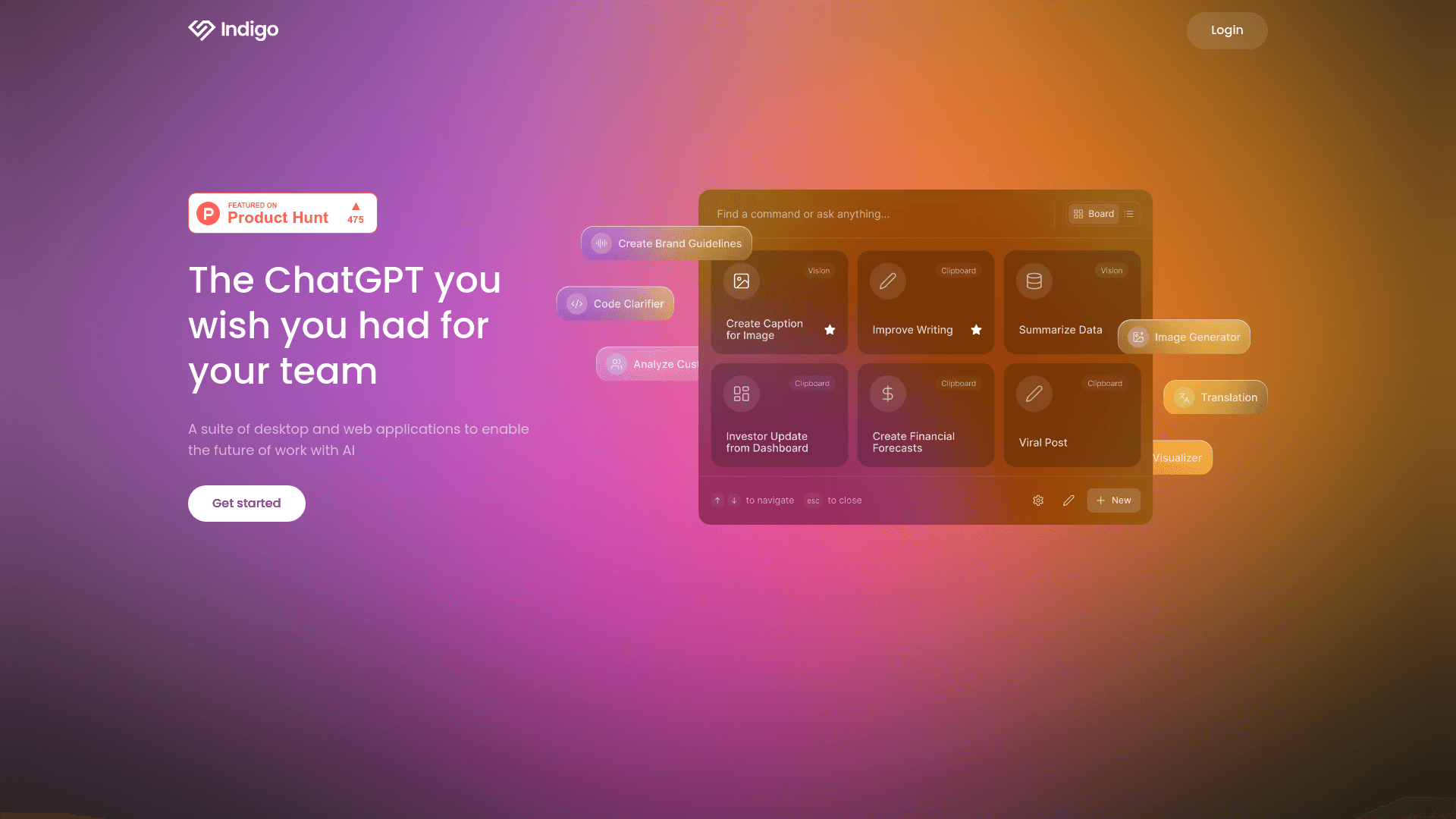
FAQs of Indigo
What is Indigo?
Indigo is a suite of AI-powered tools that streamline your workflow. It includes a chatbot interface, collaborative writing tools, and a platform for managing AI models.
How can I use Indigo?
You can access Indigo through its web and desktop applications. You can sign up for an account and start using the various features to enhance your tasks and workflows.
What types of AI models are supported by Indigo?
Indigo supports a wide range of AI models, including those based on natural language processing (NLP) and machine learning. You can access and utilize the models that best suit your specific needs.
Can I customize the AI models in Indigo?
Yes, Indigo allows you to customize AI models to fit your specific requirements. You can fine-tune models for specific tasks or domains to achieve desired results.
What is the pricing for Indigo?
Indigo offers different pricing plans for individuals and businesses. You can explore the pricing options on their website.
How to use Indigo
- Begin by creating a free Indigo account; this grants access to the platform's features.
- Download and install the Indigo desktop application for seamless integration with your workflow.
- Explore the command library or build custom AI commands tailored to your team's needs.
- Connect Indigo to relevant organizational data sources to enhance AI intelligence.
- Use Indigo's various input methods, such as highlighting text, vision commands, or clipboard inputs, to run AI commands efficiently.
- Review and interpret the AI-generated results to streamline tasks and boost team productivity. This can include things like improved document editing or code generation.
- Manage teams and user permissions within the Indigo platform to control access and maintain security. This ensures proper data governance.
- Utilize Indigo's smart highlights feature to quickly process information and improve efficiency in various applications.
- Leverage the platform's data integration capabilities to connect with crucial organizational data sources.
- Take advantage of Indigo's 14-day free trial to assess its suitability for your team's workflow before committing to a paid subscription.
