
Image Ally FAQs
Image Ally automatically generates SEO-friendly image metadata for WordPress, saving time and improving website accessibility.

FAQs of Image Ally
How does Image Ally work?
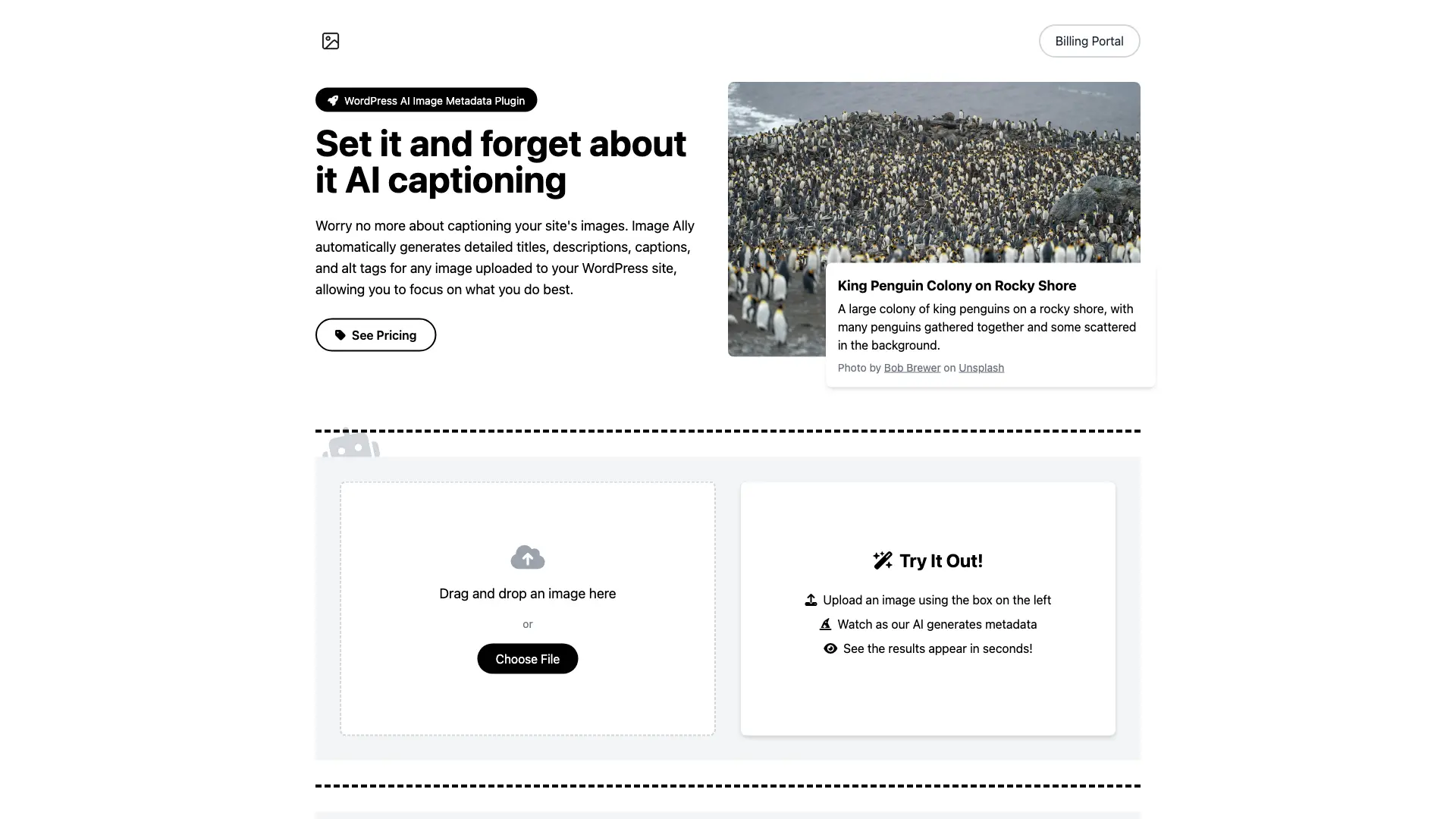
Image Ally uses advanced AI technology to automatically generate metadata for your images. When you upload an image to your WordPress site, our plugin analyzes it and creates detailed titles, descriptions, captions, and alt tags.
Is Image Ally compatible with my WordPress theme?
Yes, Image Ally is designed to work seamlessly with any WordPress theme. It integrates directly with WordPress's media library, ensuring compatibility across different setups.
Can I edit the AI-generated metadata?
Absolutely! While Image Ally provides high-quality metadata, you always have the option to review and edit any of the generated content to better suit your needs.
How do I download and install the plugin?
The plugin is available for download from our website: imageally.net/image-ally.zip. Once you have the file, you can install the plugin in WordPress by navigating to the Plugins page and clicking "Add New." From there, you can upload the plugin and activate it.
Where can I find my license key?
Your license key is located in the email you received after purchasing the plugin. It is a unique code that is used to activate your subscription. If you cannot find your license key, please contact us at billing@imageally.net.
How do I manage my subscription?
You can access your subscription details and invoices, manage your plan, and change your billing details at billing.imageally.net.
What if I need help or have more questions?
We're here to help! You can reach out to our support team at any time via billing@imageally.net. Make sure to include your website address and license key in your email to speed up the support process.
How to use Image Ally
- Begin by installing the Image Ally WordPress plugin from imageally.net/image-ally.zip, activating it within your WordPress dashboard.
- Upload an image through the plugin's interface, either by drag-and-drop or file selection. The AI will then process the image.
- Image Ally will automatically generate metadata including title, description, alt text, and caption. Review the AI-generated content.
- Edit the generated metadata as needed to ensure accuracy and optimal SEO. This allows customization for specific needs.
- The enhanced image metadata improves SEO and accessibility, optimizing your website content. This is a key function of the plugin.
- Manage your Image Ally subscription and billing details at billing.imageally.net, accessing invoices and changing plans.
- Contact support via email at billing@imageally.net if you have questions or need assistance; include your website and license key.
