
FigForm FAQs
FigForm offers a free, Figma-like form builder for creating customized forms and surveys, enhancing user interaction and data collection.

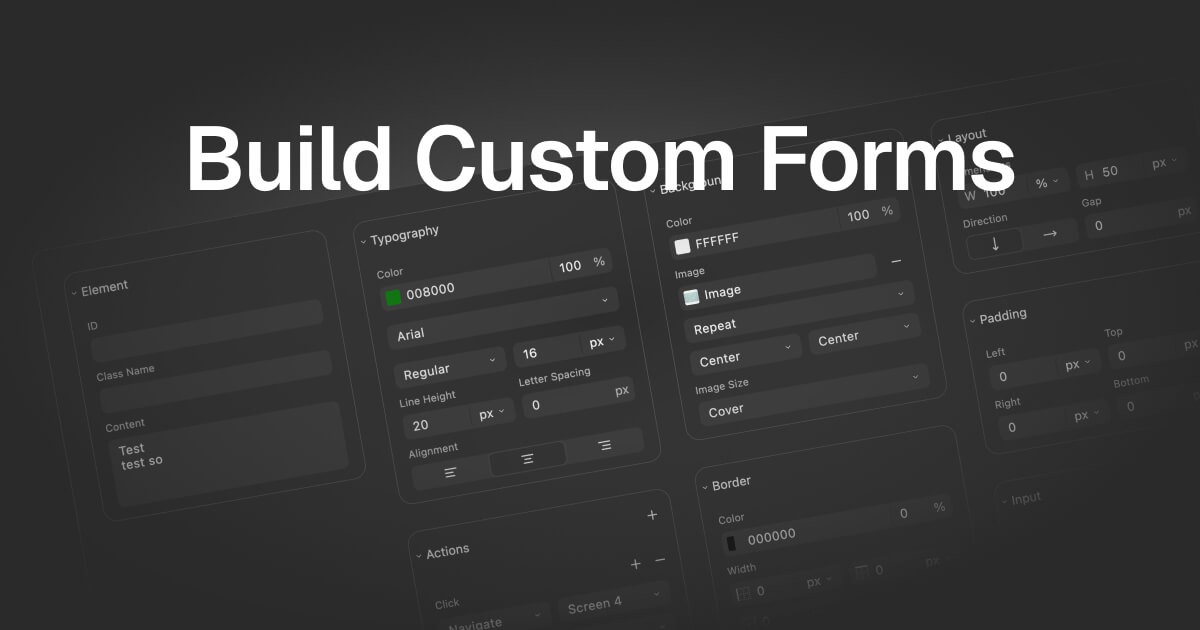
FAQs of FigForm
What is FigForm?
FigForm is a form builder designed for marketers that allows users to create stunning, high-converting forms with a Figma-like drag-and-drop editor. It aims to provide an intuitive design experience, similar to Figma, for building functional and visually appealing forms.
What are the key features of FigForm?
FigForm provides a Figma-like visual editor for precise styling and drag-and-drop building. It also offers user interaction analytics, A/B testing & optimization, conditional logic & branching, a template library, and integrations & API connectivity. These features are designed to help marketing teams create forms that drive results.
Does FigForm offer integrations?
Yes, FigForm provides integrations with various marketing and CRM tools through its API and native integrations. This allows users to connect FigForm to their existing workflows and incorporate forms seamlessly into their processes for enhanced data management and automation.
Is there a free trial available for FigForm?
Yes, FigForm offers a free trial. Users can sign up for free to experience the power of Figma-like form creation and customized surveys. This allows potential customers to test the platform's features and determine if it meets their needs.
What kind of analytics does FigForm provide?
FigForm offers user interaction analytics to provide insights into how users interact with forms. This includes tracking completion rates, time spent on each field, and drop-off analysis, enabling users to optimize their forms for higher conversion rates and improved user experience.
How to use FigForm
FigForm is a powerful form builder designed for marketers, enabling the creation of high-converting forms using a Figma-like editor. It offers features like drag-and-drop interface, precise styling, and user interaction analytics.
Begin by signing up for a free FigForm account to access the form builder and start designing your forms, surveys, or questionnaires immediately.
Explore the template library for pre-designed forms, or initiate a new project to craft a form from scratch using the drag-and-drop interface and styling options.
Utilize the Figma-like design editor to add and arrange form elements, customize the form's appearance with pixel-perfect control, and ensure a visually appealing design.
Configure conditional logic and branching to create dynamic forms that adapt based on user input, improving completion rates through personalized experiences.
Integrate FigForm with your existing marketing and CRM tools using native integrations or the API, streamlining your workflow and automating data transfer.
Access user interaction analytics (coming soon) to track form performance, identify drop-off points, and gather insights to optimize forms for higher conversion rates.
Implement A/B testing (coming soon) to compare different form variations and identify the most effective designs, automatically optimizing for improved conversion rates.
Consider becoming a FigForm partner to leverage the platform for your clients, benefitting from its form building capabilities and analytics features.
