
DemandBird FAQs
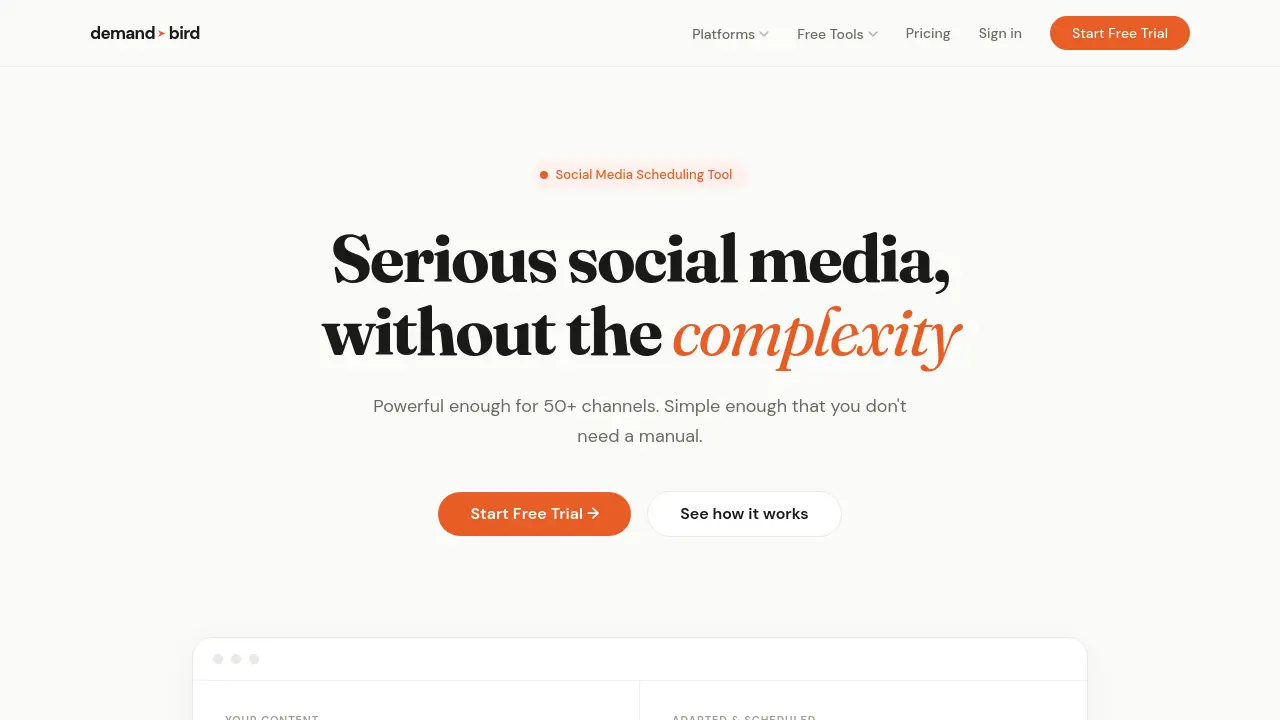
This social media scheduling tool adapts your content for LinkedIn, Twitter, Bluesky, Instagram, and more, saving you time by writing once and posting everywhere.

FAQs of DemandBird
What is DemandBird?
DemandBird is a social media scheduling tool designed to simplify content management across multiple platforms. It offers features like scheduling, analytics, repurposing, AI-powered adaptation, and listening tools to help users streamline their social media presence.
Which platforms does DemandBird support?
DemandBird currently supports LinkedIn, Twitter (X), and Substack, with upcoming support for Threads, Bluesky, and YouTube. The platform adapts content to fit the tone, length, and format of each network.
How does DemandBird's AI repurposing feature work?
DemandBird's AI repurposing feature allows users to paste one piece of content, which the tool then automatically rewrites for each platform. It adjusts the tone, length, and format to match the specific requirements of LinkedIn, X, Bluesky, Substack, and other supported platforms.
What are the key benefits of using DemandBird?
DemandBird saves users approximately 45 minutes per post by handling the adaptation and scheduling of content across multiple platforms. It eliminates the need for manual rewriting and copy-pasting, allowing users to focus on creating quality content.
How does DemandBird's content library work?
DemandBird's content library saves every post you schedule, making it easy to resurface, remix, or repurpose past content. Users can pull any saved post and adapt it for a new platform or angle with just one click, ensuring that great ideas are never lost.
Can I try DemandBird for free?
Yes, DemandBird offers a free trial. Users can create a free account and start turning one piece of content into a full week of posts across every platform they care about.
How to use DemandBird
- Visit the DemandBird website and click "Start Free Trial" to create an account.
- After logging in, select the social media platforms you want to manage within DemandBird.
- Write your content once in the DemandBird editor, using the provided character limits for each platform.
- Click "Auto-Adapt" to have DemandBird automatically reformat your content for each selected platform.
- Review the adapted posts, making any necessary tweaks to ensure they match your desired tone and style.
- Schedule your posts across all platforms by selecting the desired dates and times for each post.
- Monitor your post performance using DemandBird's unified analytics dashboard, which provides insights across all connected platforms.
- Access your content library to repurpose and adapt previous posts for new platforms or angles as needed.
