
DataLab FAQs
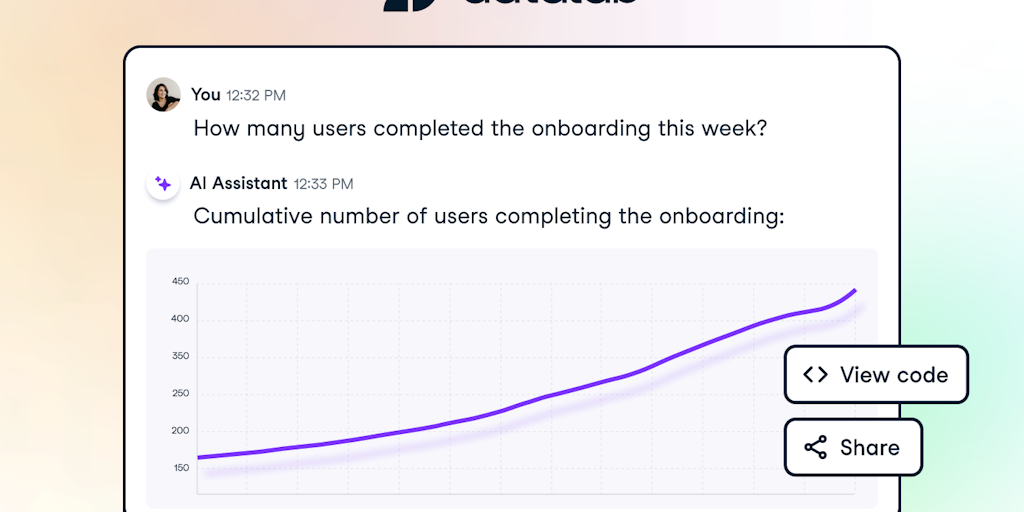
DataLab is a powerful data notebook that leverages generative AI technology to help you analyze and gain insights from your data. Easily connect your data sources, ask the AI for what you need, and get valuable insights in just a few clicks. Join thousands of premium members and change your data game today.

FAQs of DataLab
What is DataLab?
DataLab is a web-based data analysis platform that allows you to write code, run analyses, and share your data insights. You can go from data to insights in seconds without leaving your browser.
How do I use DataLab?
DataLab is super easy to use! First, you'll need to sign up for a free account on the DataCamp website. Once you're signed in, you can create a new project and upload your data. You can then use the platform's built-in tools to explore your data, build models, and generate reports. It's like having a data science playground right in your browser!
What can I do with DataLab?
DataLab is awesome for lots of things! You can use it to:
- Explore and analyze your data: Create beautiful visualizations to get a better understanding of your data.
- Build models: Build machine learning models to predict outcomes and make better decisions.
- Share your insights: Collaborate with others on your projects and share your findings with the world!
How does DataLab compare to other data analysis tools?
DataLab offers a more accessible and user-friendly approach to data analysis, especially for beginners. Other tools can be more complex and require more coding experience, but DataLab helps you get started quickly and easily. Plus, DataLab has a cool "Share" feature that makes it super simple to collaborate with others on projects. 😊
Does DataLab require any coding knowledge?
You don't need to be a coding guru to use DataLab! The platform uses a simple, intuitive interface, and you can easily learn the basics by following the tutorials. It's a great way to learn some basic coding while you're working on your data. 😉
Can I import my own data into DataLab?
Yes, you can! DataLab lets you upload data from your computer, or import it from popular sources like Google Sheets. It's pretty flexible!
Is DataLab free to use?
DataLab offers a free plan, but you can upgrade to a paid plan for more storage and features.
What are some other benefits of using DataLab?
Here are a few more things that make DataLab awesome:
- No installation needed: You can access DataLab from any computer with an internet connection.
- Collaborative: Easily work on projects with your team, no matter where they are.
- Built-in libraries: DataLab comes with a bunch of pre-built libraries, so you don't have to reinvent the wheel.
- Integrations: Connect DataLab to other tools and platforms to streamline your workflow.
