
Codex Theme Core Features
An independent community guide for previewing and installing custom Codex themes with wallpaper support and translucent panels.

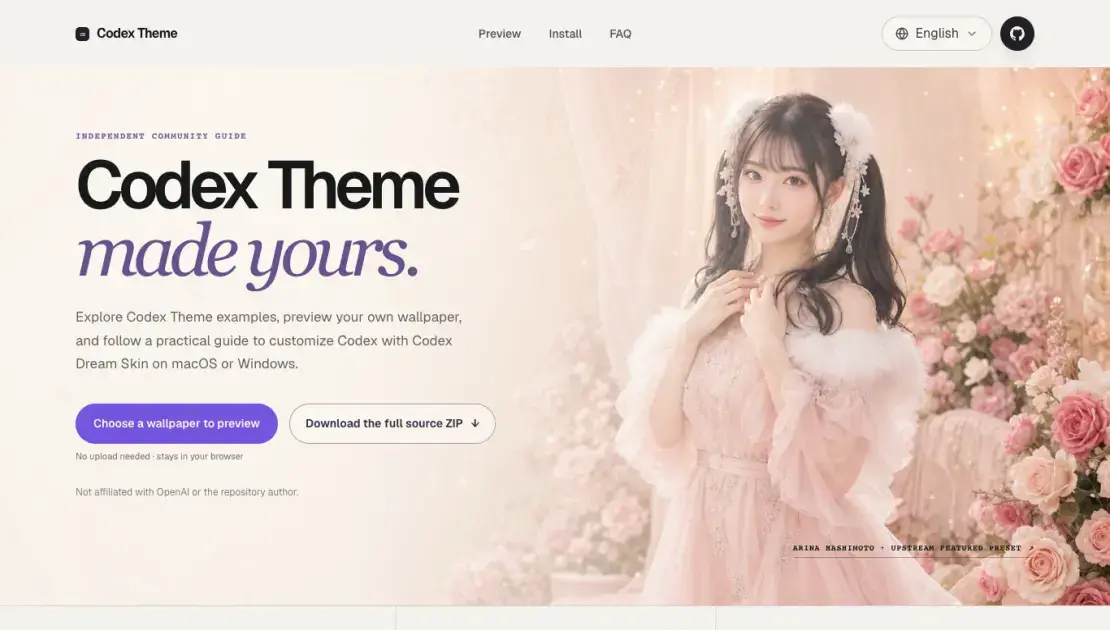
Core Features of Codex Theme
Local Preview
The preview tool runs entirely in the browser. Users can upload a wallpaper and see how it would appear as a Codex background without uploading anything to a server. This lets them judge composition before editing theme assets.
Cross-Platform Installation
Codex Dream Skin supports both macOS and Windows. macOS users run a command-based installer, while Windows users use PowerShell scripts. Each platform has dedicated documentation linked from the guide.
Reversible Setup
Users can restore the official Codex appearance at any time using the restore process included in the repository. The theme does not modify the official app package, so reverting is straightforward.
Custom Backgrounds and Colors
Codex Theme combines a custom wallpaper with coordinated colors and translucent interface panels. Navigation, cards, and the prompt box remain fully interactive while the visual layer is applied.
Independent Community Guide
The guide is not affiliated with OpenAI or the Codex Dream Skin author. It provides documentation, a preview tool, and directs installation traffic to the original source repository.
Use Cases of Codex Theme
- Developers who spend long hours in the Codex coding workspace and want a more visually appealing environment to reduce fatigue and improve focus.
- Users who enjoy personalizing their development tools with custom wallpapers, color palettes, and translucent interface elements.
- Teams looking for a standardized visual theme across shared Codex workstations while keeping all interactive controls functional.
- macOS and Windows users who want to explore third-party Codex customization options with a safe, reversible, and well-documented approach.
