
AvenChat FAQs
This website offers free Gemma 4 web chat, model comparisons, hardware requirement tables, and local setup guides for Ollama, LM Studio, and more.

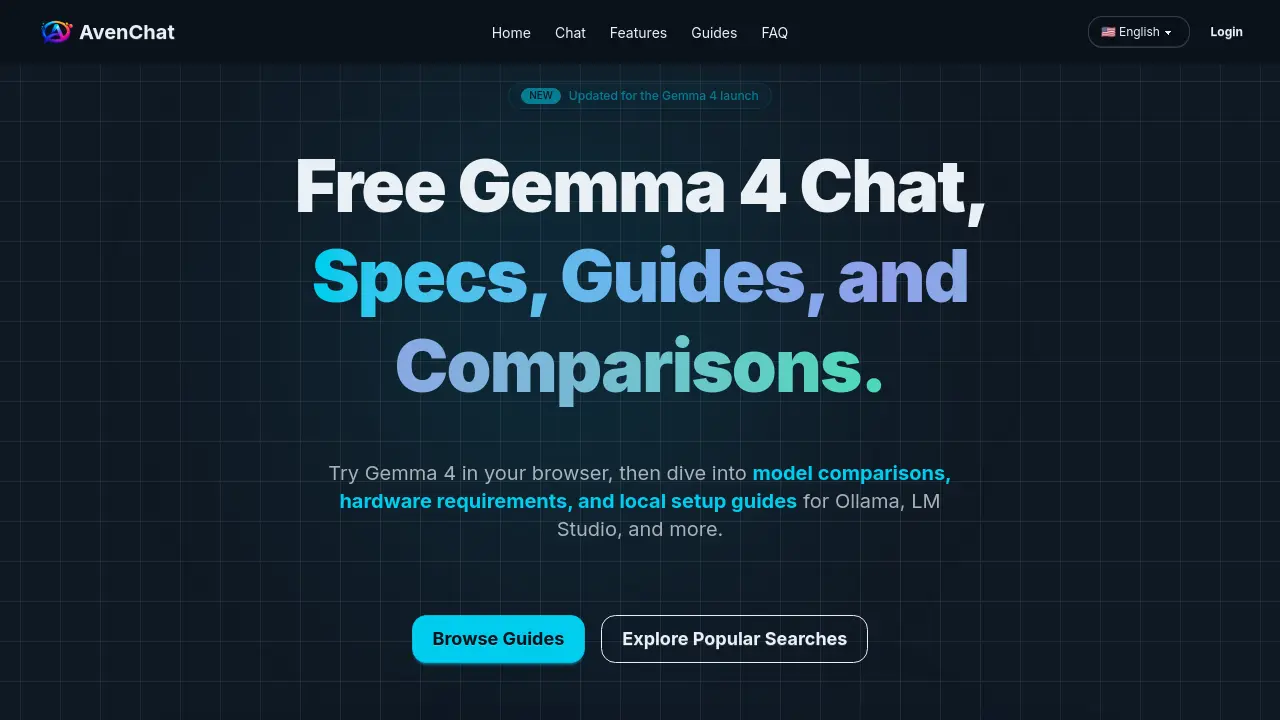
FAQs of AvenChat
What is AvenChat?
AvenChat is a Gemma 4 hub that provides free web chat, model comparisons, hardware requirement guides, and local setup walkthroughs for the Gemma 4 model family. It serves as a comprehensive resource for users to explore and utilize Gemma 4's capabilities.
What is Gemma 4?
Gemma 4 is Google's open-weight model family designed for reasoning, multimodal input, and flexible deployment. The official family includes four variants: 31B, 26B A4B, E4B, and E2B, each catering to different use cases and hardware requirements.
How can I try Gemma 4 for free?
You can try Gemma 4 for free on AvenChat's website. The platform offers a browser-based chat interface where you can test prompts, summarize documents, and compare outputs before deciding whether to set up a local or hosted environment.
Which Gemma 4 model should I choose?
The choice of model depends on your specific needs. The 31B model is quality-first, the 26B A4B is efficiency-focused, and the E4B and E2B variants are lighter and easier to run on less powerful hardware. For a detailed comparison, refer to AvenChat's model comparison guide.
Can I run Gemma 4 locally?
Yes, Gemma 4 is designed for flexible deployment paths, including local setups. You can run it using various local runtimes such as LM Studio, llama.cpp, MLX, Gemma.cpp, and Ollama. AvenChat provides setup guides for these platforms to help you get started.
What hardware do I need to run Gemma 4?
Hardware requirements vary by model size and quantization. For example, the E2B variant requires approximately 3.2 GB in Q4, while the 31B variant needs about 17.4 GB in Q4. It's essential to choose the right variant based on your hardware capabilities before downloading.
Does Gemma 4 support images and audio?
All official Gemma 4 models accept image input. The smaller E2B and E4B variants additionally support native audio input, while the larger 31B and 26B A4B models focus on text-plus-image workloads.
Is Gemma 4 better than Qwen?
There is no single universal winner between Gemma 4 and Qwen. Gemma 4 may be preferable if you value the official Google ecosystem, Apache 2.0 licensing, and clear variant selection. Qwen might be better if your team already prefers the Qwen toolchain or Alibaba Cloud stack.
Where should I start with Gemma 4?
If you're still evaluating quality, start with the free chat on AvenChat. If you're choosing a model size, read the model comparison guide first. If you know you want local inference, start with hardware requirements and then move to the setup guides.
How to use AvenChat
AvenChat is a web-based platform for interacting with Google's Gemma 4 language model family. It offers free browser-based chat, model comparisons, hardware requirement guides, and local setup walkthroughs for running Gemma 4 on your own machine.
- Navigate to the AvenChat homepage at https://avenchat.com/.
- Explore the available options: Home, Chat, Features, Guides, and FAQ.
- Click on "Chat" to access the free Gemma 4 web chat interface.
- Sign in to save your conversations and access personalized features.
- Use the provided quick prompts or write your own to interact with Gemma 4.
- Review the generated responses and refine your prompts as needed.
- To learn more about Gemma 4, click on "Guides" to access comprehensive setup and comparison resources.
- Refer to the FAQ section for answers to common questions about Gemma 4 and AvenChat.
