
Audioscribe FAQs
Just hit record, spell it all out, and Audioscribe will turn it into a well-structured note. Created with Wordware, a tool for building AI agents.

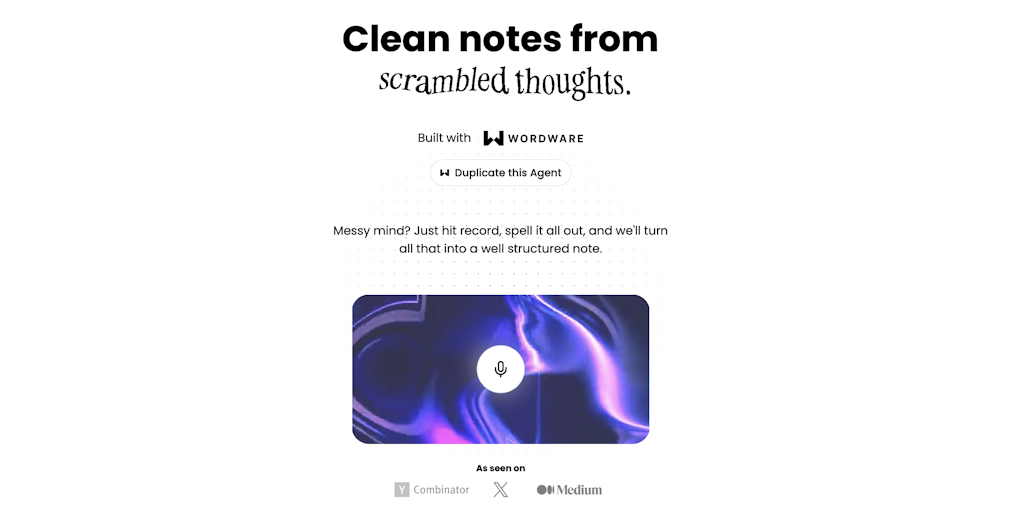
FAQs of Audioscribe
What is Audioscribe?
Audioscribe is a tool that uses AI to turn audio recordings into text. It's built by Wordware, a company focused on AI tools to help you with your work.
How do I use Audioscribe?
You can upload your audio file to Audioscribe and it will transcribe it into text. You can then edit the text, download it, or share it.
What makes Audioscribe different from other transcription tools?
Audioscribe uses cutting-edge AI to ensure accurate and efficient transcriptions. It's designed to handle different accents and background noise, making it a reliable tool for a variety of audio formats.
What are the benefits of using Audioscribe?
Using Audioscribe saves you time by automatically transcribing your audio recordings. You can then focus on editing and using the text for your projects, such as creating meeting notes, generating blog posts, or even creating subtitles for videos.
How to use Audioscribe
Audioscribe is an AI-powered tool designed to transcribe spoken words into structured notes. It's built on Wordware, allowing users to transform audio recordings into text for various applications.
Begin by accessing the Audioscribe application via the provided Wordware link. This initiates the AI-driven transcription process for your audio.
Initiate a recording or upload an existing audio file. Audioscribe will analyze the audio, transcribing speech to text in real-time or from the uploaded file.
Review the transcribed text generated by Audioscribe. The application structures the notes, organizing your thoughts into a coherent format.
Edit and refine the transcribed text to correct any errors or to further structure the content according to your specific requirements.
Utilize the organized text for project write-ups, brainstorming sessions, email composition, social media posts, or any other supported application.
Explore Wordware to customize Audioscribe's functionality. Adjust prompts and settings to better suit specific transcription needs.
Consider subscribing to the newsletter for updates on Audioscribe and related Wordware projects, improving your understanding of the platform.
