
ContractMaker FAQs
ContractMaker is an AI-powered tool that helps service providers create clear, professional contracts with plain-English explanations and export them to PDFs in minutes.

FAQs of ContractMaker
What is an AI contract generator?
An AI contract generator is a guided tool that turns your service details into a draft agreement in under five minutes. You describe the scope, pricing, frequency, and rules, and it produces a clear service contract with plain-English explanations and a ready-to-use PDF file you can share. This tool is purpose-built for home and pet care work, offering a faster and more reliable alternative to generic legal forms.
What types of service contracts can be generated?
The generator can produce several specific contract types for freelancers, small businesses, and agencies. These types include residential and commercial cleaning, weekly lawn care and mowing, in-home pet sitting visits, on-demand snow removal, general handyman tasks, and independent contractor or freelance agreements.
How much does this contract maker cost?
You can create and review a customized draft contract for free, allowing you to ensure the document meets your needs. Payment is only required when you are ready to download the full document. The price is clearly shown before any purchase for tasks like exporting a contract template PDF or DOCX file, eliminating surprises.
Is this tool considered legal advice?
No, this tool is a document builder for generating draft service agreements and plain-language explanations for general informational purposes only. It is not a substitute for legal advice from a qualified attorney licensed in your state. You should consult a professional for advice regarding specific enforceability or compliance with local laws.
How is my information kept private?
The service uses your answers solely to generate and improve your contract draft. The system does not sell your service details, client information, or contract data to third parties. A full explanation of data handling and user privacy can be found in the platform's Privacy Policy.
Does the tool account for different state laws?
This tool focuses on creating clear, practical business terms for typical home and pet care services. It does not verify specific state laws or guarantee that any clause is legally enforceable in a particular jurisdiction. For questions about legal requirements or contract enforceability in your state, you should speak with a local attorney.
How does this tool compare to other legal AI platforms?
Many legal AI platforms are contract review tools designed to analyze existing agreements for risks and clause patterns. In contrast, this platform is a contract builder that helps you create clear, professionally formatted service contracts from scratch. Its primary purpose is contract creation, not post-signature analysis or review.
What are the advantages over generic templates?
Generic templates are often dense legal forms not built for specific industries like cleaning or lawn care, and their source and reliability are often unknown. This AI contract generator is purpose-built for home and pet care work, offers side-by-side plain-English explanations for each clause, and uses structured prompts for consistency and reliability in under five minutes.
How can I get new cleaning contracts using this tool?
By generating a professional service contract in under five minutes, you can quickly respond to leads with clear scope, pricing, and cancellation terms. Providing a professional service agreement immediately can increase a service provider's close rate for both new cleaning contracts and commercial cleaning jobs, streamlining the client onboarding process.
How to use ContractMaker
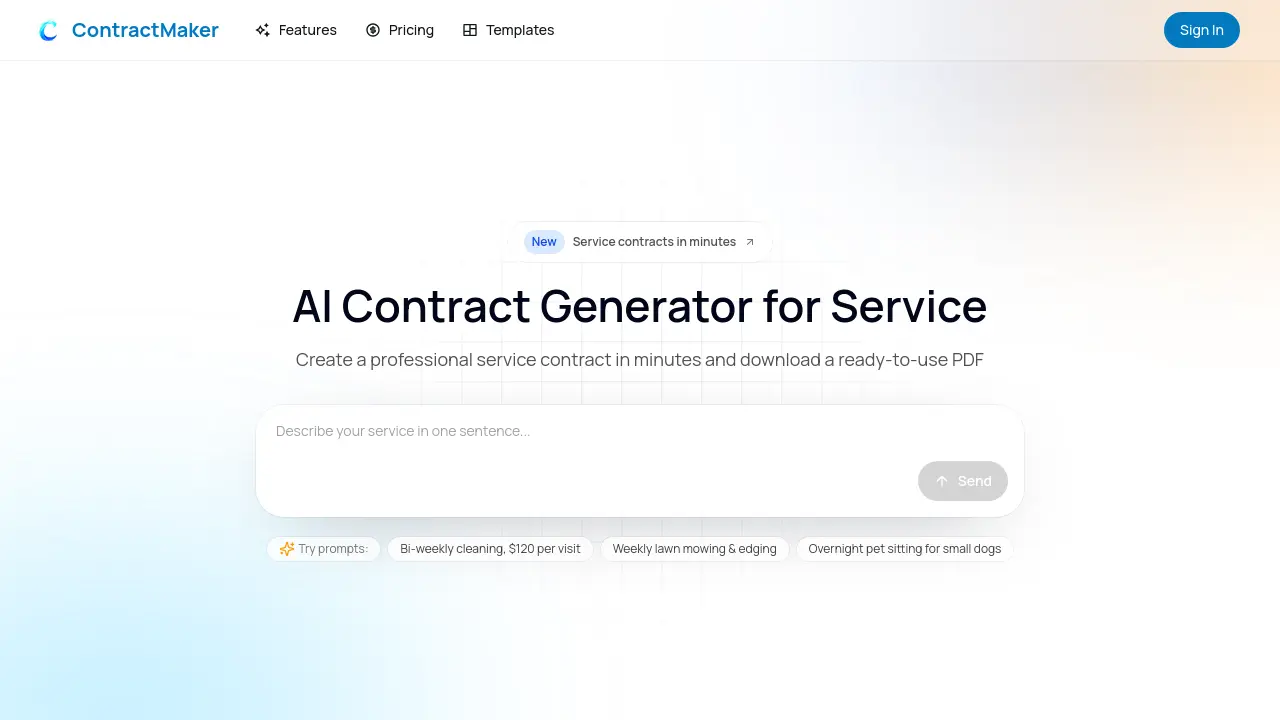
- Navigate to the ContractMaker website, the tool's main function is generating service contracts based on user input.
- Describe your specific service in the provided input field, including its type, pricing, and frequency.
- Initiate the generation process to allow the AI contract maker to create a customized draft based on your description.
- Review the generated service contract, paying attention to the clear, plain-English explanations provided for each clause.
- Utilize the option to edit the draft and add your branding before finalizing the document.
- Download the completed contract as a ready-to-send PDF, which is free to review but requires payment to download.
- Share the contract with a client for signature electronically to streamline the agreement process.
