
Workd FAQs
Workd is an AI-powered fitness application that converts social media posts, screenshots, and web links into ready-to-use workout routines, offering a playful and easy-to-use approach to fitness.

FAQs of Workd
What is Workd?
Workd is an AI-powered workout tracker designed to convert various forms of content, such as screenshots, social media posts, and web links, into structured workout routines. It automates the process of creating training plans, making fitness more accessible for users.
How does Workd import workout routines?
Workd utilizes a powerful import system allowing users to transform workout content from multiple sources. This includes website uploads from fitness blogs, screenshot uploads of any workout display, and social media uploads from platforms like Instagram and TikTok, ensuring flexibility in content acquisition.
What features does Workd offer for managing workouts?
Workd provides a comprehensive system for managing fitness journeys. Users can view their workout schedules on a calendar with progress tracking, modify or remove workouts to adapt to energy levels or equipment availability, and plan workouts weeks in advance, facilitating proactive fitness management.
Can users create their own custom workouts within Workd?
Yes, Workd enables users to create custom workouts. Individuals can build routines by defining exercises, sets, and repetitions. These custom workouts can then be assigned to groups, such as by specific fitness goals, body parts, or difficulty levels, for enhanced organization and personalization.
What is the role of Dumbo in the Workd app?
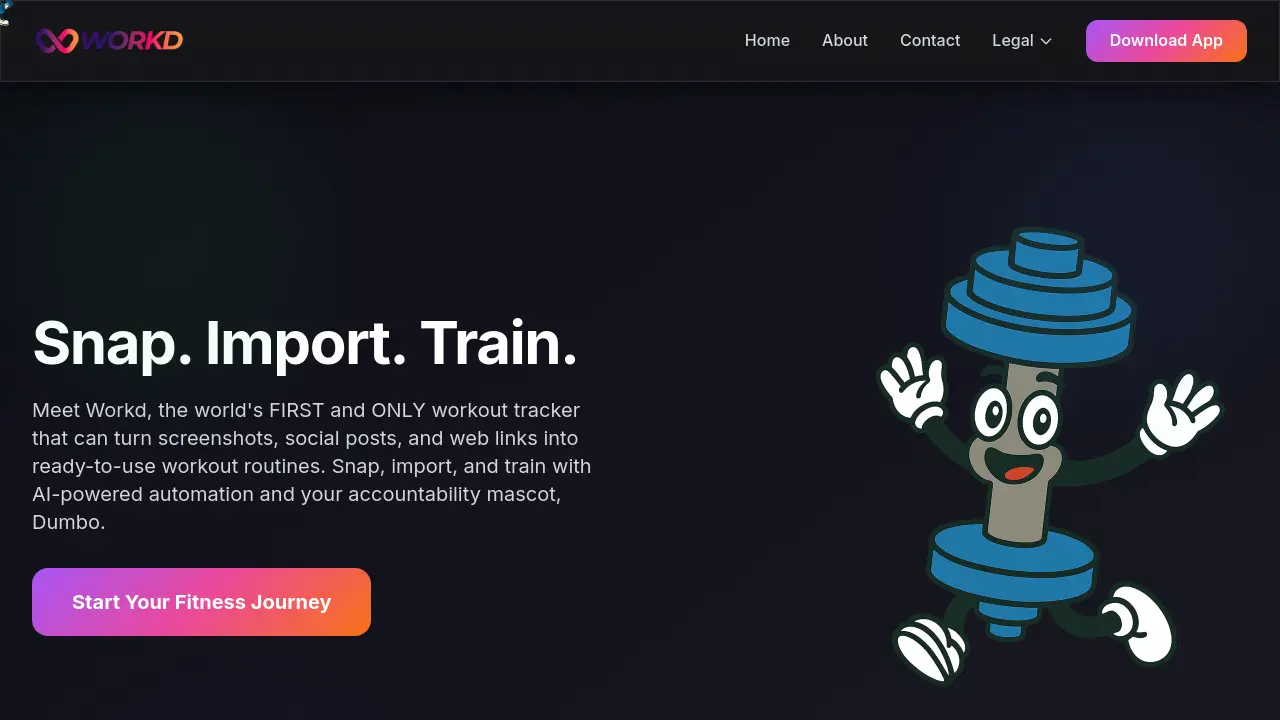
Dumbo serves as the accountability mascot within the Workd app. This AI-powered companion is integrated to provide users with motivation and support, contributing to their adherence and engagement with their fitness routines.
On which platforms is the Workd app available for download?
The Workd app is currently available for download on Apple devices. Users can find and install the Workd app through the Apple App Store, specifically designed for iOS users looking to enhance their workout tracking experience.
How to use Workd
Workd is an AI-powered workout tracker designed to convert various content forms, such as screenshots, social media posts, and web links, into structured workout routines. It facilitates workout planning and progress tracking.
- Download the Workd application from the Apple App Store to initiate your fitness journey.
- Utilize the "Import from Anywhere" feature to capture workout content from websites, social media, or screenshots.
- Select the desired content source; the AI will then transform it into a customizable workout plan.
- Access the "View Schedule" function to see your calendar and track fitness progress over time.
- Employ the "Change & Remove" options to modify workouts based on energy levels, available equipment, or time constraints.
- Utilize "Plan Ahead" to schedule workouts several weeks in advance, ensuring consistent training.
- Create new custom workouts by defining exercises, sets, and repetitions within the application.
- Organize your created workouts into groups based on specific goals, targeted body parts, or difficulty levels.
- Initiate workouts directly or make real-time adjustments as you progress through your training session.
