
Sinqi Tools FAQs
Sinqi Tools: Your ultimate collection of refined web tools for developers and designers. Enjoy a clean, ad-free interface with local data processing and storage. Boost productivity across platforms with our carefully curated, privacy-focused utilities.

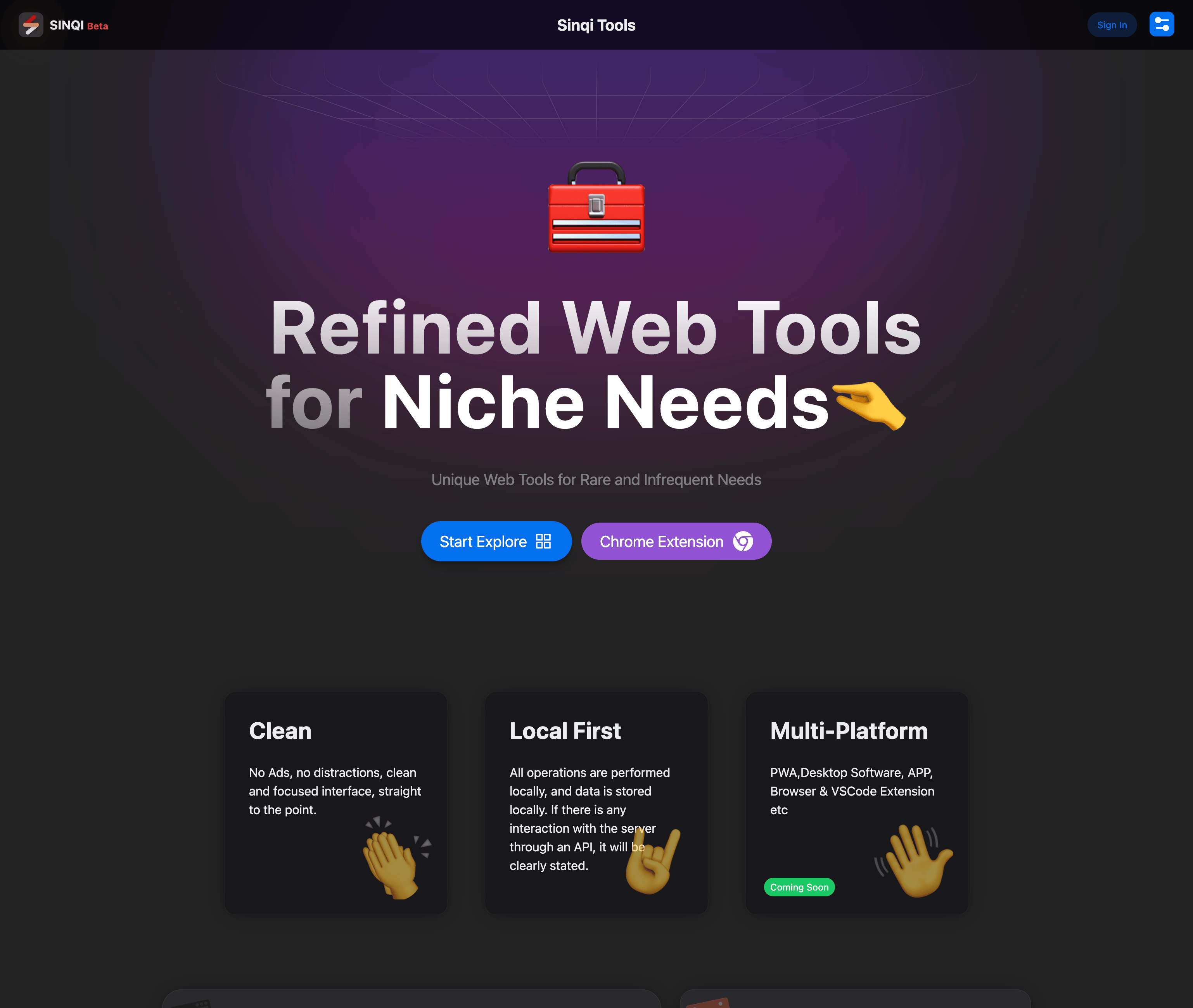
FAQs of Sinqi Tools
What is Sinqi Tools?
Sinqi Tools is a web-based collection of tools for various purposes, including code conversion, image manipulation, and time management. It's a one-stop shop for common tasks you might encounter online or while working with code.
How do I use Sinqi Tools?
Sinqi Tools is designed to be simple and intuitive. Most tools have a straightforward interface where you can input your data or code and see the results instantly. The tools are organized into different categories on the website, so you can easily find what you need.
What are some of the tools available?
Sinqi Tools offers a wide range of tools, including:
- Code Converter: This tool allows you to convert code between various programming languages.
- QRCode Generator: Create QR codes for various purposes, like sharing links or contact information.
- Image Color: This tool allows you to extract color palettes from images.
- Hand Marquee: You can create animated hand-drawn marquee text for your websites.
Why should I use Sinqi Tools?
Sinqi Tools is a great choice because it is:
- Free and easy to use: All tools are accessible for free without requiring registration or subscriptions.
- Clean and simple interface: The website is designed with a minimalist approach, ensuring a distraction-free experience.
- Multi-platform: You can access Sinqi Tools from any computer, smartphone, or tablet.
- Chrome Extension: You can also access some of the tools directly from your Chrome browser, making them even more convenient.
What's the meaning of sinqi?
Sinqi is a play on the phrase "think," reflecting the idea of using these tools to think differently and approach problems in a creative way. 😅
How do I request new tools or features?
You can submit suggestions for new tools or features on the website. The Sinqi Tools team is constantly working to add new functionalities.
How to use Sinqi Tools
Sinqi Tools is a collection of web tools designed for niche and infrequent needs. These tools range from code formatting and image manipulation to various converters and generators. All tools are designed with a clean, focused interface.
- Visit the Sinqi Tools website to access the tool catalog. Sinqi Tools online provides a range of functionalities.
- Explore the listed categories to find the specific tool you require. Examples include "Code Image," "Calendar," and "Query Tools," for various tasks.
- Select a tool, such as the QR Code Generator, by clicking on its link. This will open the tool's interface.
- Input the required data based on the tool's function, such as text for a QR code or code for the Code Beautifier.
- Utilize the tool's settings to customize the output, adjusting parameters as needed for the specific task.
- Execute the tool to generate the desired result, whether it's a QR code, formatted code, or any other function.
- Review the output and download or copy it as needed. Sinqi tools download are not always needed as many are online.
- For website analysis, consider tools like "Query URL" for quick website information. Sinqi Tools aims to streamline niche tasks.
- Consider installing the Sinqi Tools Chrome Extension for quick access to the tools directly from your browser, enhancing workflow.
