
RTutor Core Features
RTutor is a tool designed for students and teachers, offering a way to create and share interactive lessons and simulations, using a combination of code and natural language, which helps in understanding complex concepts in physics, math, and other subjects.

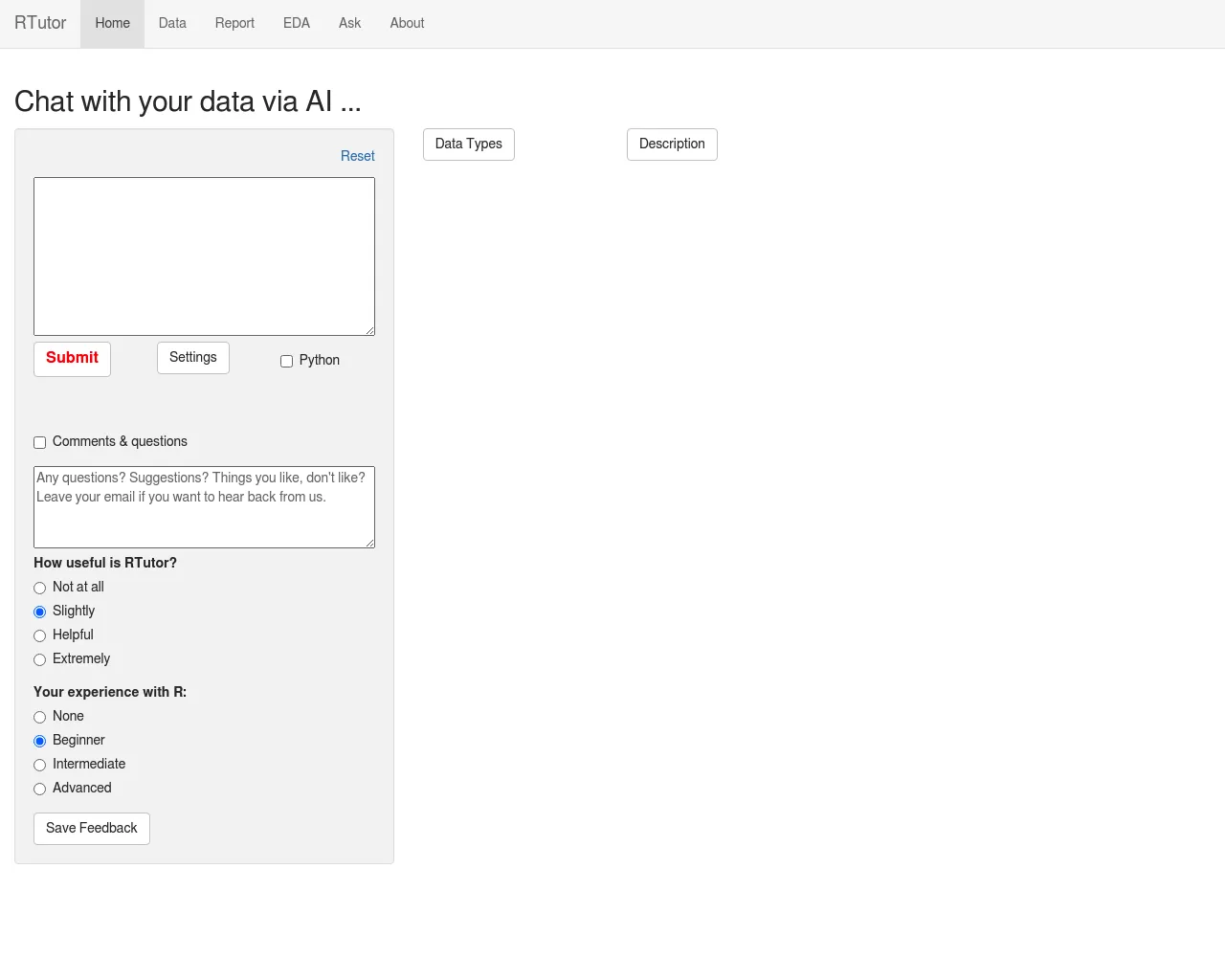
Core Features of RTutor
Interactive Code Execution
RTutor enables users to execute code interactively in a web browser. This feature allows for rapid experimentation and testing of code snippets, promoting a hands-on learning experience.
R Markdown Support
RTutor supports R Markdown, a popular format for combining code, text, and visualizations. Users can create and share interactive documents that include R code, tables, plots, and other elements, facilitating the presentation and communication of results.
Seamless Integration with RStudio
RTutor integrates seamlessly with RStudio, a popular integrated development environment (IDE) for R. This integration allows users to leverage the powerful features of RStudio while benefiting from the interactive capabilities of RTutor.
Data Visualization
RTutor provides tools for creating interactive data visualizations, allowing users to explore and understand their data in an engaging and insightful way. These visualizations can be embedded in R Markdown documents or shared independently.
Collaborative Learning
RTutor fosters collaborative learning by providing features for sharing and discussing code and results. Users can work together on projects, share insights, and learn from each other.
Real-Time Feedback
RTutor provides real-time feedback on code execution, helping users identify and correct errors quickly. This immediate feedback enhances the learning process and promotes efficient coding.
