
NanoSkill FAQs
NanoSkill is a web directory that helps marketing teams discover, compare and install AI agent skills for SEO, advertising, email campaigns and growth workflows, providing clear install paths, source links and agent compatibility.

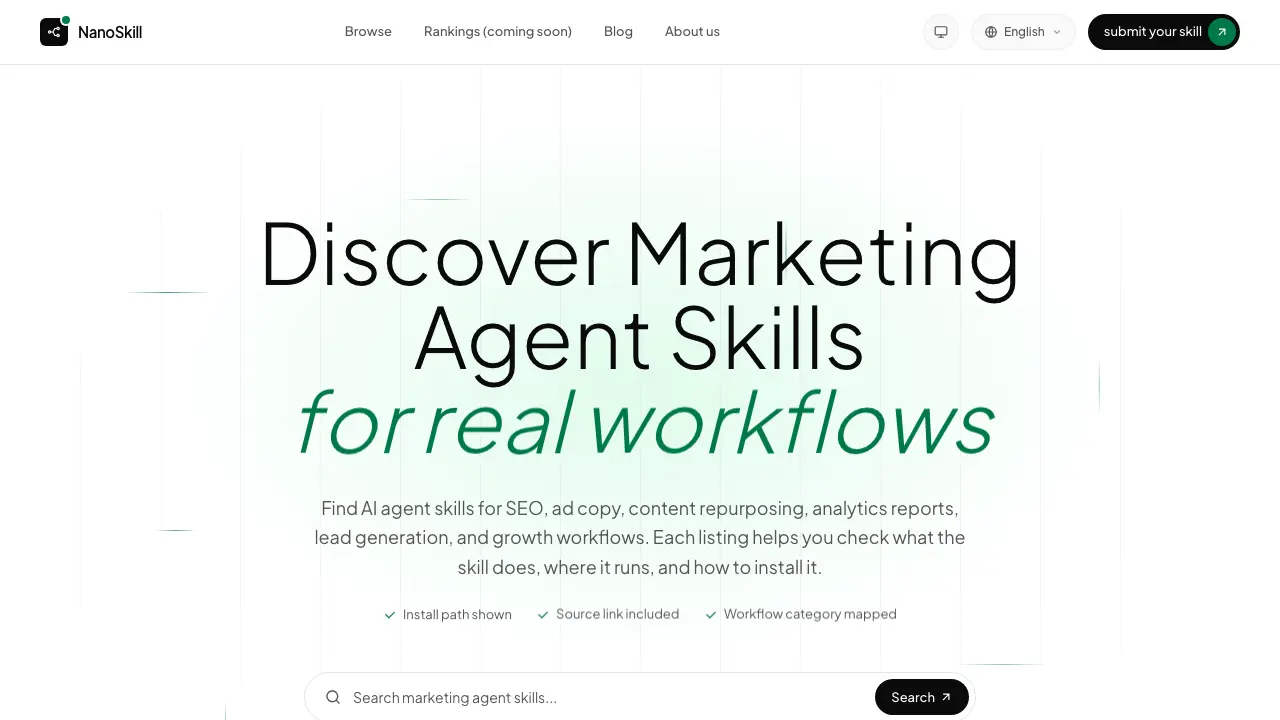
FAQs of NanoSkill
What are marketing agent skills?
Marketing agent skills are pre‑packaged AI functions that automate specific marketing tasks such as SEO research, ad copy generation, email handling, or lead enrichment. Each skill is designed to run within a supported AI agent environment, providing a ready‑to‑install component that can be invoked directly from the workflow.
How does NanoSkill help me find marketing agent skills?
NanoSkill indexes more than 2,400 marketing‑focused agent skills, categorizes them by workflow (e.g., SEO, ads, email), and displays the source repository, install command, and compatible agent platforms. The searchable interface lets users filter by category, popularity, or platform, making it faster to locate and evaluate relevant skills before installation.
Which marketing workflows are covered?
NanoSkill covers a broad range of marketing workflows, including SEO research, paid advertising, email campaign management, lead generation, CRM enrichment, content repurposing, analytics reporting, and social media management. New workflows are added regularly, and a “Trending” section highlights the most active skills in each area.
Does NanoSkill include Claude marketing skills?
Yes, NanoSkill explicitly lists Claude‑compatible marketing skills alongside those for other agents such as Codex, Gemini, and Hermes. The platform does not assume Claude support; instead, it marks each skill with its supported agents so users can verify compatibility before installing.
How do I install a marketing agent skill?
Each skill card on NanoSkill provides a clear install path, typically a command line snippet (e.g., npm install or a pip requirement) and a link to the source repository. Users copy the command into their terminal, run it within the appropriate AI agent environment, and follow any post‑install configuration steps noted in the skill’s documentation.
Who should use NanoSkill?
NanoSkill is intended for marketing teams, growth hackers, and developers who build AI‑driven marketing pipelines. It is also useful for researchers and students who need reusable, install‑ready agent skills for academic projects or prototyping marketing automation.
How are popularity signals calculated?
Popularity signals combine weekly install counts, star ratings from the source repository, and user engagement metrics such as recent updates. NanoSkill aggregates these data points to show a relative popularity score, helping users prioritize well‑maintained and widely adopted skills.
Can I submit my own skill to NanoSkill?
Yes, NanoSkill accepts community contributions. Users can submit a new skill by emailing the team with the skill name, source URL, install command, and a brief description of its purpose. Submitted skills are reviewed for relevance and compatibility before being added to the directory.
Is there a way to compare multiple skills side‑by‑side?
NanoSkill’s skill cards display key attributes—category, source link, install path, supported agents, and popularity—allowing users to quickly compare options. While a dedicated side‑by‑side table is not currently offered, the consistent format makes manual comparison straightforward.
How to use NanoSkill
NanoSkill aggregates AI marketing agent skills, presenting install paths, source links, and platform compatibility so users can evaluate and select workflow‑specific tools efficiently.
Visit the NanoSkill homepage, use the search bar or workflow tabs (SEO, Ads, Email, Leads, Content, Analysis) to locate a skill that matches the desired marketing task.
Review the skill card: confirm the supported agent (Claude, Gemini, etc.), note the source repository URL, and copy the displayed install command for later execution.
Open your chosen AI agent environment, paste the install command into the terminal, and run it; the agent downloads and registers the skill according to the provided path.
Activate the installed skill within the agent, supplying required inputs (e.g., target URL, campaign parameters); the agent returns structured output such as SEO reports, ad copy, or design assets.
Analyze the returned data: compare key metrics (ranking, keyword density, conversion estimates) against baseline goals, then integrate insights into your marketing strategy or reporting dashboard.
