
Nabbed FAQs
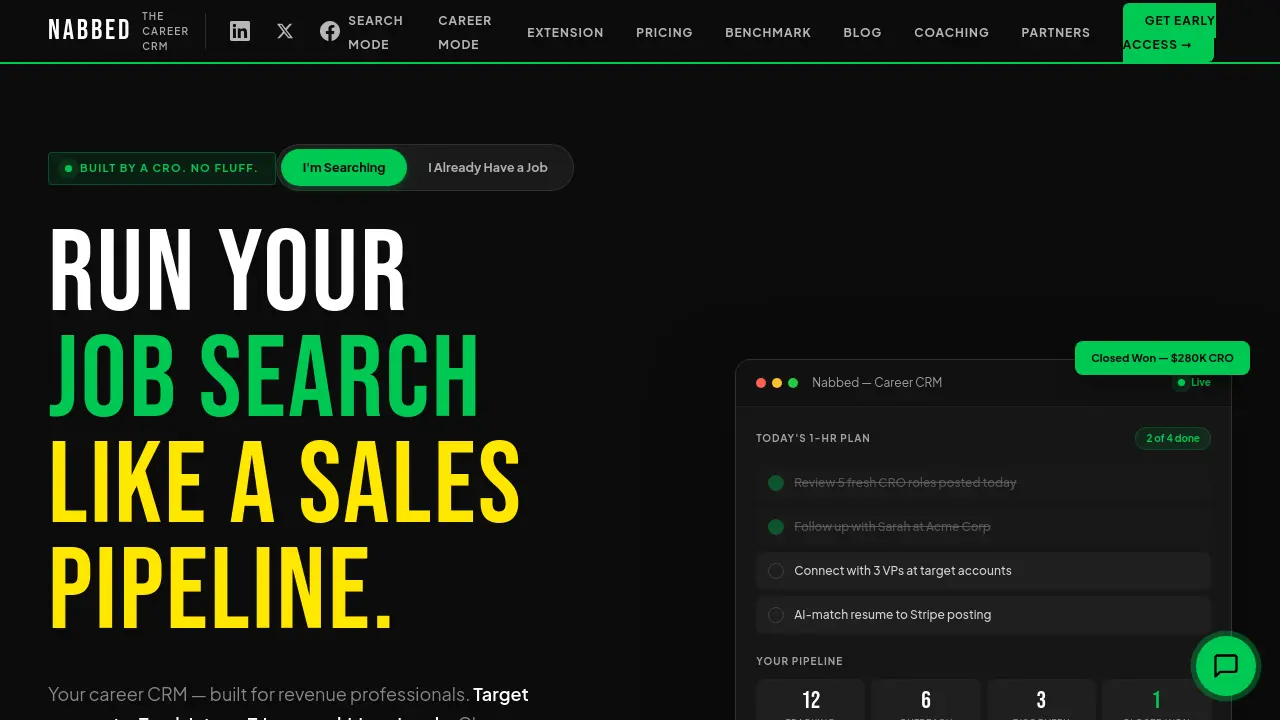
This career CRM helps revenue professionals track job pipelines, enrich contacts, and use AI coaching to manage their job search like a sales process.

FAQs of Nabbed
What is Nabbed?
Nabbed is a career CRM (Customer Relationship Management) platform designed specifically for revenue professionals. It helps users manage their job search like a sales pipeline, offering features like target account dashboards, dual sales pipelines, AI career suite, email tracking, contact and network CRM, and a Chrome extension.
Who is Nabbed designed for?
Nabbed is built for revenue professionals, including sales representatives, account executives, sales development representatives, and revenue leaders. It caters to individuals who are familiar with sales methodologies and want to apply those principles to their job search.
What are the key features of Nabbed?
Key features of Nabbed include a target account dashboard, dual sales pipelines for jobs and networking, AI-powered career tools (cover letters, resume tailoring, interview prep), email tracking and templates, contact and network CRM, and a Chrome extension for seamless job capture and application.
How does Nabbed's Chrome extension work?
The Nabbed Chrome extension allows users to capture jobs from LinkedIn, Indeed, and other job boards with one click. It also provides autofill capabilities for 25+ ATS platforms, email tracking, and real-time synchronization with the Nabbed dashboard.
What are the pricing plans for Nabbed?
Nabbed offers four pricing plans: Free ($0/month), Core ($19/month), Executive ($99/month), and Career Mode ($9/month after landing a job). Each plan offers different features and benefits, with the Core plan being the most popular among active job seekers.
How to use Nabbed
- Begin by visiting the Nabbed website and clicking on "Get Early Access" to join the waitlist for the Career CRM platform.
- Once granted access, log in to your Nabbed account to start using the platform's features for managing your job search.
- Utilize the Target Account Dashboard to identify and track your dream companies, monitoring roles, contacts, and hiring signals.
- Manage your job search using the Dual Sales Pipelines feature, which includes Kanban boards for tracking jobs and networking activities.
- Take advantage of the AI Career Suite to generate cover letters, tailor resumes, prepare for interviews, and compose emails quickly.
- Use the Email Tracking and Templates feature to monitor when recruiters open your emails and send follow-up sequences with data-driven insights.
- Leverage the Contact and Network CRM to log activities, track follow-ups, and manage a 6-stage networking pipeline for building warm connections.
- Install the free Chrome Extension to capture contacts from LinkedIn, save job listings with one click, and autofill applications across 25+ ATS platforms.
- Select a pricing plan that suits your needs, such as the free plan for basic job tracking or the Core plan for unlimited job tracking and advanced features.
- Explore the Company Intelligence feature to gain real-time insights on target companies, including funding, headcount, tech stack, and open positions.
- Consider upgrading to Career Mode after landing a job to continue tracking wins, contacts, and numbers for future career moves.
