
Kerlig AI FAQs
Write replies on Slack and Mail using your tone of voice. Fix spelling before sending a message. Summarize websites and articles. Chat with PDFs and documents. Improve copy in Figma. Translate to any language. Change tone and more!

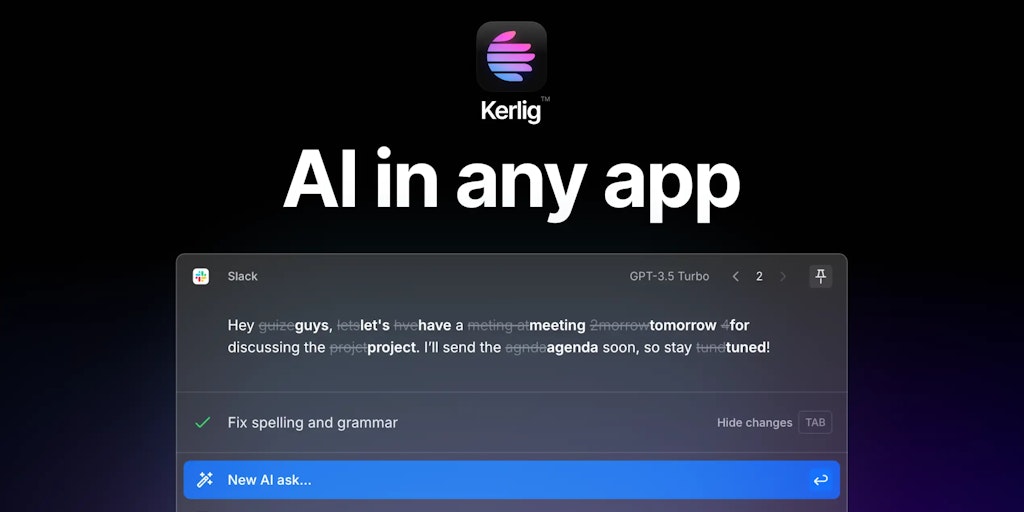
FAQs of Kerlig AI
What is Kerlig AI?
Kerlig AI is an AI-powered writing assistant for macOS. It is a tool that helps you write better and faster by providing suggestions and insights as you type. It is context-aware, meaning it can understand the context of your writing and provide relevant suggestions.
How does Kerlig AI work?
Kerlig AI is integrated with your macOS apps, so you can use it in any app that you are using to write. Simply start writing, and Kerlig AI will provide suggestions as you go. You can use Kerlig AI to generate different kinds of content, such as emails, articles, social media posts, code, and more.
What are the benefits of using Kerlig AI?
Kerlig AI can help you write better by providing suggestions and insights as you type. It can also help you write faster by suggesting the next word or phrase you should type. Kerlig AI can also help you to overcome writer's block by providing prompts and ideas.
How is Kerlig AI different from other AI writing assistants?
Kerlig AI is different from other AI writing assistants because it is context-aware. This means that it can understand the context of your writing and provide relevant suggestions. For example, if you are writing an email, Kerlig AI will suggest words and phrases that are relevant to the context of the email.
How can I get started with Kerlig AI?
To get started with Kerlig AI, simply download and install the app on your macOS computer. You can then use Kerlig AI in any app that you are using to write.
