
HappySeeds FAQs
HappySeeds is an AI app building platform that turns ideas into apps with built-in agents, payments, and one-click deployment. Concept to revenue in minutes.

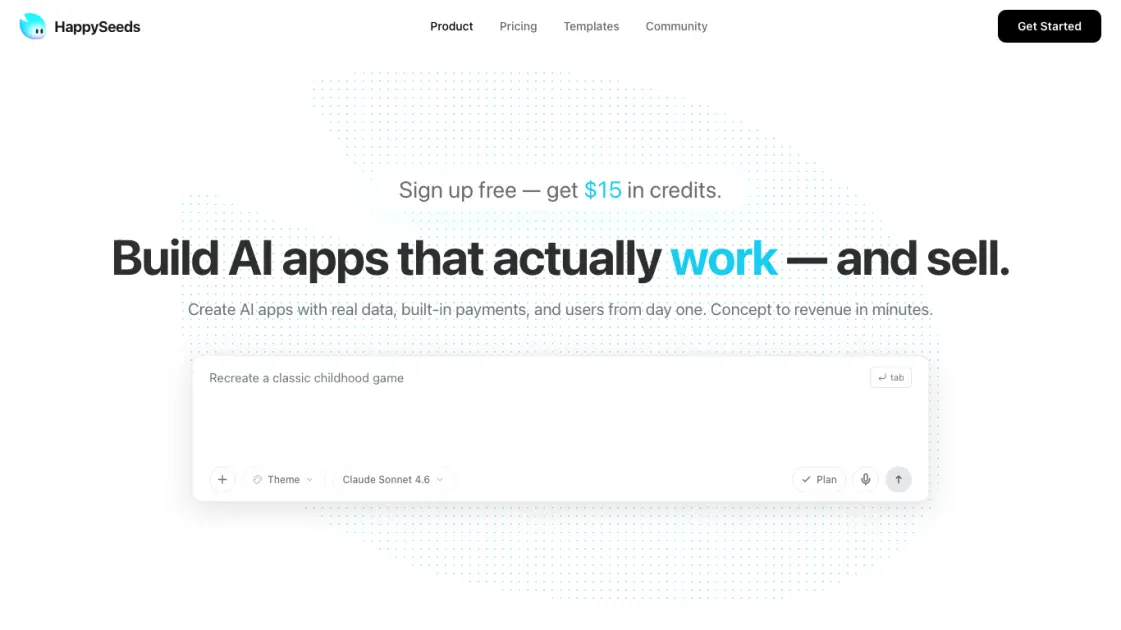
FAQs of HappySeeds
What is HappySeeds and who is it for?
HappySeeds is an AI-powered platform that generates full-stack applications from natural language descriptions. It is designed for founders, designers, developers, and anyone who wants to turn an idea into a working, deployable application without spending weeks on development and infrastructure setup.
How does billing work on HappySeeds?
HappySeeds offers three plans. The Free tier provides 50 complimentary credits per month for exploration. The Pro plan costs $19.90 per month and includes 200 credits plus custom domain support. The Max plan costs $99.90 per month with 1,000 credits and additional storage and computing resources. Credits are consumed per AI generation request based on complexity.
Can I use my own domain for my app?
Yes, custom domain support is available on the Pro and Max plans. The Free plan deploys applications on a platform-generated domain. Custom domain setup is handled through the platform, eliminating the need for manual DNS and server configuration.
What kind of apps can I build with HappySeeds?
The platform supports a wide range of applications including SaaS products, interactive games, landing pages, AI-powered tools, community platforms, and data-driven dashboards. The template library includes examples like sports games, launch pages, and interactive experiences that demonstrate what is possible.
Is my application code accessible after deployment?
Applications are hosted on HappySeeds infrastructure and managed through the platform. Users can modify and update their applications through the HappySeeds interface by providing new prompts and instructions to the AI agents.
How to use HappySeeds
- Sign up for a free account on the HappySeeds website to receive starter credits.
- Describe your app idea in the prompt box, or upload reference materials like PDFs, images, or video for context.
- Toggle Plan Mode to let the AI outline pages, user flows, and acceptance criteria before generating any code.
- Review the generated application, make adjustments through additional prompts, and customize the theme.
- Click deploy to publish your app on a live URL with one click, then share it with users.
