
cliseo FAQs
cliseo is a CLI tool using AI to automate SEO optimization for JavaScript/TypeScript websites, helping developers improve site ranking.

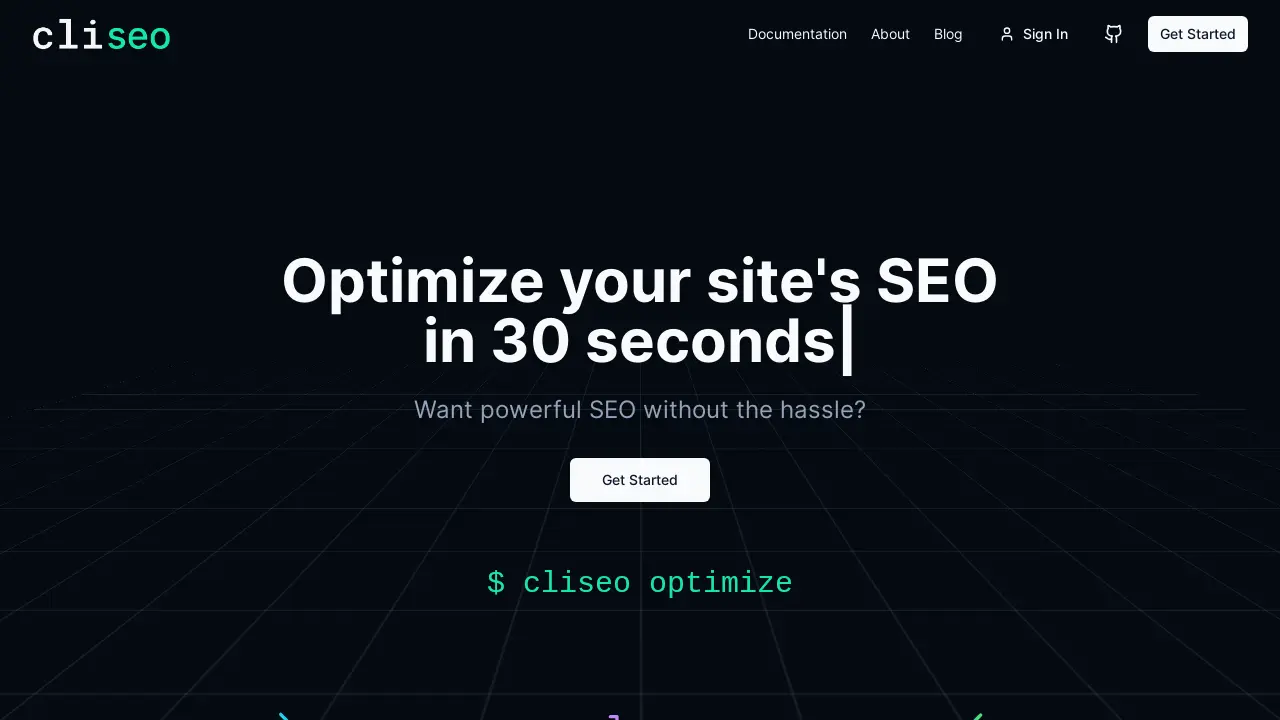
FAQs of cliseo
What is Cliseo?
Cliseo is a command-line tool designed to optimize a website's SEO in a quick and efficient manner. It helps improve search engine rankings by identifying and automatically fixing common SEO issues, making it easier for search engines like Google, Bing, and Brave to understand the website's content.
How does Cliseo improve SEO?
Cliseo improves SEO by adding meta tags, fixing alt text, generating robots.txt and sitemap.xml files, and resolving other common SEO issues. By addressing these factors, Cliseo helps improve a website's visibility and ranking in search engine results, leading to increased traffic.
How do I install Cliseo?
Cliseo can be installed using npm (Node Package Manager) with the command $ npm i cliseo. This command downloads and installs Cliseo, making it available for use in your project. This allows users to easily integrate Cliseo into their existing development workflow.
What is the difference between cliseo scan and cliseo optimize?
The cliseo scan command analyzes a website and provides suggestions for SEO improvements without making any changes. The cliseo optimize command, on the other hand, automatically applies the suggested fixes to improve the site's SEO.
What is Cliseo Pro and how does it utilize AI?
Cliseo Pro is the commercial version that includes AI-powered SEO optimization capabilities, and will be available soon for $9.99/month. It offers advanced meta tag generation, content rewriting, internal linking suggestions, accessibility improvements, structured data implementation, keyword optimization, duplicate content detection, and personalized SEO suggestions. This enhances Cliseo's ability to improve a website's search engine ranking.
What are the benefits of using the AI mode in Cliseo?
The AI mode in Cliseo, accessible via $ cliseo optimize -ai, unlocks advanced SEO improvements such as advanced meta descriptions, content rewriting for better keyword targeting, intelligent internal linking strategies, accessibility enhancements, structured data implementation, and keyword optimization. The AI analyzes the content to provide personalized SEO recommendations for better search performance.
How to use cliseo
Begin by installing Cliseo using the command
npm i cliseo. This installs the command-line tool to enhance your site's SEO optimization capabilities for better search engine rankings.Run the SEO analysis using the command
cliseo scan. This command provides suggestions for SEO improvements without automatically implementing any changes to your website.Apply the recommended SEO fixes automatically with
cliseo optimize. This command implements context-aware changes, improving meta tags, alt text, and robots.txt generation for enhanced SEO.To unlock advanced AI-powered SEO features, utilize the command
cliseo optimize -ai(coming soon). This mode promises more personalized suggestions and content optimization.Analyze the results in Google Lighthouse to confirm a higher SEO score after optimization. Cliseo aims to help you quickly improve your site and boost your SEO score.
