
AiDirs FAQs
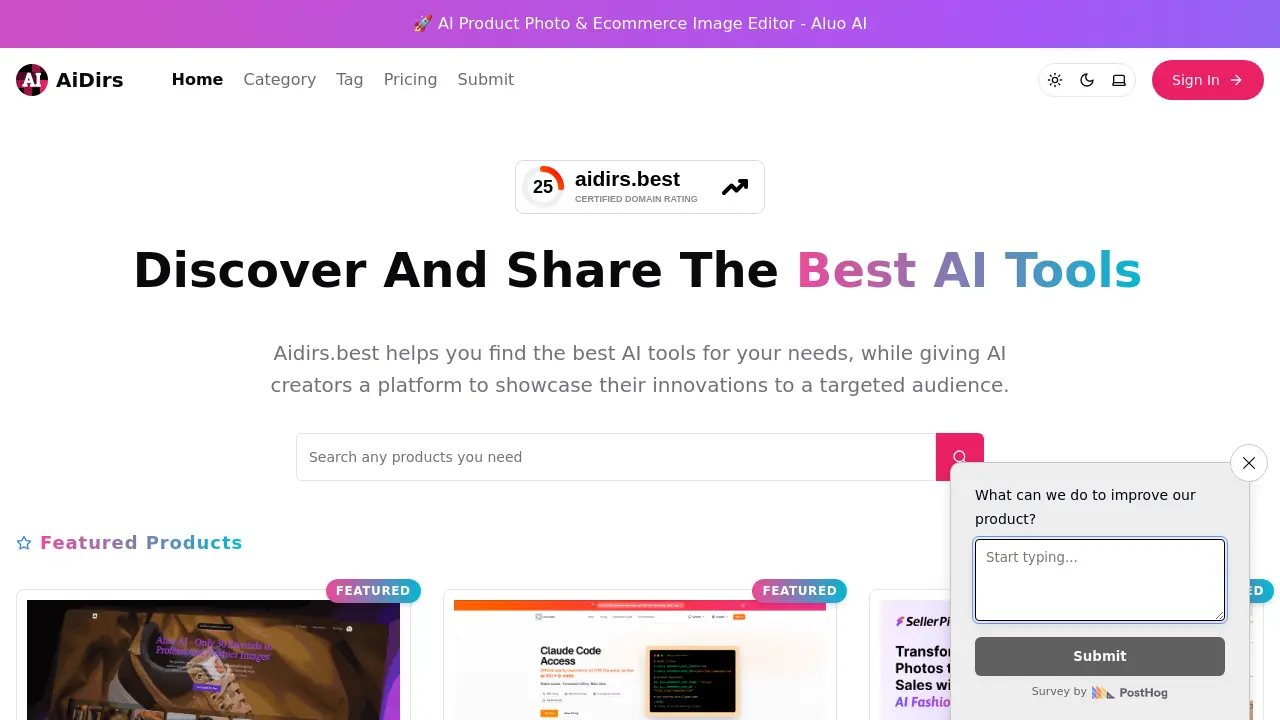
AiDirs is a website that allows users to search and compare AI tools, while creators can showcase their products to a targeted audience via curated listings.

FAQs of AiDirs
What is Aidirs?
Aidirs is a specialized directory that curates and showcases the most relevant artificial‑intelligence products for developers, designers, and business users. By aggregating AI tools from diverse categories—such as image editors, code generators, and chatbot platforms—the site offers a structured, searchable catalog that simplifies discovery, comparison, and selection of AI solutions.
How can I submit a new AI tool to Aidirs?
Submitting a product to Aidirs involves a straightforward workflow: log in or create a free account, navigate to the “Submit” section, fill out the form with tool details (name, description, website, demo links, pricing structure), then await editorial review. Each submission is verified against community standards to ensure accuracy and relevance before publication.
Is access to Aidirs free or paid?
Access to the core features of Aidirs—including browsing, searching, and basic filtering—is available at no cost. Paid tiers may unlock advanced capabilities such as API access, custom integrations, or enhanced analytics, depending on the evolving product offering. Exact pricing details are provided on the dedicated pricing page.
What categories of AI tools are featured on Aidirs?
Aidirs organizes AI products into distinct categories such as “AI Image Editor,” “AI Code Generator,” “AI Video Generator,” “AI Design Tool,” and “AI Assistant.” Each category groups tools with similar functionality, enabling users to quickly locate solutions that match their specific workflow or industry requirements.
How does Aidirs ensure the quality of listed AI products?
Quality assurance on Aidirs is accomplished through a multi‑tiered process. First, submitted tools undergo automated metadata validation for completeness. Next, editorial reviewers assess functional claims, pricing transparency, and compliance with privacy standards. Finally, community feedback—through ratings, reviews, and usage metrics—helps continuously refine the product taxonomy and highlight the most reliable solutions.
Can I filter searches by pricing or availability on Aidirs?
Yes. Aidirs provides robust filtering options, allowing users to narrow results by pricing model (e.g., free, subscription, one‑time purchase), platform compatibility (web, desktop, mobile), or public availability status. These filters help users prioritize tools that fit their budget, technical stack, and deployment constraints.
How to use AiDirs
- AiDirs provides a curated directory of AI tools for product photography, image editing, and ecommerce optimization, enabling users to locate and compare AI image editors and background removers.
- Navigate to the AiDirs homepage and use the search bar to enter desired tool keywords; the system returns a list of relevant AI tools, including image editors for ecommerce.
- Select Aluo AI’s AI Product Photo & Ecommerce Image Editor, open its detail page; review description, pricing, and screenshots to assess suitability for ecommerce images.
- Click Visit Website or Demo to launch the AI image editor, follow the on‑screen wizard to upload a product photo, activate background removal or enhancement features.
- Use editing tools crop rotate adjust lighting to achieve studio‑quality output, preview changes in real‑time, then export the image in preferred resolution and format.
- Download rendered images and integrate into online store product listings, compare click‑through metrics before and after to confirm the impact on conversions.
- Repeat this process for additional tools found in AiDirs, benchmarking each against KPIs; document configuration, performance, and cost per use.
- Use AiDirs’ filtering options (price, category, user ratings) to refine search, find the best‑fit AI Image Editor, and save recommended tools in a personal list for quick access.
- After selecting optimal tools, follow each platform’s onboarding guide to configure API keys and integration settings; test the end‑to‑end image upload and editing pipeline before full deployment.
- Monitor performance metrics such as image turnaround time, quality scores, and conversion rates to validate AI image editor efficacy; adjust tool settings or switch vendors if KPIs fall below targets.
