
XreplyAI FAQs
XreplyAI's Chrome extension creates personalized tweet replies using your voice profile with Gemini, ChatGPT, or Claude, enabling consistent engagement for lead generation.

FAQs of XreplyAI
How does XreplyAI learn my writing style?
XreplyAI analyzes your past public tweets to build a voice profile. This process identifies your typical tone, vocabulary, and humor patterns. The setup takes approximately five minutes after installing the Chrome extension. The AI then uses this profile to generate replies that aim to match your authentic communication style on X.
Will people be able to tell I am using an AI assistant?
The effectiveness depends on the quality of your voice profile and your review process. XreplyAI is designed to produce on-brand replies, but generic or poorly reviewed responses may still sound robotic. The tool's purpose is to assist, not fully replace, your personal input. Users are expected to review each generated reply before posting.
Which AI models does XreplyAI support?
XreplyAI works with multiple AI providers, including Gemini, ChatGPT, and Claude. For users on the Pro and Free plans, the service handles the AI integration and associated costs internally. The BYOK (Bring Your Own Key) plan allows users to supply their own API key from one of these supported providers, giving them direct control over the AI model and its separate billing.
How does replying to conversations on X generate inbound leads?
Consistent, relevant replies increase your visibility in your target market's feeds. When your name appears frequently in conversations your potential clients follow, it builds top-of-mind awareness. This increased exposure encourages users to click your profile, learn about your services, and ultimately reach out via direct message, converting visibility into inbound leads.
What are the key differences between the Free, Pro, and BYOK plans?
The Free plan offers 5 AI replies daily with core voice matching. The Pro plan, at $41.66/month billed yearly, increases the limit to 100 replies daily and adds features like auto-DM replies and custom rules. The BYOK plan costs $15.83/month billed yearly, requires you to provide your own API key (with typical AI costs of $1–5/month), and offers unlimited replies. All plans include voice learning and Chrome extension functionality.
How to use XreplyAI
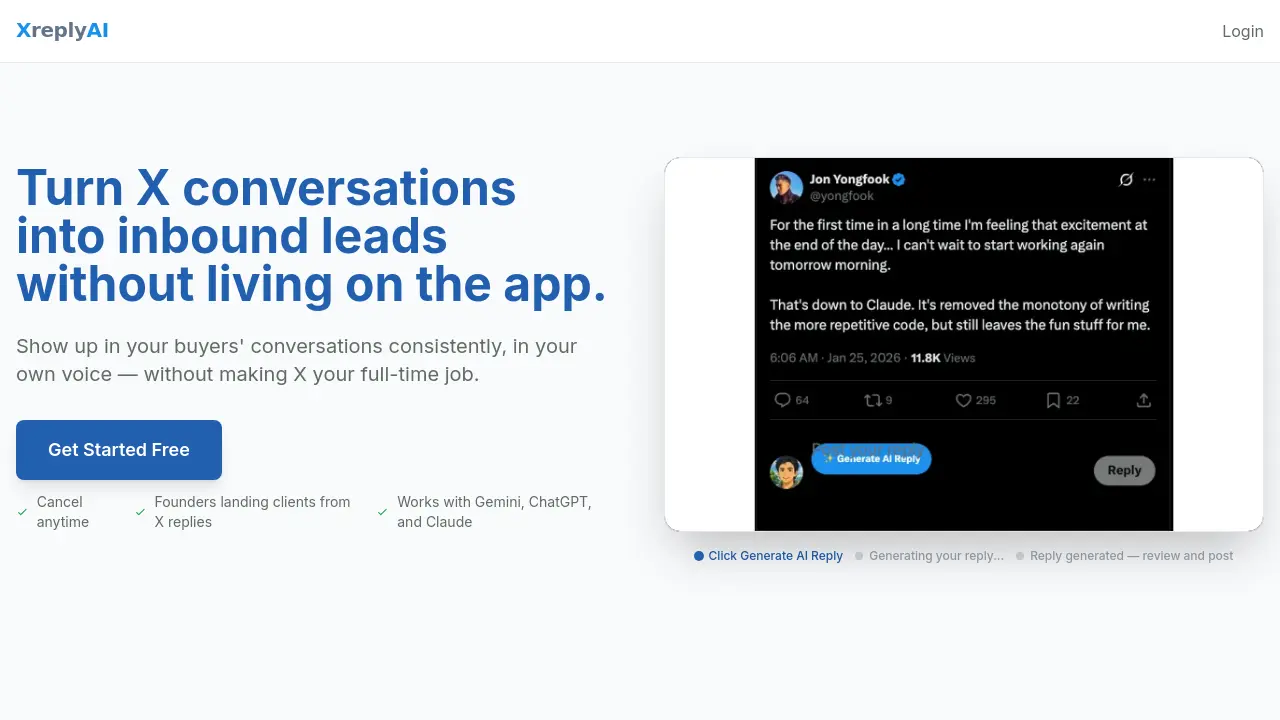
XreplyAI is a Chrome extension that automates Twitter (X) engagement by generating AI-powered replies in the user's authentic voice. It aims to increase visibility, build trust, and convert conversations into inbound leads through consistent, on-brand interactions without requiring extensive manual effort.
- Install the XreplyAI Chrome extension and begin voice training. The tool securely analyzes your public tweet history to learn your unique writing style, tone, and common phrases.
- Once the voice profile is built, navigate to any tweet on X. Click the XreplyAI icon to generate context-aware reply suggestions tailored to the conversation and your established voice.
- Review each AI-generated draft carefully. Edit the text to ensure perfect alignment with your perspective before posting. This maintains authenticity while saving significant time.
- Consistently engage in relevant conversations within your target market. The compound effect of frequent, quality replies increases name recognition and profile visits from potential clients.
- Monitor your X notifications and profile analytics. An inbound lead typically manifests as a profile click followed by a direct message or inquiry about your services, indicating successful trust-building.
- For optimal results, periodically refine your voice profile by updating it with recent tweets. This helps the AI adapt to any natural evolution in your communication style or business focus.
- Analyze which reply types and conversation topics generate the most profile engagement. Use these insights to inform your content strategy and focus on high-intent audience segments.
