
Uniquery FAQs
Connect your Google Sheets with hundreds of data sources and sync live data into your spreadsheets. Import data from Facebook Ads, Google Ads, GA4, and more. Schedule automatic data updates. Trusted by marketers worldwide.

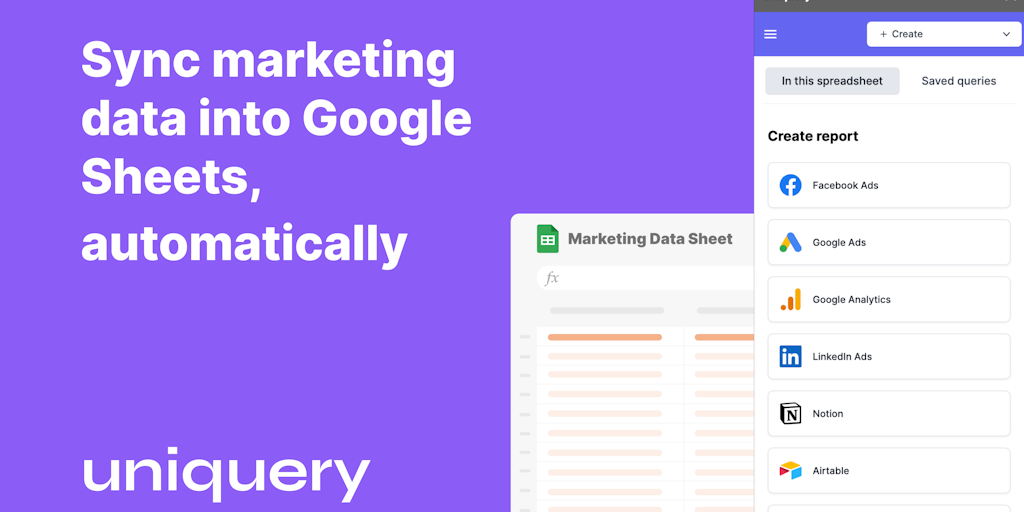
FAQs of Uniquery
What is Uniquery?
Uniquery is an automated data connector for Google Sheets, helping you import data from marketing sources like Facebook Ads, Google Ads, Linkedin, Hubspot, and more directly into your spreadsheets without coding.
How does Uniquery work?
Uniquery connects your Google Sheets with your marketing data sources. Once connected, it automatically updates your spreadsheets with the latest data.
How does Uniquery benefit me?
Uniquery can help you save time and effort by automating the process of importing data into your Google Sheets. You can then use this data to create reports, analyze your marketing campaigns, and make data-driven decisions.
What are the benefits of using Uniquery over other tools?
Uniquery is a user-friendly tool that does not require any coding experience. It also has a wide range of supported data sources, making it a versatile option for marketers.
How can I get started with Uniquery?
You can sign up for a free trial on the Uniquery website. Once you have signed up, you can connect your Google Sheets and data sources and start importing data.
