
TanStarter FAQs
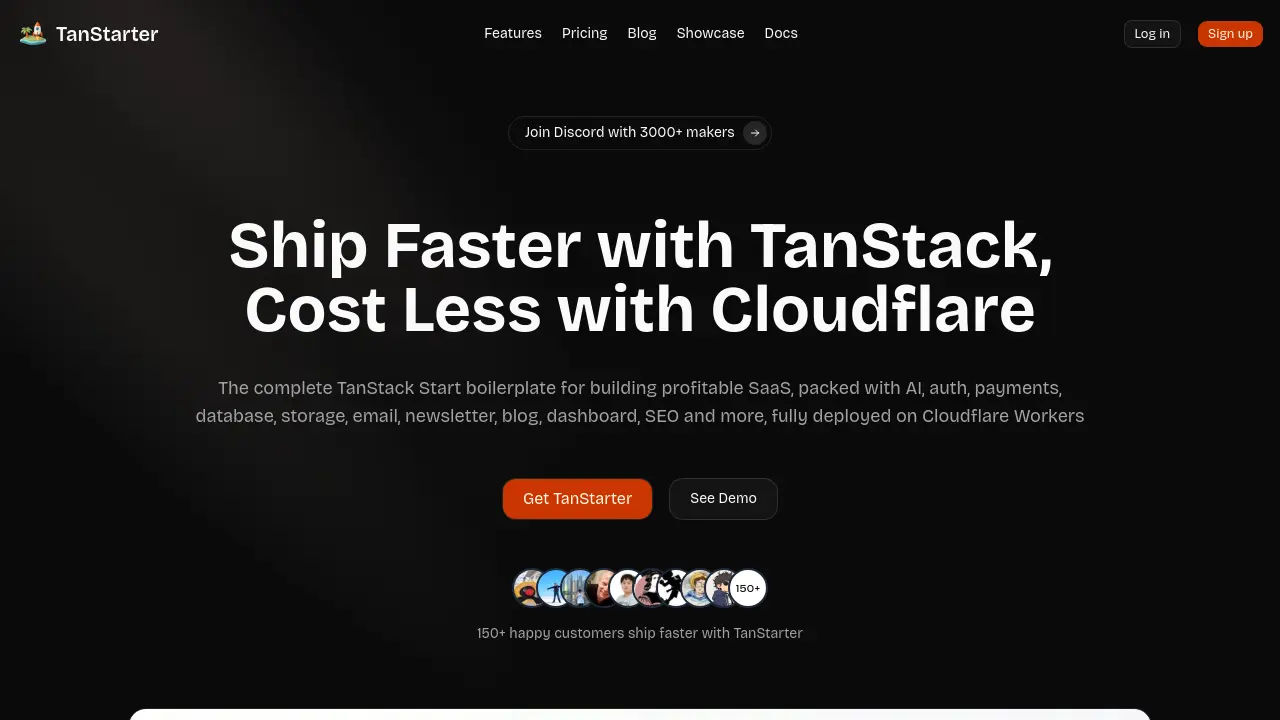
TanStarter is a SaaS boilerplate for developers and indie makers, offering AI‑enhanced auth, payments, database, storage, blog, email, newsletter, dashboard and SEO, all pre‑configured for rapid deployment on Cloudflare Workers at low cost.

FAQs of TanStarter
What do I get exactly?
TanStarter provides a complete SaaS boilerplate built on TanStack Start, including authentication, Stripe and Creem payments, Cloudflare D1 database, R2 storage, email integration, newsletter system, blog pages, landing page, SEO tools, customizable themes, analytics, AI playground, and lifetime updates. All components are ready for deployment on Cloudflare Workers.
Can I see what I am getting before I pay?
Yes, prospective buyers can explore a live demo at https://demo.tanstarter.dev, review the source code repository after purchase, and read detailed documentation on https://docs.tanstarter.dev to verify that the features match their project requirements before committing to the purchase.
How many websites can I build with TanStarter?
A single TanStarter license enables the creation of unlimited SaaS projects. Each project can be deployed as a separate Cloudflare Workers instance, allowing developers to reuse the same codebase for multiple independent websites without additional licensing costs.
Why should I buy TanStarter instead of others?
TanStarter combines a modern tech stack—TanStack Start, Cloudflare Workers, Stripe/Creem, Drizzle ORM, and Shadcn UI—with built‑in AI tooling, comprehensive authentication, and fully configured marketing pages. This reduces setup time, lowers infrastructure costs, and adheres to industry‑standard best practices, making it a cost‑effective choice for SaaS founders.
How to get technical support?
Technical support is provided via email at support@tanstaster.dev and through the community Discord server (https://mksaas.link/discord). The Discord channel hosts over 3,000 makers who can assist with troubleshooting, configuration advice, and feature requests.
How does the AI playground work?
The AI playground integrates TanStack AI, Cloudflare Workers AI, and fal.ai adapters, offering text summarization, translation, chat, image generation, and image editing. Developers can call these services through simple REST endpoints, enabling rapid prototyping of AI‑enhanced features without managing separate ML infrastructure.
What authentication methods are included?
TanStarter supports email/password registration with optional email verification, social login providers, password reset flows, and a user profile management page. The authentication layer is built with BetterAuth, ensuring secure session handling and easy extensibility for additional providers.
Can I use TanStarter with Next.js instead of TanStack Start?
While TanStarter is optimized for TanStack Start, the project’s creator also offers a comparable Next.js boilerplate called MkSaaS. Users seeking a Next.js environment can purchase MkSaaS separately, which provides similar SaaS‑ready features and AI integrations.
How to use TanStarter
TanStarter provides a full‑stack SaaS boilerplate, integrating AI features, authentication, Stripe/Creem payments, Cloudflare Workers, and SEO‑optimized pages for rapid product launch.
Register or log in on the TanStarter dashboard, then select “Create New Project” to generate a fresh codebase with the predefined TanStack Start architecture.
Configure environment variables in the
.envfile, adding your Cloudflare API token, Stripe secret key, and optional Beehiiv or Resend credentials for newsletters.Open the project in your preferred IDE; the repository includes pre‑built landing, blog, pricing, and dashboard pages that can be customized via Tailwind CSS and Shadcn UI components.
Run
npm installfollowed bynpm run devto launch the local development server; the console displays the Cloudflare Workers preview URL for immediate testing.Use the built‑in authentication module to enable email/password sign‑up, social logins, and password reset flows, then verify the user management panel reflects new registrations.
Set up product pricing in the
pricing.tsconfiguration, specifying plan names, intervals, and feature limits; the Stripe integration automatically creates corresponding payment links.Deploy the application with
npx wrangler publish; Cloudflare Workers deploys the site globally, and the automatic sitemap and OG metadata improve SEO visibility.Access the AI playground from the admin dashboard to test text summarization, translation, or image generation via Cloudflare Workers AI and Fal.ai adapters.
Review analytics and notification logs integrated in the admin panel to monitor user activity, subscription status, and AI usage metrics for data‑driven decisions.
Apply the insights gathered—optimizing pricing, improving authentication flows, or expanding AI features—to enhance conversion rates and accelerate SaaS growth.
