
RFP AI Hub FAQs
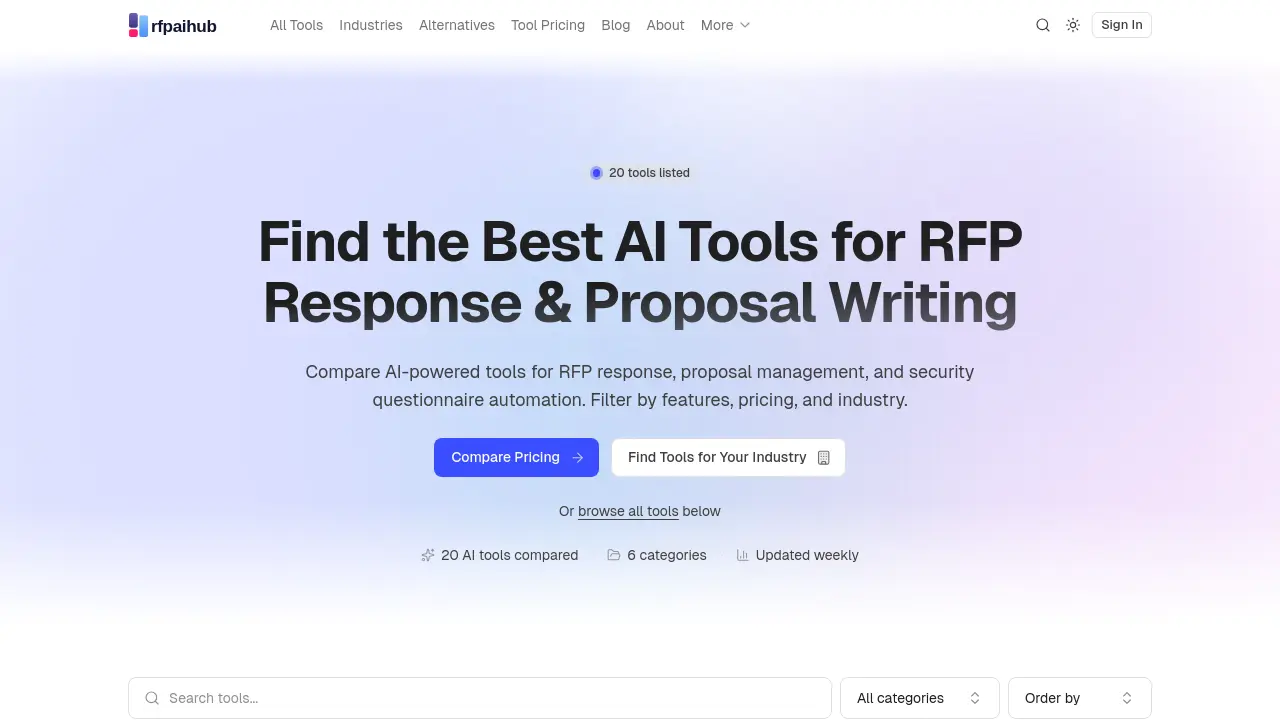
RFP AI Hub is a free directory that helps sales and proposal teams find AI-powered tools for RFP response, security questionnaire automation, and bid management.

FAQs of RFP AI Hub
What is RFP AI Hub?
RFP AI Hub is a curated directory that compares AI-powered tools for RFP response, proposal writing, and security questionnaire automation. It helps teams find the best software solutions by filtering tools based on features, pricing, and industry.
How does RFP AI Hub help in choosing the right RFP tool?
RFP AI Hub simplifies the selection process by categorizing tools into six main areas: RFP Response, Proposal Writing, Security Questionnaire Automation, Knowledge Base & Answer Library, Document Generation, and Contract & Bid Management. Users can browse tools by industry, team role, or compare pricing across all options.
What types of AI tools are listed on RFP AI Hub?
RFP AI Hub lists AI-powered tools across six categories: RFP Response, Proposal Writing, Security Questionnaire Automation, Knowledge Base & Answer Library, Document Generation, and Contract & Bid Management. These tools help automate and streamline the RFP response process.
Is RFP AI Hub free to use?
Yes, RFP AI Hub is a free directory. Users can browse, compare, and filter tools without creating an account. Tool vendors can also submit their products for review at no cost.
How often is the information on RFP AI Hub updated?
The information on RFP AI Hub is updated weekly to ensure users have access to the latest tools and features in the RFP response and proposal writing space.
Can I filter tools on RFP AI Hub based on specific features?
Yes, RFP AI Hub allows users to filter tools based on various features, pricing, and industry. This helps teams find the most suitable AI-powered RFP tools for their specific needs.
How to use RFP AI Hub
- Visit the RFP AI Hub website to access the curated directory of AI-powered RFP response and proposal writing tools.
- Browse the list of 20 AI tools, categorized by features, pricing, and industry, to find the best fit for your needs.
- Click on individual tool listings to view detailed information, including features, pricing, and user reviews.
- Use the filtering options to narrow down your search based on specific criteria, such as industry or tool category.
- Compare the pricing and features of different tools to make an informed decision on the most suitable option for your team.
