
KaomojiYa FAQs
KaomojiYa offers a large collection of free emoticon images, organized by emotion and scene, enabling quick copy and paste for expressive messaging.

FAQs of KaomojiYa
How can display issues with kaomoji on smartphones be resolved?
Most modern smartphones render kaomoji correctly. If characters appear as garbled text, users should set the device's text encoding to UTF-8 or install the latest OS updates. This ensures proper display of the special symbols used in kaomoji expressions.
Can kaomoji from KaomojiYa be used on platforms like LINE and Twitter?
Kaomoji copied from KaomojiYa are compatible with various applications including LINE, Twitter, Instagram, Discord, and email. Users can paste the copied kaomoji directly into messages without any modification, making it versatile for cross-platform communication.
What should be done if the one-click copy function fails?
If the one-click copy does not work, it may be due to browser compatibility with the clipboard API. Users can manually select the kaomoji text and use keyboard shortcuts (Ctrl+C on Windows, Cmd+C on Mac) to copy. The feature functions reliably on current versions of Chrome, Firefox, and Safari.
Is commercial use of KaomojiYa's kaomoji permitted?
KaomojiYa allows commercial use of its kaomoji collection without restrictions. This includes usage in blogs, social media posts, advertisements, and printed materials. However, reselling the kaomoji as standalone products is not allowed, maintaining the service's free distribution model.
Can users request new kaomoji to be added to KaomojiYa?
KaomojiYa does not currently accept individual requests for specific kaomoji. The team proactively adds new categories and expressions based on popularity and seasonal relevance. Users can expect regular updates that expand the collection with trending and thematic kaomoji.
Is KaomojiYa completely free to use?
KaomojiYa operates as a free service with no mandatory registration. Funding comes from advertising, and there are no plans to introduce subscription fees. All kaomoji and features remain accessible to users at no cost indefinitely.
How many kaomoji and categories does KaomojiYa offer?
KaomojiYa hosts one of Japan's largest kaomoji collections, featuring over 461 categorized groups. These categories span emotions, characters, actions, styles, and scenes, comprising thousands of individual kaomoji. This extensive organization helps users find specific expressions efficiently.
Is there a KaomojiYa mobile app or browser extension?
KaomojiYa provides a browser extension for Google Chrome via the Chrome Web Store, enhancing copy functionality. The website itself is responsive and works on mobile devices through any modern browser, but there is no dedicated mobile application currently available for download.
How can I search for specific kaomoji on KaomojiYa?
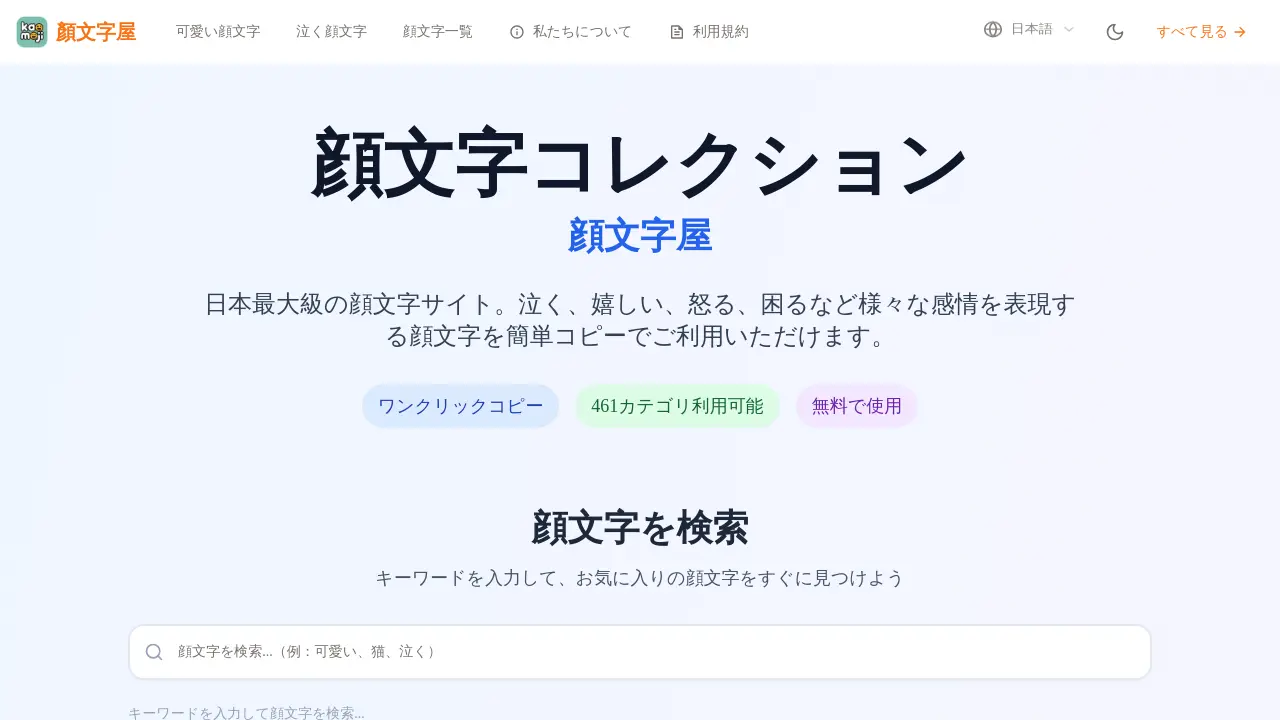
The website includes a search bar at the top where users can enter keywords related to desired emotions or themes. For instance, typing "cute" or "cry" filters the collection to show matching kaomoji. This search feature streamlines the process of locating particular expressions among the vast archive.
What distinguishes kaomoji from standard emojis?
Kaomoji are Japanese text-based emoticons that use multiple characters to form detailed facial expressions from a frontal perspective. Unlike standardized emojis, kaomoji offer greater variability and nuance, often conveying complex emotions through creative combinations of symbols and letters.
How frequently does KaomojiYa add new kaomoji to its collection?
New kaomoji are added to KaomojiYa on a regular but irregular schedule. Updates focus on popular user trends and seasonal events, such as holidays or cultural celebrations. This approach keeps the collection fresh and aligned with current communication patterns without a fixed timetable.
How to use KaomojiYa
- KaomojiYa is a free online repository specializing in Japanese kaomoji, offering one-click copy functionality and categorized collections for various emotional expressions and usage scenes.
- Users start by accessing the KaomojiYa website through any modern web browser, as the platform is responsive and works on desktops, tablets, and smartphones.
- The search bar allows entering keywords like "cute" or "cry" to quickly filter the extensive kaomoji database for specific emoticons based on desired emotions.
- Browse predefined categories such as emotion expression, characters, actions, and scenes to discover kaomoji tailored to different communication contexts.
- Clicking a kaomoji activates the automatic one-click copy feature, placing it directly on the clipboard without manual text selection.
- After copying, paste the kaomoji into applications like messaging apps, social media platforms, or email clients using standard paste shortcuts.
- For business communications, opt for subtle kaomoji such as (。◕‿◕。) to convey politeness and approachability while maintaining professional decorum.
- In casual friend chats, select expressive kaomoji like (´。• ᵕ •。`) to vividly convey emotions and enhance conversational warmth.
- On social media posts, use decorative kaomoji including ✧。٩(ˊᗜˋ)و✧*。 to attract attention and add visual interest to textual content.
- During gaming, employ dynamic kaomoji such as (ง •̀_•́)ง or (╬ಠ益ಠ) to express determination, excitement, or frustration interactively with peers.
- Consult the FAQ section for solutions to common issues like display errors or copy failures, often resolved by updating browsers or adjusting settings.
- Regular updates introduce new kaomoji, particularly seasonal and trending ones, so revisiting the site ensures access to the latest Japanese emoticon collections.